tools
Uizard - AI Wireframing and Prototyping Tool | AI.info
Uizard generates interactive multi-screen prototypes from text descriptions or sketches. AI wireframing and prototyping for non-designers and product teams.
In inglese
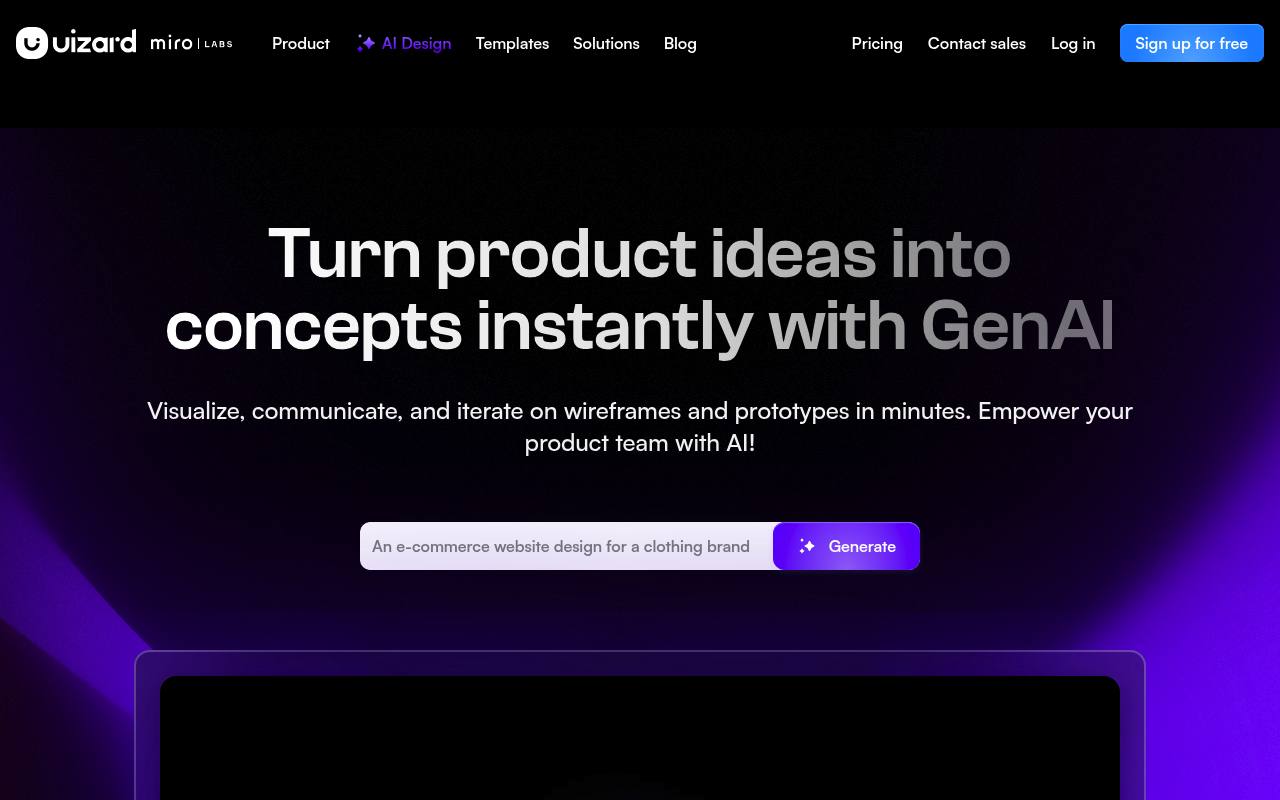
Uizard helps product managers, designers, developers, marketers, founders, and consultants turn ideas into editable interface designs and prototypes. Its AI can generate screens, multi-screen prototypes, themes, heatmaps, and design reviews, while its editor supports drag-and-drop changes and real-time collaboration.
The service runs in a web browser and includes screenshot and wireframe scanning, prototype sharing, and CSS or React handoff on paid plans. Free use is limited by projects, screens, templates, and monthly AI generations; paid plans add higher limits, private projects, collaboration administration, and support.
Features
- Generate multi-screen editable designs from text with Autodesigner 2.0
- Create individual screens with the Screen Generator
- Turn screenshots into editable mockups
- Convert hand-drawn wireframes and sketches into digital designs
- Generate themes and brand kits from text
- Create attention heatmaps with Focus Predictor
- Request AI design reviews for project screens
- Export or hand off designs in CSS and React components
Use cases
- Generate an early product concept from a plain-language description
- Convert a paper wireframe into an editable digital mockup
- Create interactive prototypes for stakeholder feedback
- Explore alternative screens and visual themes for an app
- Share designs with teammates and collect comments in real time
- Hand off interface designs to developers in CSS or React
Pros
Cons
Capabilities
- Generates interfaces — “Bring your product ideas to life with Uizard's text to UI generator.” source
- Design to code — “Share your designs as interactive prototypes, or handoff in CSS or React code.” source
- Prototypes — “Share your designs as interactive prototypes, or handoff in CSS or React code.” source
- Figma — “@uizard just dropped a Figma plugin and I think it’s going to change my ui & ux design process!” source
- Makes images — “Generate unique images for your projects to bring your product mockups to life.” source
- Brand kit — “Custom brand kit” source
- Collaboration — “Work alongside your team in real time to adapt and iterate your projects.” source
- Exports — “Export to jpg, png, pdf” source
Get it
Pricing
- Starting price
- $12/mo
- Prices checked
- 2026-09-24
Free
Free
- Unlimited free viewers /commenters
- 3 AI generations per month
- AI engine: Autodesigner 1.5
- 2 projects
- 10 free templates
Pro
- $12 per month billed annually
- Unlimited free viewers/commenters
- 500 AI generations per month
- AI engine: Autodesigner 2.0
- Developer handoff React CSS
- up to 100 projects
- Private projects
Business
- $39 per month billed annually
- Everything from Pro
- 5,000 AI generations per month
- Faster AI generation
- Custom brand kit
- Unlimited projects
- Priority support
Enterprise
Price on request
- Everything from Business
- Unlimited AI generations
- Unlimited teams
- Design system setup
- AI data SLA
- Whiteglove onboarding support