tools
Anima
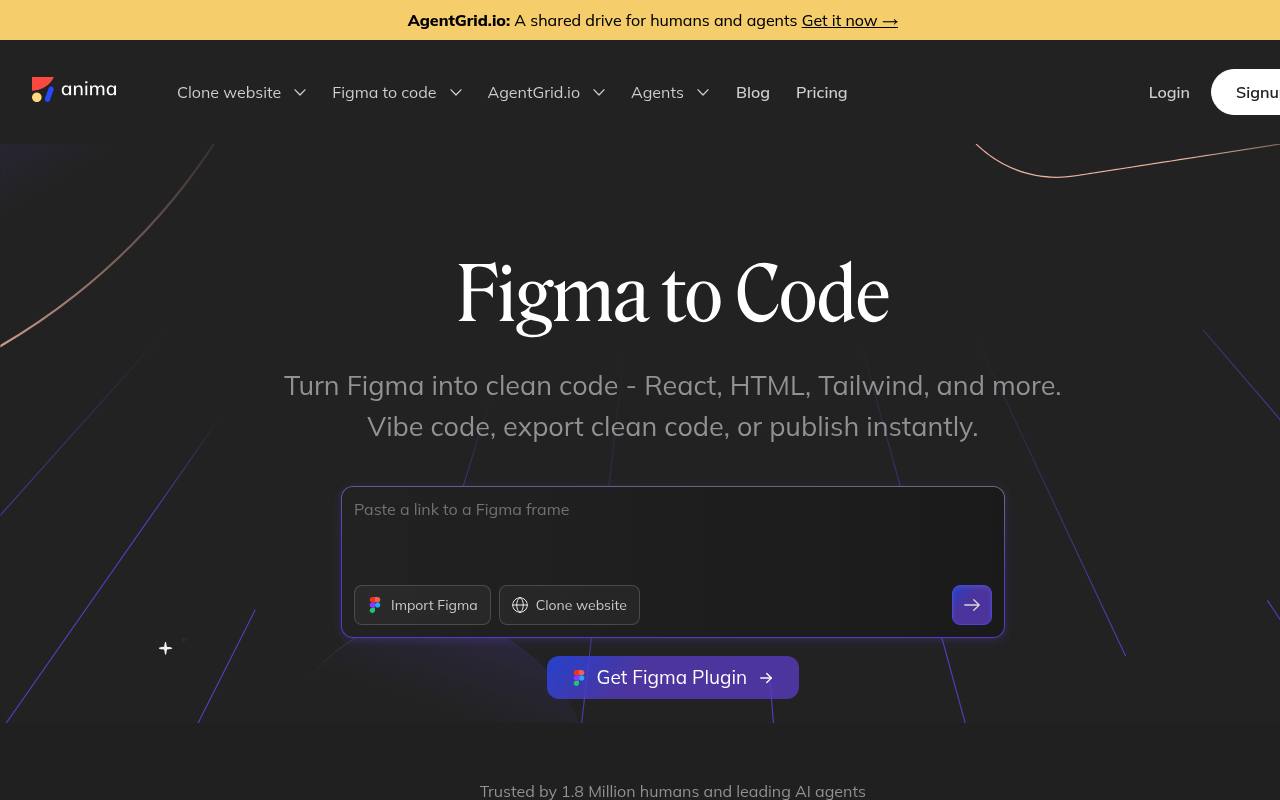
Anima turns Figma designs into editable web code and lets teams prototype, publish, and iterate with AI.
In inglese
Anima imports Figma designs and generates HTML, CSS, React, Vue, Tailwind, TypeScript, JavaScript, and Next.js code. It supports responsive layouts, multi-screen flows, design-system components, and browser-based editing.
Designers and developers use it for prototypes, websites, code handoff, and email HTML. A free plan exists with daily limits; code export and hosting are part of paid access, and API access requires contacting Anima.
Features
- Convert Figma designs into HTML, CSS, React, and Vue code
- Generate code with Tailwind, shadcn, TypeScript, JavaScript, and Next.js
- Import multi-screen Figma prototypes with linked navigation
- Generate responsive pages from Figma layouts
- Use Figma components, variables, tokens, and design systems
- Preview, edit, publish, and hand off code through Anima Playground
- Generate email-compatible HTML from Figma designs
- Automate code generation through the Anima API and SDK
Use cases
- Convert Figma screens into frontend code for developer handoff
- Build responsive website prototypes from existing design files
- Import full user flows and test linked multi-screen experiences
- Generate branded interfaces from a team design system
- Create email-compatible HTML from marketing designs
- Publish a live website directly from a Figma project
Pros
Cons
Latest updates
- Figma to HTML email: Converting designs to HTML email templates with inline CSS
Convert flex layouts in Figma into HTML email templates with table layouts and inline CSS.
Capabilities
- Generates interfaces — “Anima’s API and SDK let you automate code generation from Figma designs, website clones, or prompts.” source
- Design to code — “Turn Figma into clean code - React, HTML, Tailwind, and more.” source
- Prototypes — “Get pixel-perfect, production-ready HTML & CSS code for both designers and developers. Launch prototypes and publish websites right from Figma.” source
- Figma — “Figma users can generate code directly from the plugin, Dev Mode users can also use Anima's plugin in the right panel of Dev Mode.” source
- Brand kit — “Anima lets you paste a Figma link and vibe code directly from existing branded components, layouts, and styles.” source
- Exports — “With Anima, you can hand off a Playground link, a full code package with assets, or a code snippet—whatever your team needs.” source
- API — “Yes! Anima’s API and SDK let you automate code generation from Figma designs, website clones, or prompts.” source
Get it
Pricing
- Starting price
- $20/user/mo
- Prices checked
- 2026-09-25
Free
Free
- 5 monthly chat messages
- 5 code generations
Starter
- $20 per Seat / month
- 100 monthly chat messages
- 50 monthly code generations
- Figma Code, both ways
- Custom domains
Pro
- $40 per Seat / month
- 1000 monthly chat messages
- 200 monthly code generations
- Figma Code, both ways
- Custom domains
- Priority support
Business
- Starts at $150 / month
- 2000 monthly chat messages
- 600 monthly code generations
- Figma Code, both ways
- Custom domains
- Team roles & permissions
- Premium support
Enterprise
- starts at $500/mo paid annually
- SSO
- MFA
- Enterprise grade SLAs
- Better security required for compliance