tools
Visual Copilot
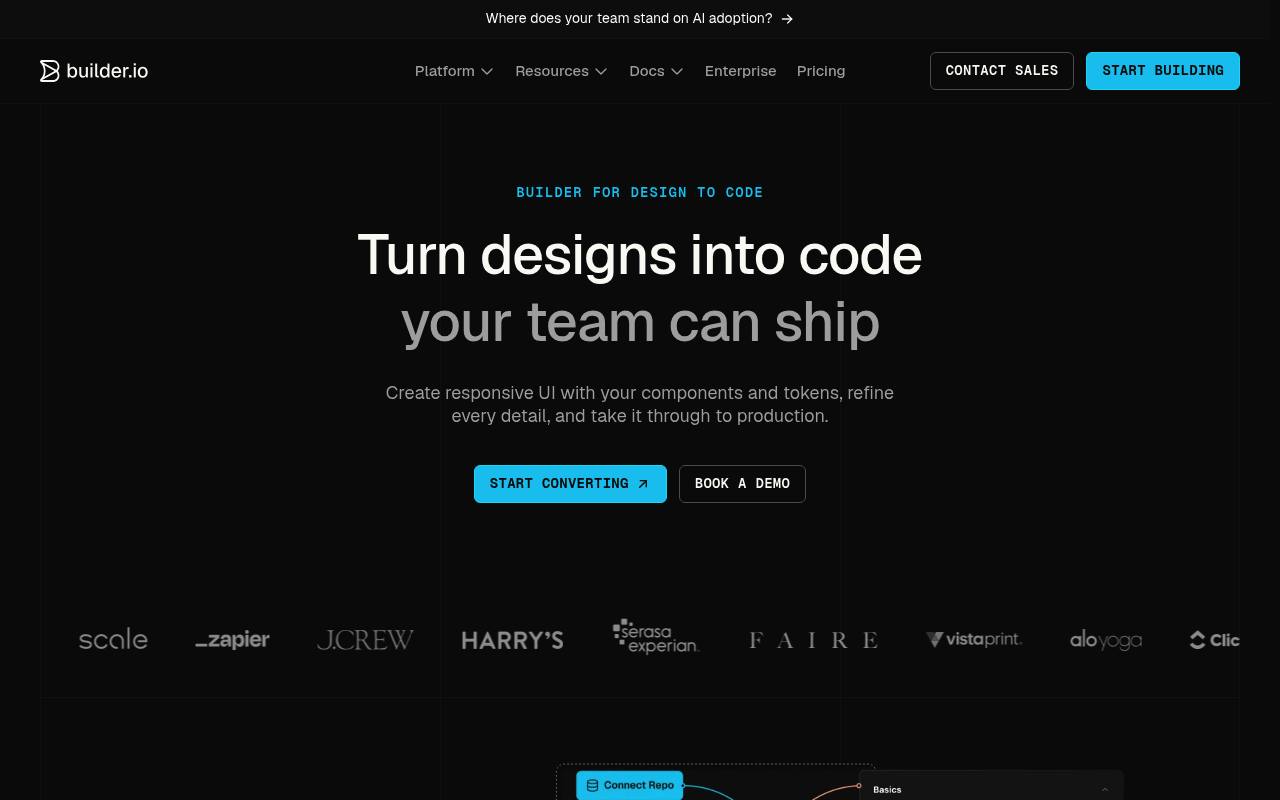
Visual Copilot converts Figma designs into responsive code using your frameworks, components, tokens, and styling preferences.
In inglese
Visual Copilot is Builder.io’s design-to-code workflow. It imports Figma designs, generates code for supported web and mobile frameworks, maps design components to existing code components, and lets teams refine the result with chat-based instructions.
Designers use it to create and adjust interfaces; developers use it to export code, connect repositories, and review generated UI. Builder offers it through Code plans, with additional Agent Credits available for $25 per 500.
Features
- Converts Figma designs into responsive code
- Generates code for React, Qwik, Angular, Kotlin, and Flutter
- Supports Tailwind CSS and CSS Modules
- Maps Figma components to existing code components
- Connects design tokens with CSS variables
- Refines or refactors generated code through chat
- Exports code by copying snippets or using npx commands
- Integrates generated experiences through the Builder API
Use cases
- Convert approved Figma screens into frontend code
- Reuse an existing component library in generated interfaces
- Refine spacing, interactions, and UI states before review
- Export generated code into a repository without adding a dependency
- Create mobile interface code with Kotlin or Flutter
- Generate interface variations and personalized layouts
Pros
Cons
Latest updates
- Introducing Agent Native Analytics
Agent-Native Analytics, a tool Builder uses internally, was open-sourced.
- Builder Code and Builder Content: same products, same features, clearer names
Fusion was renamed Builder Code, and Publish was renamed Builder Content; functionality stayed the same.
- Introducing Agent-Native Design: An Open-Source Figma Alternative
Agent-Native Design, an open-source Figma alternative, was introduced.
Capabilities
- Generates interfaces — “Create apps, features, prototypes, and UI using your repo, components, patterns, and project rules as context.” source
- Design to code — “Turn designs into code” source
- Prototypes — “Turn prompts, briefs, or early designs into interactive prototypes your team can test, share, and refine without losing the path to production.” source
- Figma — “Import Figma designs and turn them into responsive UI using your components and design system.” source
- Collaboration — “Designers refine UI, marketers edit copy, and PMs leave feedback, all on the same code your engineers ship.” source
- Exports — “The UI arrives as working code connected to your repo, so the team can review and finish instead of rebuilding it.” source
Get it
Security
Pricing
- Starting price
- $24/user/mo
- Prices checked
- 2026-09-24
Free
Free
- 1 user included (up to 5)
- 60 monthly Agent Credits
- Connect with GitHub, GitLab, and Bitbucket, Figma plugin, VS Code extension
- Admin-only role
Pro
- $24 per user/mo
- $30
- 1 user included (up to 5)
- 500 monthly Agent Credits
- Pay-as-you-go for more usage
- Agent Credit rollovers
- 30-day activity history
- Built-in MCP Servers
Team
- $40 per user/mo
- $50
- 1 user included (up to 20)
- 500 monthly Agent Credits
- AI training opt-out
- Builder Agent in Slack and JIRA
- Admin, Developer, Designer, Editor roles
- Commenting and Peer Reviews
Enterprise
Price on request
- Custom user seats
- Custom Agent Credits
- Design System Intelligence
- Training opt-out by default
- Privacy mode
- Single Sign-On (SSO)