tools
Canva AI
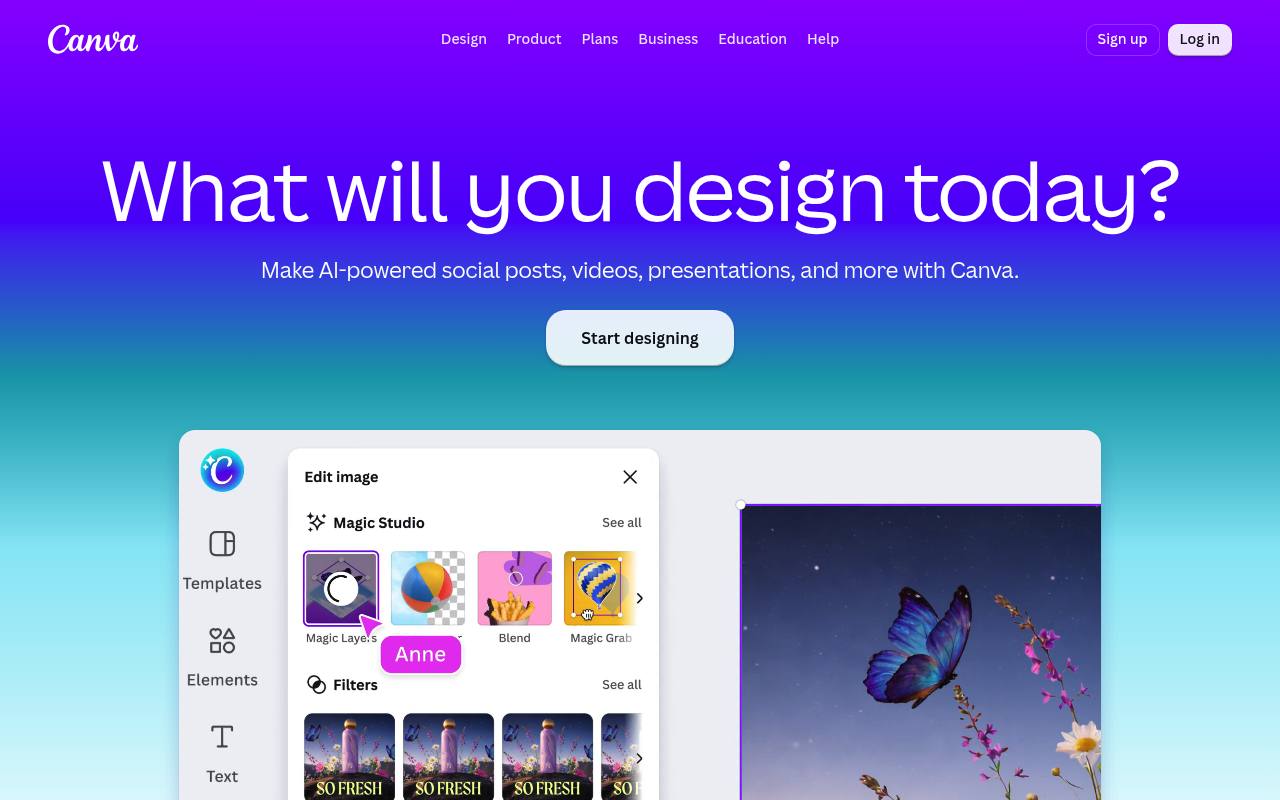
Canva AI is a conversational assistant for generating editable designs, images, text, videos, code, and interactive content.
In inglese
Canva AI helps individuals, marketers, educators, and teams turn prompts or voice input into designs, images, videos, documents, spreadsheets, widgets, and interactive experiences. Outputs can be refined in Canva’s editor, kept layered and editable, and aligned with a Brand Kit.
A free Canva account includes limited AI usage. Paid plans provide larger AI allowances and access to additional capabilities; AI Pass and top-ups cost extra. Canva does not guarantee exclusive rights or clearance for every AI-generated output.
Features
- Generate editable designs from text or voice prompts
- Create images, text, videos, documents, and interactive widgets
- Refine results with feedback, uploaded images, and suggested prompts
- Apply fonts, colors, tone, and other Brand Kit settings
- Keep generated designs layered and editable
- Connect Canva AI to Slack, Gmail, Google Drive, Calendar, and other tools
- Generate spreadsheets and interactive experiences with Sheets AI and Canva Code 2.0
- Canva AI 2.0 includes conversational design, web research, scheduling, and memory
Use cases
- Draft campaign designs and social content from a brief
- Create presentations, videos, and visuals for marketing teams
- Generate branded documents from meeting notes or research
- Build interactive calculators, maps, websites, and widgets
- Produce content calendars, budgets, and other structured sheets
- Refine AI-generated work manually in Canva’s editor
Pros
Cons
Latest updates
- Big updates just landed in the Visual Suite
We’ve added more than 100 upgrades to the Visual Suite across Docs, Presentations, Sheets, Whiteboards, Video and more.
Capabilities
- Makes images — “Generate stunning, high-quality images for your prints” source
- Brand kit — “Stay on-brand with Brand Kit” source
- Collaboration — “Your entire workflow in one place for seamless creation and collaboration, powered by AI.” source
- Exports — “Finally, download your design as a high-resolution PNG file.” source
Get it
Security
- SOC 2 Type II — “Canva has attained SOC2 Type II compliance and is ISO 27001 certified.” source
- SOC 2 — “Canva has attained SOC2 Type II compliance and is ISO 27001 certified.” source
- ISO 27001 — “Canva has attained SOC2 Type II compliance and is ISO 27001 certified.” source
- GDPR — “We have introduced tools and processes to ensure we comply with GDPR requirements.” source
Pricing
- Starting price
- $18/mo
- Prices checked
- 2026-09-25
Free
Free
- Easy drag-and-drop editor and 1,000+ design types
- 1.6M+ templates to start fast
- 4.7M+ photos, videos, graphics, and audio
- 1 Brand Kit (3 colors only)
- 5GB of cloud storage
- Up to 20 Standard or Premium AI uses
Pro
- US$ 144 /year for one person
- US$ 18 /month
- AI tools (resize, translate, remove background, and more)
- 3.6M+ templates (including premium)
- 141M+ premium photos, videos, graphics, and audio
- 5 Brand Kits
- Social content scheduling
- 100GB of cloud storage
Business
- US$ 250 /year per person
- US$ 25 /month per person
- Collaboration and team admin tools
- 3.6M+ templates (including premium)
- 141M+ premium photos, videos, graphics, and audio
- 100 Brand Kits and approvals
- Access to Flourish
- 500GB of cloud storage
Enterprise
Price on request
- Enterprise-level security and controls
- SSO and SCIM provisioning
- Custom apps
- 1000 Brand Kits with tiered approvals and multi-team management
- Priority support and dedicated success manager
- 1TB of cloud storage