tools
LM Studio Review 2026 — Best Desktop App for Local LLMs
LM Studio lets you download and run any LLM from HuggingFace locally. No setup, no cloud, 100% private. 10M+ downloads. Works on Windows, Mac, Linux.
In inglese
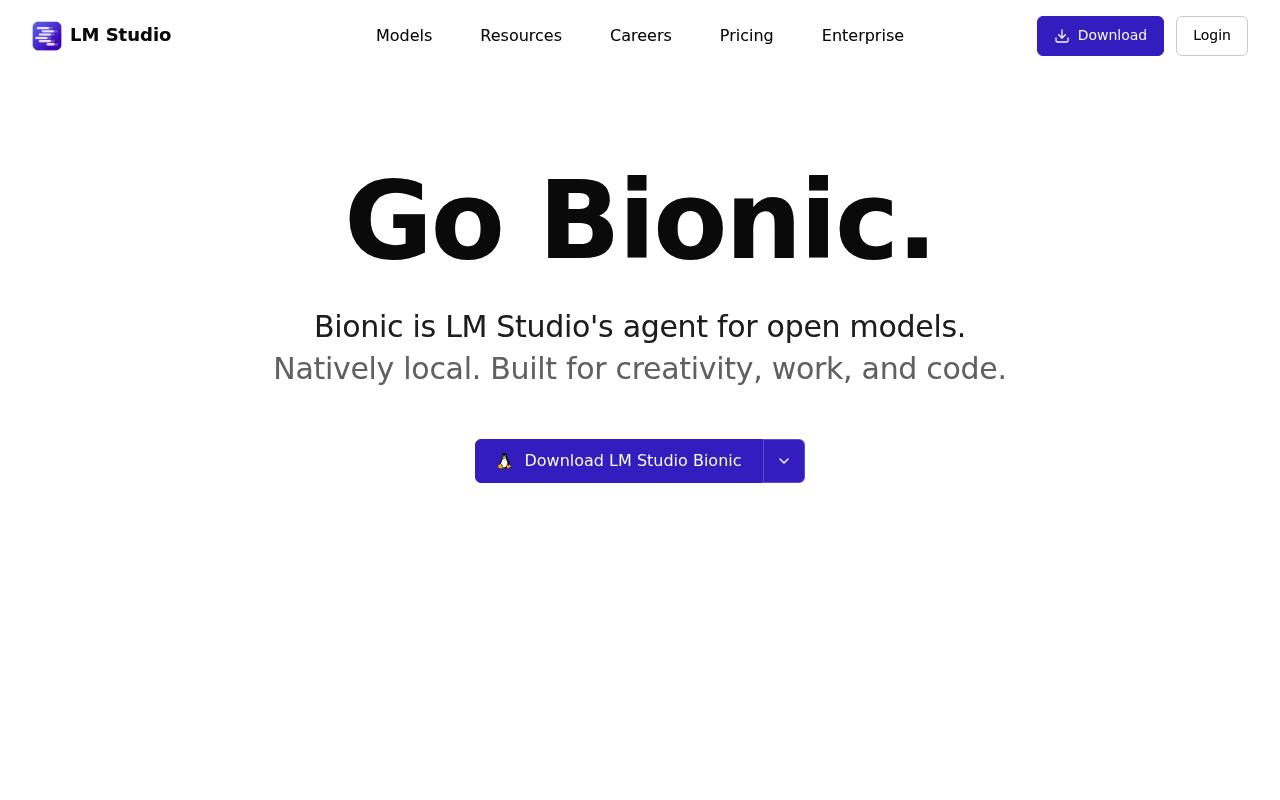
LM Studio lets people discover, download, and run open language models on their computers. It provides a chat interface, local inference through llama.cpp and MLX, voice transcription, and a programmable API.
Developers can use it for coding, automations, server deployments, and integrations with tools that support local APIs. LM Link connects models on remote devices. Local model use is available in the Free plan; cloud inference, web search, and usage beyond included allowances may cost extra.
Features
- Download and run local LLMs through llama.cpp and MLX
- Chat with local models through a desktop interface
- Expose models through a programmable, OpenAI-compatible API
- Create and edit documents with the Bionic agent
- Support coding tasks, automations, and computer control
- Transcribe voice locally in real time
- Connect remote model-running devices with end-to-end encrypted LM Link
- Run headless deployments through the llmster daemon
Use cases
- Run language models privately without sending prompts to a provider
- Prototype applications against a local model API
- Deploy models on servers, cloud instances, or CI
- Use remote computers to run larger models through LM Link
- Create documents, code, and automations with Bionic
- Test different open models on desktop hardware
Pros
Cons
Latest updates
- Bionic 1.1.6 (1.1.6)
Canvas: board that both you and Bionic can edit; Markdown and source files in the in-app editor.
- Bionic 1.1.5 (1.1.5)
Qwen3.8 inference using a new engine: Splash (by Inco AI); prompt-processing status for models without percentage progress.
- Bionic 1.1.4 (1.1.4)
Introspection: agent can read messages earlier in its own history; supports @ referencing other sessions; tool-call argument streaming.
- Bionic 1.1.3 (1.1.3)
Voice transcription for Linux; agent-created images shown inline in conversations; request timeout controls for custom MCP servers.
- Bionic 1.1.2 (1.1.2)
UI performance improvements around session loading and tab switching; screen reader support; Bionic for Linux (x64 and ARM64).
Capabilities
- Command line — “LM Studio CLI (lms)” source
- Choice of models — “Download the latest local LLMs directly within the app and use them for simple chats or advanced agentic tasks.” source
- Self-hosted — “llmster is LM Studio's headless daemon for servers, cloud instances, and CI.” source
- No code retained — “Zero data retention means your prompts and responses are not stored by the provider.” source
- API — “Experiment with LLMs on your computer. Chat interface and programmable API.” source
- Official SDKs — “lmstudio-js lmstudio-python” source
- Runs models for you — “Bionic cloud inference is US-hosted, with Zero data retention (ZDR)” source
- Search over your data — “Fixed a bug where RAG document retrieval could fail with some llama.cpp models” source
Get it
Pricing
- Starting price
- $20/mo
- Prices checked
- 2026-09-25
Free
Free
- Run local LLMs on your machine
- Bionic Agent
- Run local LLMs using llama.cpp and MLX
- State-of-the-art offline voice transcription
- LM Link for up to 5 devices
- Limited web search
Bionic+
- $ 20 USD / month
- US-hosted open source models: Kimi K3, GLM 5.3, DeepSeek V4 Flash, and more
- Discounted bulk tokens
- Web search and page extraction
Pro
- $ 100 USD / month
- 5× usage limits
- Discounted bulk tokens
- Early access to new features