tools
Krea AI
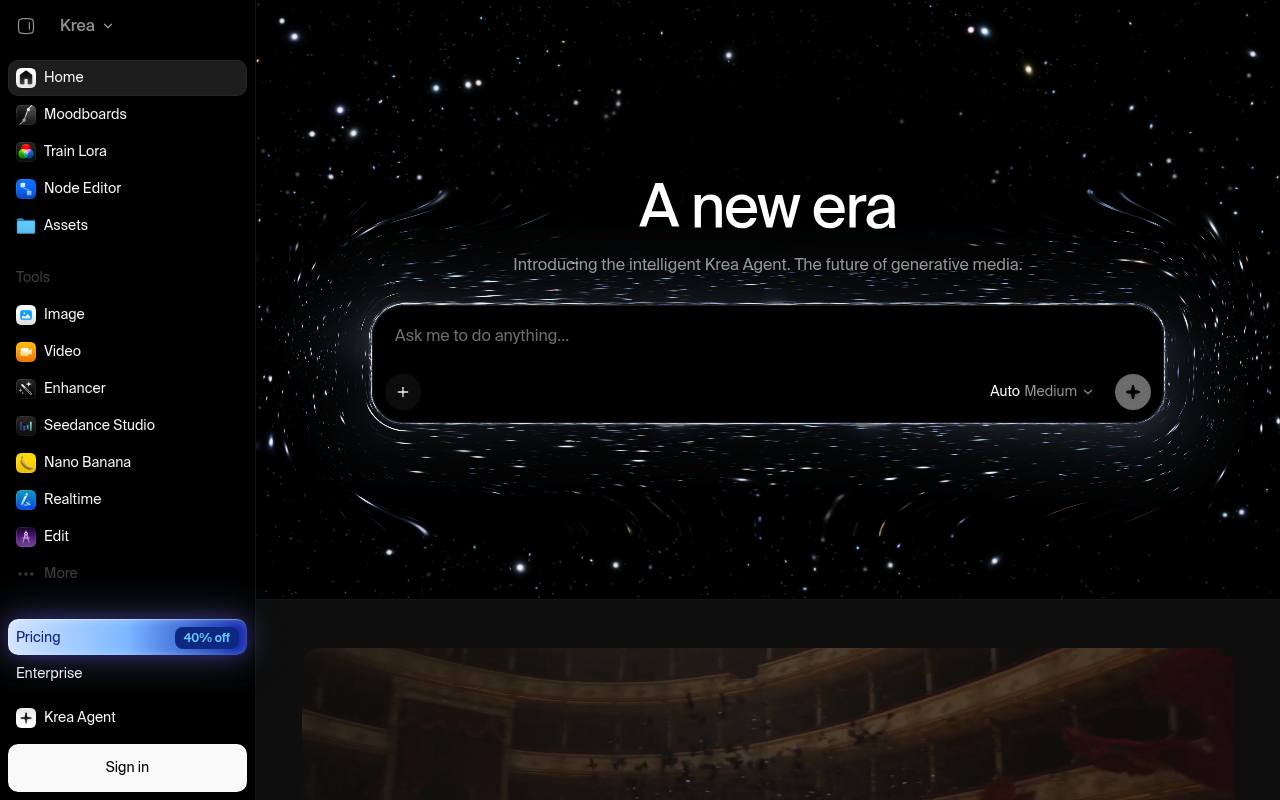
Krea is a web-based creative suite for generating, editing, enhancing, and animating images and video with AI models.
In inglese
Krea lets creators generate images and videos from text or reference images, compare models, edit specific regions, upscale results, create 3D objects, and build workflows. It also includes real-time generation, LoRA fine-tuning, asset management, and an agent for multi-step creative production.
It is used by designers, marketers, artists, architects, game teams, and video creators. A free tier provides daily compute units, while paid plans add more capacity and commercial-use licensing; the official pricing page could not be opened during this check.
Features
- Generate images from text prompts or reference images
- Generate and edit videos with image-to-video and text-to-video models
- Compare multiple AI models in one workspace
- Edit selected image regions with prompt-based changes
- Upscale and enhance images and video
- Generate 3D objects from text or images
- Train custom image and video LoRAs
- Access Krea through an API
Use cases
- Create product concepts, campaign visuals, and advertising imagery
- Develop architectural, interior, and industrial design studies
- Generate storyboards, animation concepts, and video clips
- Transform reference images into new styles and compositions
- Produce social media graphics and presentation visuals
- Build repeatable creative workflows with Nodes and Krea Agent
Pros
Cons
Latest updates
- Organizations opens to everyone, plus workspace capture, tags, member usage limits, and org-wide Usage reporting
Organizations are no longer sales-gated; capture workspaces, organize them with tags, set member usage limits, and view org-wide Usage reporting.
- Krea Agent is open on every plan, with launch-week free credits
Krea Agent is now available to everyone, including Free; every plan gets the context library, skills and integrations.
- Elements in Seedance Studio, GPT Image 2.5 models, MiniMax H3 Max Turbo with native 1080p, postpaid invoicing, and Kling retirements
Elements save characters, locations, and objects; GPT Image 2.5 models are available through the API; MiniMax H3 Max Turbo adds native 1080p.
- Realtime Director soft launch, upfront compute estimates, SSO auto-join, and a sign-in fix
Realtime Director directs live AI video with prompts; image and video tools show estimated compute cost; enterprise SSO adds auto-join.
- Krea in ChatGPT, reference-to-video for MiniMax H3 Max, and the Reve retirement
Krea plugin is live in ChatGPT; MiniMax H3 Max supports reference-to-video; Reve models no longer appear in Krea’s image tools.
Capabilities
- Text to image — “Generate product shots, marketing assets, and editorial photography from a single API call.” source
- Edits images — “Attach up to 3 reference images to edit instead of generate.” source
- Upscales — “Take any image up to 22K resolution with Topaz-powered AI enhancement.” source
- Style or character reference — “Use them in subsequent generation requests to keep output on-brand without manual work.” source
- Image to video — “Turn text or images into video with models like Veo 3, Kling, and Wan 2.5.” source
- Text in images — “Some models are faster, some are more photorealistic, and some handle text in images better.” source
- API — “40+ image and video models, one REST API.” source
- Mobile app — “Download iOS” source
Get it
Security
- SOC 2 — “Krea is SOC 2 compliant: an independent audit firm has examined our controls against the SOC 2 framework” source
Pricing
- Starting price
- $21/mo
- Prices checked
- 2026-09-24
Free
Free
- 100 units /day
- No credit card required
- Full access to real-time models
- Limited LoRA training (50 images)
- Limited image upscaling
- Early access to new features
Pro
- $21/month
- $35/month
- 20,000 units /month
- All image models
- All video models
- LoRA training (50 images)
- Image upscaling up to 22K
- Commercial license
Max
- $63/month
- $105/month
- 60,000 units /month
- All image models
- All video models
- Unlimited LoRA training (2,000 images)
- Image upscaling up to 22K
- Commercial license
Business
- $160/month
- $200/month
- 80k units /month
- Up to 50 seats included
- Business Terms of Service
- Share private Node Apps with your workspace
- Custom user roles and permissions
- Priority support with SLA
Enterprise
Price on request
- Custom seat count
- Share private Node Apps with your workspace
- Custom user roles and permissions
- SAML Single Sign-On (SSO)
- Priority support with SLA
- Custom compute packages