tools
TrunkText
Construction AI assistant that answers project-document questions by text, web, or Microsoft Teams with cited sources.
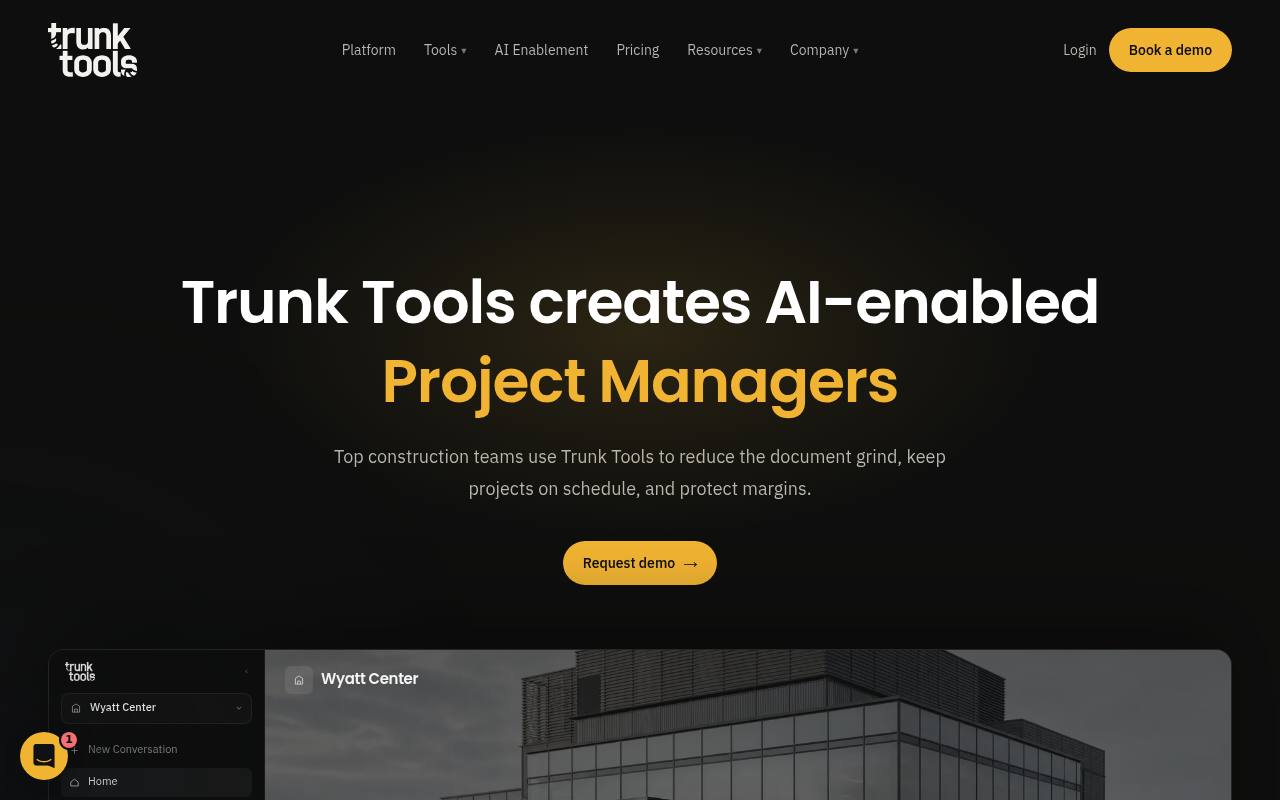
TrunkText lets construction teams ask questions about specs, drawings, RFIs, submittals, schedules, contracts, photos, and other project documents. It returns answers with source citations down to the page and can open the source document at the relevant location.
Superintendents, project managers, project engineers, subcontractors, and office teams can use it through text messages, Microsoft Teams, or the web app. It connects with systems including Procore and Autodesk. Pricing is quote-based; the public pricing page lists Core and Enterprise plans but no dollar amounts.
Features
- Answers questions about project documents in plain language
- Accepts questions by text message, voice, web, and Microsoft Teams
- Cites source documents and page numbers for each answer
- Opens source files directly at the relevant location
- Searches specs, drawings, RFIs, submittals, schedules, contracts, and photos
- Reads connected project systems including Procore and Autodesk
- Uses Cortex, Trunk Tools' construction-specific intelligence layer
Use cases
- Find answers about drawings and specifications while on a jobsite
- Check project schedules without searching multiple systems
- Verify an answer by opening its cited source page
- Answer trade-partner questions from synced project records
- Search RFIs, submittals, contracts, and photos from a phone
Pros
Cons
Latest updates
- Change events in construction: find every affected trade and their scope
The Change Agent in TrunkChange traces a change to every affected subcontractor and drafts the change event for Procore, Autodesk, or CMiC for review.
- The way we do work is changing: construction AI in Outlook, in your browser and on iPhone
Construction AI in Outlook, Chrome and Edge, and on iPhone, now for early adopters.
- Coordination doesn't fail in the model. It fails in the set.
TrunkCoordinate automates construction drawing coordination across architectural, structural, and MEP sheets to catch conflicts before they become field rework.
- Coordination doesn't fail in the model. It fails in the set
TrunkCoordinate automates drawing coordination across architectural, structural, and MEP sheets to catch conflicts before field rework.
Capabilities
- Searches your work — “You can ask by text message, in Microsoft Teams, or in the web app, so you can get an answer on the jobsite instead of walking back to the trailer.” source
- Connects your apps — “TrunkText reads across your connected systems, including Procore and Autodesk, and surfaces the answer without you needing to dig through either platform.” source
- Admin controls — “Permissions mirror your project structure, and every action Cortex takes is logged and reviewable.” source
Security
Pricing
- Prices checked
- 2026-10-23