tools
Trae IDE Review 2026 — ByteDance's Free AI Code Editor (Cursor Alternative)
Trae IDE by ByteDance offers free unlimited Claude 3.5 Sonnet and GPT-4o with Builder Mode and SOLO autonomous agent. Privacy considerations apply for proprietary code.
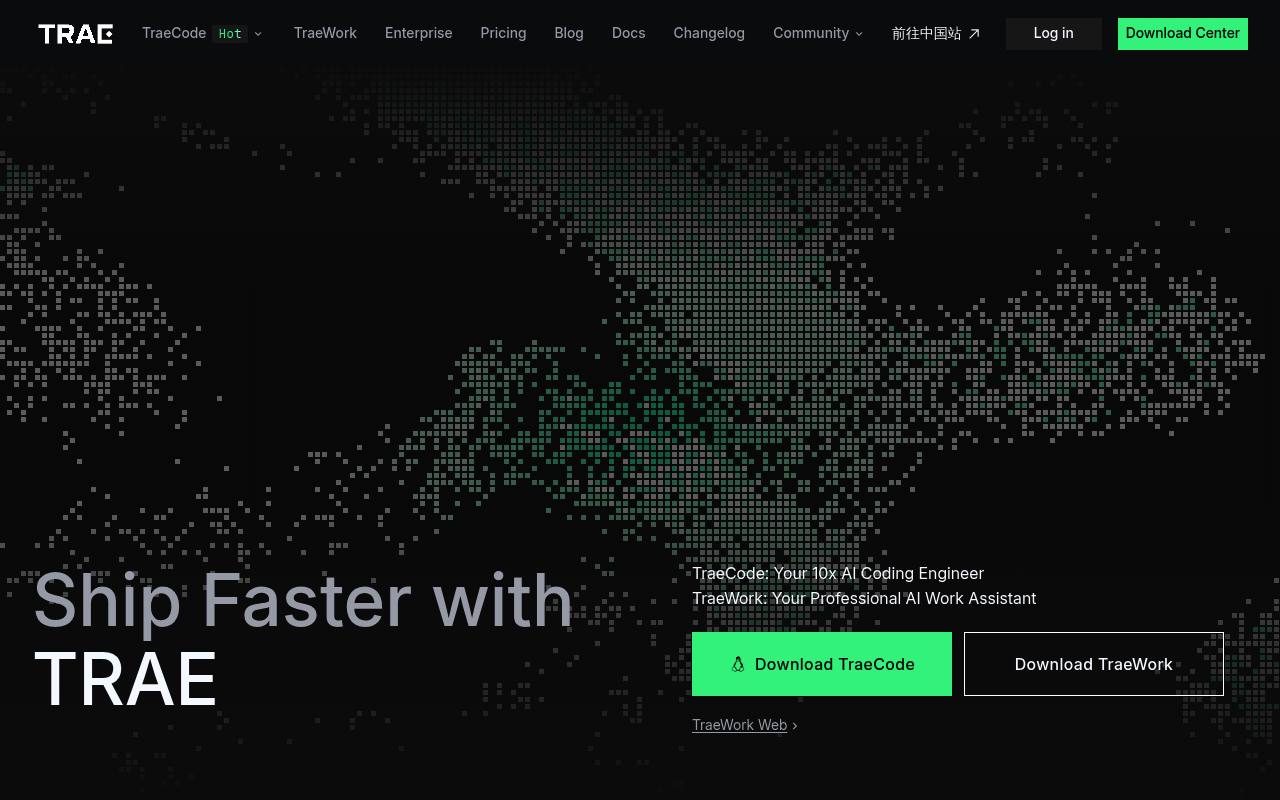
Trae IDE, branded as TraeCode, helps software developers and engineering teams write, review, debug, test, and document code. It provides IDE and SOLO modes, codebase context, autocomplete, MCP tool integration, browser previews, and customizable agents.
TraeCode runs as a desktop application on macOS, Windows, and Linux. A free plan includes limited usage; paid plans add model access, usage balances, autocomplete, concurrent cloud tasks, and model early access. Enterprise deployment and CLI access are separate offerings.
Features
- Switch between IDE mode and autonomous SOLO mode
- Generate, debug, review, test, and document code
- Use code repositories, online searches, and shared documents as context
- Create custom agents and use agents as sub-agents
- Connect agents to external resources through MCP
- Preview web applications and inspect console logs
- Use CUE for multi-line autocomplete and next-edit suggestions
- Run concurrent cloud tasks with paid plans
Use cases
- Generate application code from a natural-language task
- Debug a project using repository context and browser previews
- Refactor a large codebase with autonomous coding tasks
- Review changes and generate tests or documentation
- Build custom agents for repeated engineering workflows
Pros
Cons
Latest updates
- Create Tasks with Plugins on Mobile (v0.0.15)
Added support for inserting plugins directly from the chat input when starting tasks from the App.
- Create Tasks with Plugins on Mobile. (v0.0.15)
Added support for inserting plugins directly from the chat input when starting tasks from the App.
- Security-related bug fixes and optimizations. (v3.5.79)
Security-related bug fixes and optimizations. Fixed known issues.
- TRAE Work Desktop & Web supports video generation now. (v0.1.39)
TRAE Work Desktop & Web supports video generation now. Fixed known issues.
- Added “Jump to Latest” Button (v0.0.14)
Added a button to return to the latest messages when you scroll up and move away from the bottom of the conversation.
Capabilities
- Inline completion — “CUE understands your intent deeper and anticipates your next move with just one keystroke.” source
- Agent that edits files — “TRAE understands your vision, plans the development workflow, utilizes the right tools, executes with precision and deploys production-ready code, turning your ideas into software.” source
- Knows the whole codebase — “TRAE can deeply understand your development context through your code repositories on the IDE, as well as external information from online searches and documents that you share.” source
- No code retained — “You can also use tools like Privacy Mode and the "ignore" function to limit how your data is used.” source
- Builds agents and workflows — “Start with built-in agents for common tasks, or create custom agents tailored to your specific workflow—define their tools, skills, and logic to make them true specialists.” source
Get it
Pricing
- Starting price
- $7.50/mo
- Prices checked
- 2026-10-26
Free
Free
Pro
- $15
- $7.5
Pro+
- $45
- $22.5
Ultra
- $150
- $75