tools
Tonic Textual
Tonic Textual detects sensitive data in text and files, then redacts or replaces it for safer AI, analytics, and document workflows.
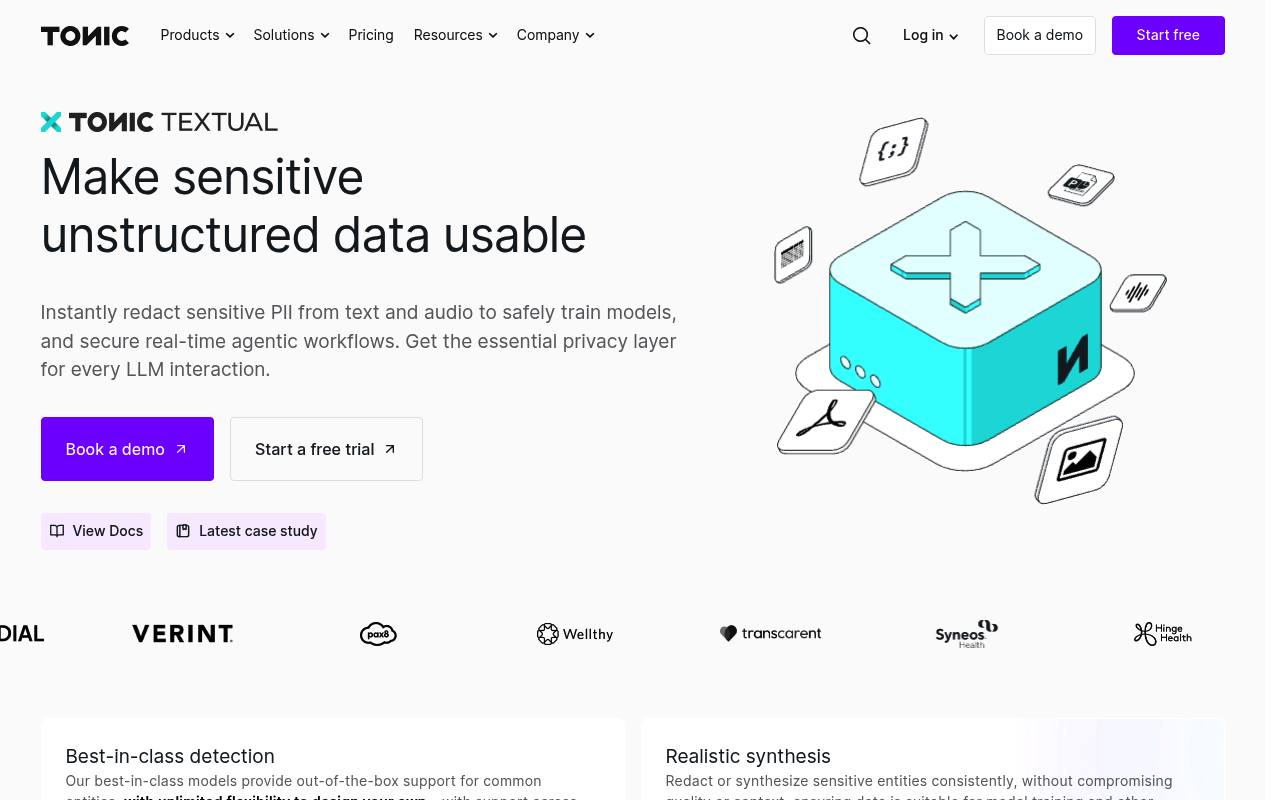
Tonic Textual scans unstructured data such as text, audio, documents, images, and spreadsheets to identify sensitive entities. It can redact values, replace them with synthetic values, preserve document formats, and support custom entity types.
Teams use it for AI training, RAG pipelines, LLM prompts, compliance workflows, and lower-environment testing. It is available as a cloud service or self-hosted deployment, with Python SDK and REST API access. Cloud usage is billed by words processed; enterprise deployment and support use custom pricing.
Features
- Detects sensitive entities with built-in and custom entity types
- Redacts or replaces sensitive values with synthetic data
- Processes text, audio, PDFs, Word files, images, spreadsheets, and more
- Supports 50+ languages
- Provides Python SDK and REST API access
- Offers Guided Redaction for human review workflows
- Deploys through Tonic Cloud or self-hosted Kubernetes and Docker
- Supports RBAC, SSO, and dataset sharing
Use cases
- Prepare privacy-safe data for AI model training and evaluation
- Redact sensitive information before sending prompts to LLMs
- Enrich RAG data with detected-entity metadata
- Create realistic lower-environment data from sensitive documents
- Review and refine redactions for regulated or public-record requests
Pros
Cons
Latest updates
- v509 (v509)
Improved PDF redaction performance and image selection on complex pages; fixed PDF synthesis failures after narrowing detected names.
- v508 (v508)
Improved processing time for PDFs containing many images while preserving text layout and redaction behavior.
- v507 (v507)
Bug fixes and other internal updates.
- v506 (v506)
Bug fixes and other internal updates.
- v505 (v505)
Added an optional project setting that moves native PDF text along a line to reduce synthesis overlaps while preserving its appearance.
Capabilities
- Self-hosted — “For the utmost in data security and control, deploy Textual on premises using Kubernetes or Docker, in the event that your data is too sensitive to live on the cloud.” source
- API — “Use Textual pipelines directly in your existing workflows with Python SDK and REST API” source
- Official SDKs — “Use Textual pipelines directly in your existing workflows with Python SDK and REST API” source
Get it
Security
- SOC 2 — “Tonic.ai uses an independent auditor to maintain a SOC 2 report, to ensure adherence to industry standards for security and privacy.” source
Pricing
- Prices checked
- 2026-10-25
Enterprise
Price on request
- Volume-based with custom quote
- Enterprise-grade pipelines and redaction
- Google SSO or Tonic Auth
- Cloud or Self-Hosted deployments