tools
Subframe
Subframe combines a design canvas, built-in browser, and coding agent for designing and shipping web interfaces in a codebase.
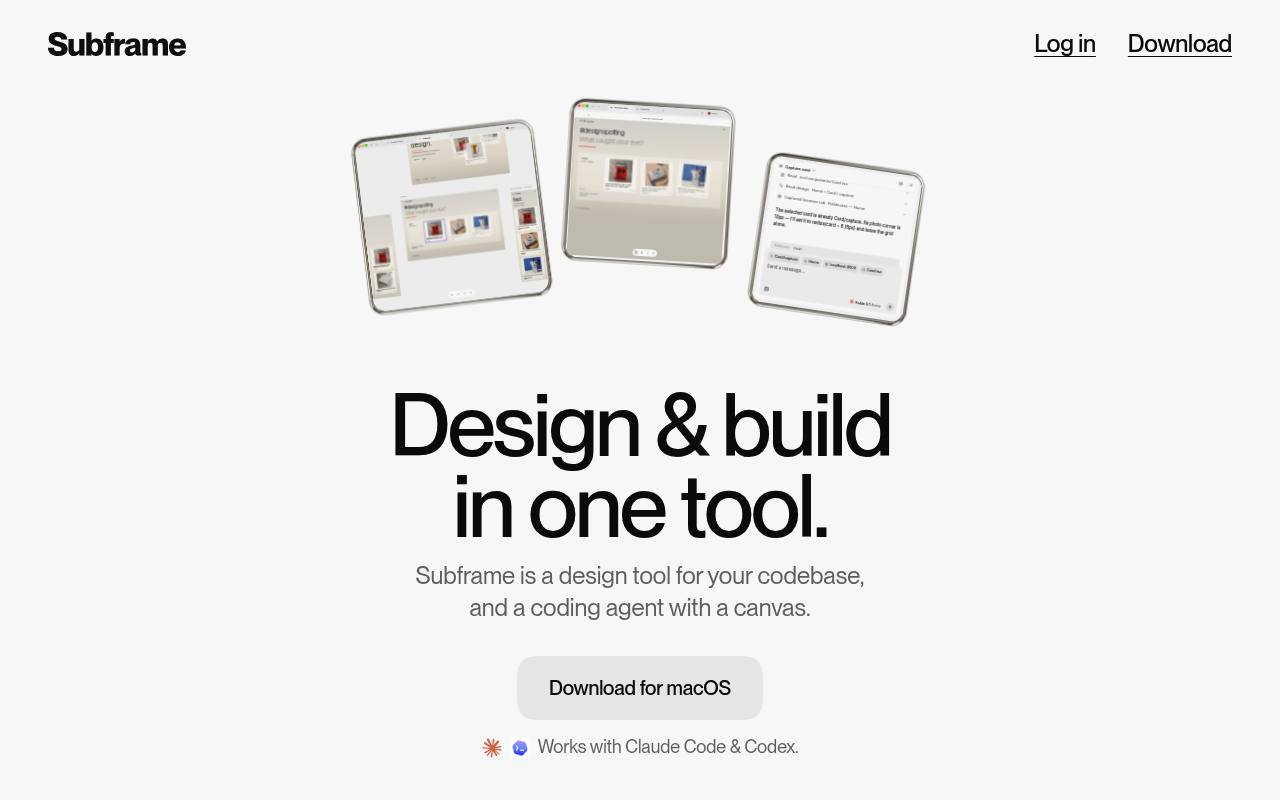
Subframe is a macOS and web tool for designing interfaces directly against a codebase. Its canvas uses HTML and React elements, while its built-in browser lets users preview and edit live applications.
Designers and developers can collaborate on components, tokens, comments, and prototypes, then work with Claude Code or Codex to implement changes. The free plan includes one project and limited AI credits; the Pro plan adds unlimited projects. Claude or Codex subscriptions are separate.
Features
- Design on an infinite canvas built for code
- Preview and edit live apps in a built-in browser
- Work with Claude Code or Codex directly in Subframe
- Sync components, props, slots, and variants with a codebase
- Collaborate with multiplayer canvas comments
- Manage themes and design tokens across light and dark modes
- Prompt for designs and repetitive tasks inline
- Manage git branches, share prototypes, and make pull requests
Use cases
- Design web interfaces directly against an existing codebase
- Preview and edit local applications in the built-in browser
- Explore multiple interface directions before implementation
- Collaborate with designers, developers, and coding agents
- Implement designs with Claude Code or Codex
- Review changes and open pull requests from the workspace
Pros
Cons
Latest updates
- Edit selected elements with agent chat
Select an element on the canvas and ask agent chat to change it, and the agent edits exactly what you selected.
- Fixes & improvements
Fixed pages designed by agents crashing the editor when opened; browser captures keep bold or colored text style; canvas names apply over Subframe MCP.
- Export designs in agent chats
Ask the agent to export a design as an image, then preview and download it from the conversation.
- Open Subframe links in the desktop app
Opening a Subframe link from an external app now opens directly in the desktop app in that project's window.
- Fixes & improvements
Canvas performance on large designs; page actions show on hover; page links open with the page selected; Codex models load with a long history.
Capabilities
- Generates interfaces — “Ask for designs or automate repetitive tasks without leaving the canvas.” source
- Design to code — “Builds in your codebase. Implement directly in your repo, while referencing your exact designs.” source
- Brand kit — “Themes & design tokens. Manage colors, text and other tokens across light & dark modes.” source
- Collaboration — “Collaborate with your team & agents. Share a link. Comment in a thread. Review together, then turn feedback into changes with your agent.” source
Get it
Pricing
- Starting price
- $20/user/mo
- Prices checked
- 2026-11-05
Free
Free
- One project
- Unlimited viewers & editors
- Use your Claude / Codex subscription
- Limited AI credits
Pro
- $20 / editor / month
- Unlimited projects
- Unlimited viewers & editors
- Use your Claude / Codex subscription
- 6x AI credits
- Multiple themes per project