tools
Speechify - AI Text-to-Speech Reading App
Speechify converts any document, PDF, or web page to speech at up to 4.5x speed. AI reading app for students, professionals with dyslexia, ADHD, and busy learners.
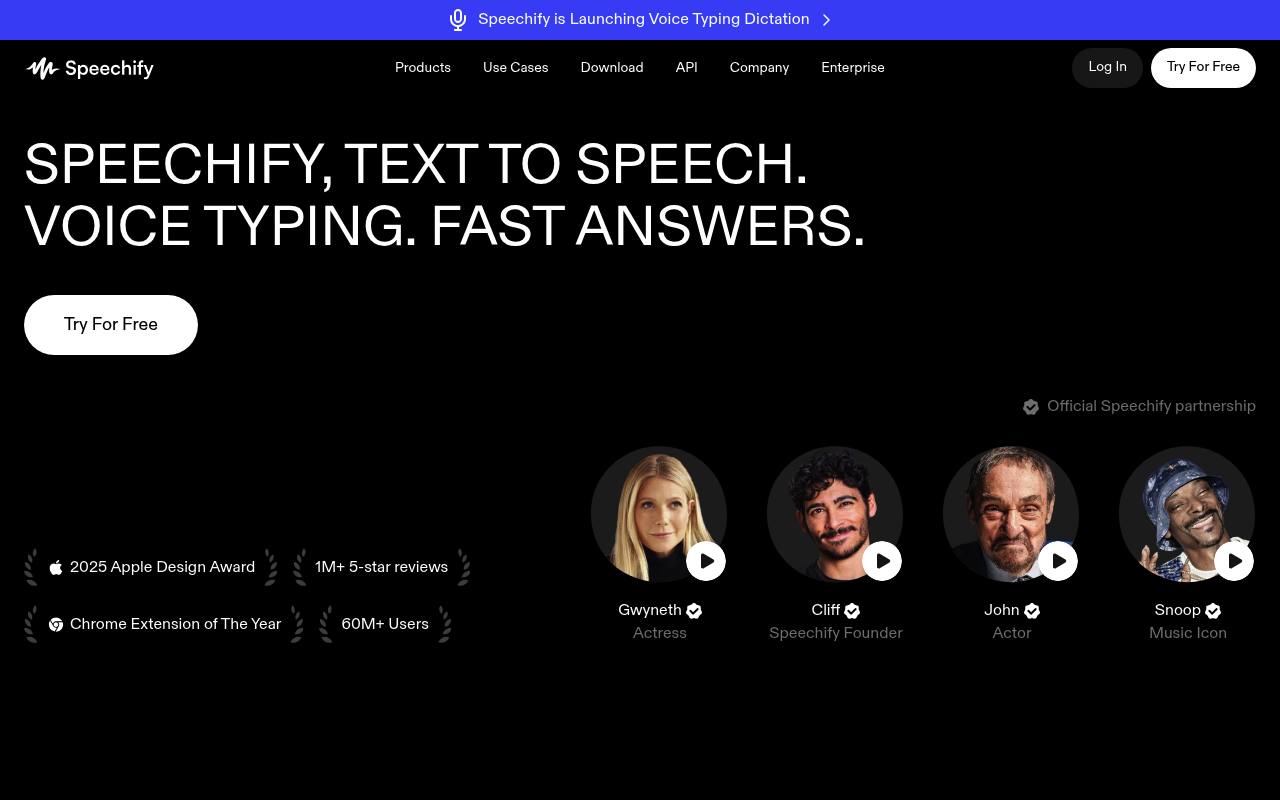
Speechify converts PDFs, books, web pages, emails, and other documents into spoken audio. It also provides voice typing, AI summaries and chats, note-taking, quizzes, podcast creation, and a Voice AI Assistant.
Students, professionals, people with dyslexia, and users who prefer listening use it on mobile, desktop, the web, and browser extensions. The free plan limits users to text-to-speech features, 1.5x speed, and 10 robotic-sounding voices; premium features require a subscription. API, Studio, and business offerings are separate products.
Features
- Reads PDFs, books, documents, emails, and web pages aloud
- Offers 1,000+ voices in 60+ languages
- Provides text highlighting and adjustable playback speed
- Scans images and reads the captured text aloud
- Generates AI summaries, chats, notes, quizzes, and recaps
- Creates AI podcasts from documents or descriptions
- Provides voice typing and a Voice AI Assistant
- Includes a text-to-speech API with streaming, SSML, and speech marks
Use cases
- Listen to study materials while commuting or exercising
- Read PDFs, emails, and web pages without looking at a screen
- Dictate emails and documents in desktop applications
- Summarize and question uploaded documents
- Turn reports or articles into podcast-style audio
- Add text-to-speech or voice agents to an application through the API
Pros
Cons
Latest updates
- Speechify Work Announces New Integrations to Delegate Your Work
Announces new integrations to delegate your work.
- Speechify Partners with Fundwell to Bring Simba Voice Agents into Business Lending
Partners with Fundwell to bring Simba voice agents into business lending.
- Speechify Launches Speechify Work, Giving Knowledge Workers a Team of AI Agents That Executes Work on Their Behalf
Launches Speechify Work, giving knowledge workers a team of AI agents that executes work on their behalf.
- Speechify Launches Voice Typing Dictation on iOS and Mac, Bringing Free Unlimited AI-Powered Dictation to Every App on Your Devices
Launches Voice Typing Dictation on iOS and Mac.
Capabilities
- Text to speech — “Text to speech, sometimes called TTS , read aloud , or speech synthesis, is the term for using AI voices to turn any input text into speech.” source
- Speech to text — “Yes, Speechify offers free, fast, and accurate AI dictation and speech to text through its Voice Typing feature, letting you speak your text instead of typing.” source
- Dubbing — “Create voiceovers & dubbing” source
- Many languages — “Speechify offers over 1,000 natural-sounding text to speech voices in more than 60 languages , so you can listen to articles , PDFs , and documents in a voice and accent that fit your preference.” source
- API — “Yes, please create an account to get started with Speechify's Text to Speech API .” source
- Mobile app — “You can try Speechify text to speech free via its iOS or Android mobile apps, its web app on Windows or Mac , or its extensions for Chrome and Microsoft Edge .” source
Get it
Pricing
- Starting price
- $11.58/mo
- Prices checked
- 2026-10-24
Free
Free
- Listen at speeds up to 1.5x
- Listen anywhere
- 10 robotic sounding voices
- Text to speech features only
Premium
- $29 /Month
- $11.58
- $139
- 1000+ high quality, natural voices
- 60+ different languages
- Listen at 5x faster speeds
- Scan & Listen
- AI Summaries & Chats
- Google Drive, Dropbox, Microsoft OneDrive Integrations