tools
Sana Learn
Sana Learn is an AI learning platform combining an LMS, authoring tools, virtual classrooms, tutoring, and learning analytics.
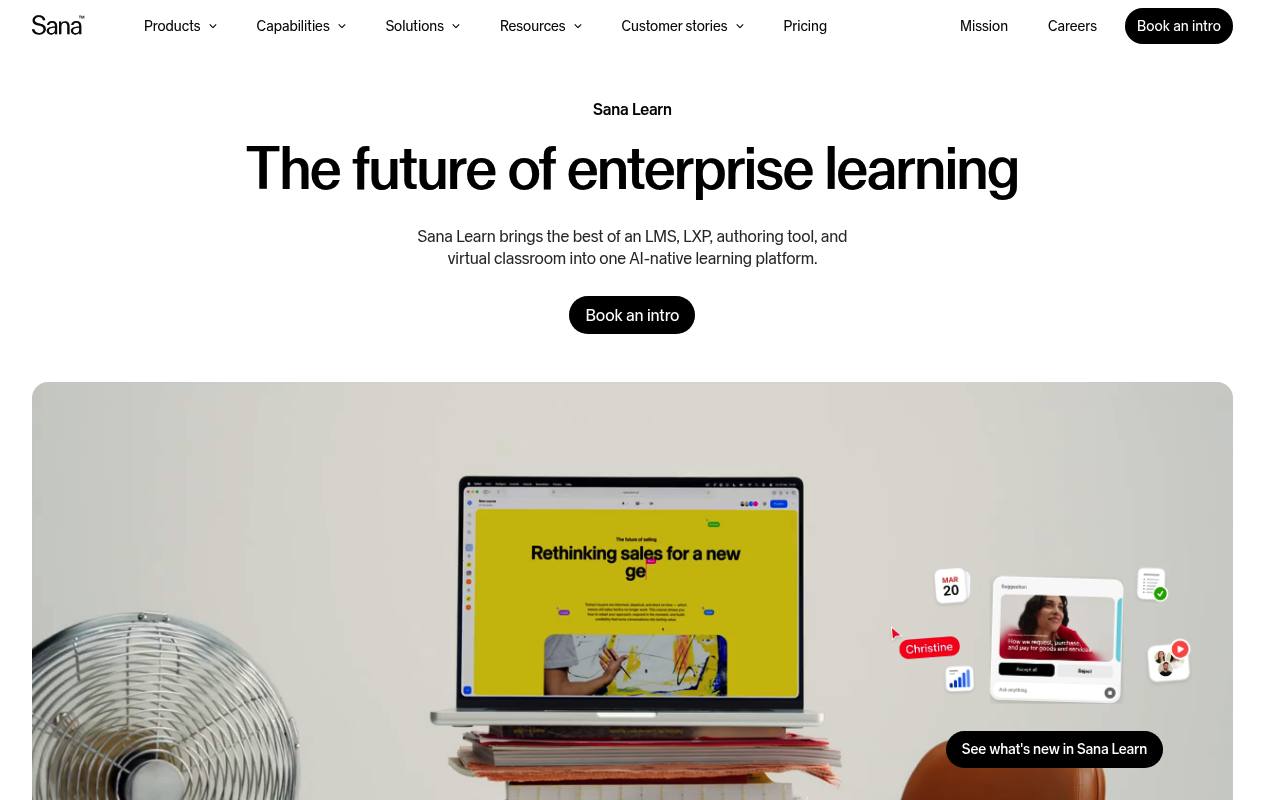
Sana Learn provides course creation, learning management, virtual classrooms, AI tutoring, search, and analytics in one platform. Organizations use it for employee onboarding, compliance, sales enablement, leadership development, and external training.
It can import SCORM files, documents, and PDFs into interactive courses and supports SSO, integrations, and enterprise security controls. Pricing is custom, shown per user per month, with plans starting at 300 users; the page shows no numeric rate or free plan. Implementation and onboarding are included.
Features
- Create interactive courses with AI authoring, quizzes, polls, and reflection cards
- Convert SCORM files, documents, and PDFs into native interactive courses
- Provide AI Tutor sessions based on company sources and learning goals
- Manage enrollments, learning paths, compliance training, and reminders
- Host live, in-person, hybrid, and virtual classroom sessions
- Generate learning dashboards and answer performance questions with analytics
- Support SCORM, SAML single sign-on, user provisioning, and enterprise integrations
- Offer custom branding, multilingual content, advanced permissions, and audit logging
Use cases
- Onboard employees with automated pre-boarding, programs, and role-based enrollment
- Deliver compliance training with completion records, reminders, and certificates
- Convert existing PDFs, documents, and SCORM packages into editable courses
- Run live and hybrid training sessions alongside self-paced learning
- Train customers and partners with external learning programs and AI answers
- Analyze learner engagement, completion, and performance across programs
Pros
Cons
Latest updates
- Sana Learn MCP connector
Teams can use Sana from Claude and ChatGPT; admins can create courses, manage enrollments, and run live sessions.
- Studio cards: searchable, translatable, and easier to edit
Studio card content shows up in search, and translation carries it into every language your course supports.
- Admin mode in Insights
Admin mode works inside Insights to create, rename, or find dashboards, and add, move, update, or remove widgets.
- Disable start over for courses
A setting turns that option off for everyone, so the Start over option no longer appears on any course.
- CSV tooling for Admin mode
Attach a CSV or XLSX file to a message in the Admin Mode chat, and the agent reads it to take action within your existing permissions.
Capabilities
Security
- SOC 2 Type II — “Sana operates in over 40 countries, serves millions of users, ensures GDPR compliance, is ISO 27001:2022-certified and SOC 2 Type II-compliant.” source
- SOC 2 — “Sana operates in over 40 countries, serves millions of users, ensures GDPR compliance, is ISO 27001:2022-certified and SOC 2 Type II-compliant.” source
- ISO 27001 — “Sana operates in over 40 countries, serves millions of users, ensures GDPR compliance, is ISO 27001:2022-certified and SOC 2 Type II-compliant.” source
- GDPR — “Sana operates in over 40 countries, serves millions of users, ensures GDPR compliance, is ISO 27001:2022-certified and SOC 2 Type II-compliant.” source
Pricing
- Starting price
- Free
- Prices checked
- 2026-10-24
Built to scale
Free
- Full access, no hidden costs
- Custom branded, white-labeled, customizable, multilingual
- AI-powered authoring
- Ready-to-use content library
- Personalized learning experiences
- 24/7/365 support and professional services
Enterprise-Grade. Future-Ready.
Price on request