tools
Ramp Bill Pay
Ramp Bill Pay helps businesses process invoices, route approvals, pay vendors, and sync bills with accounting systems.
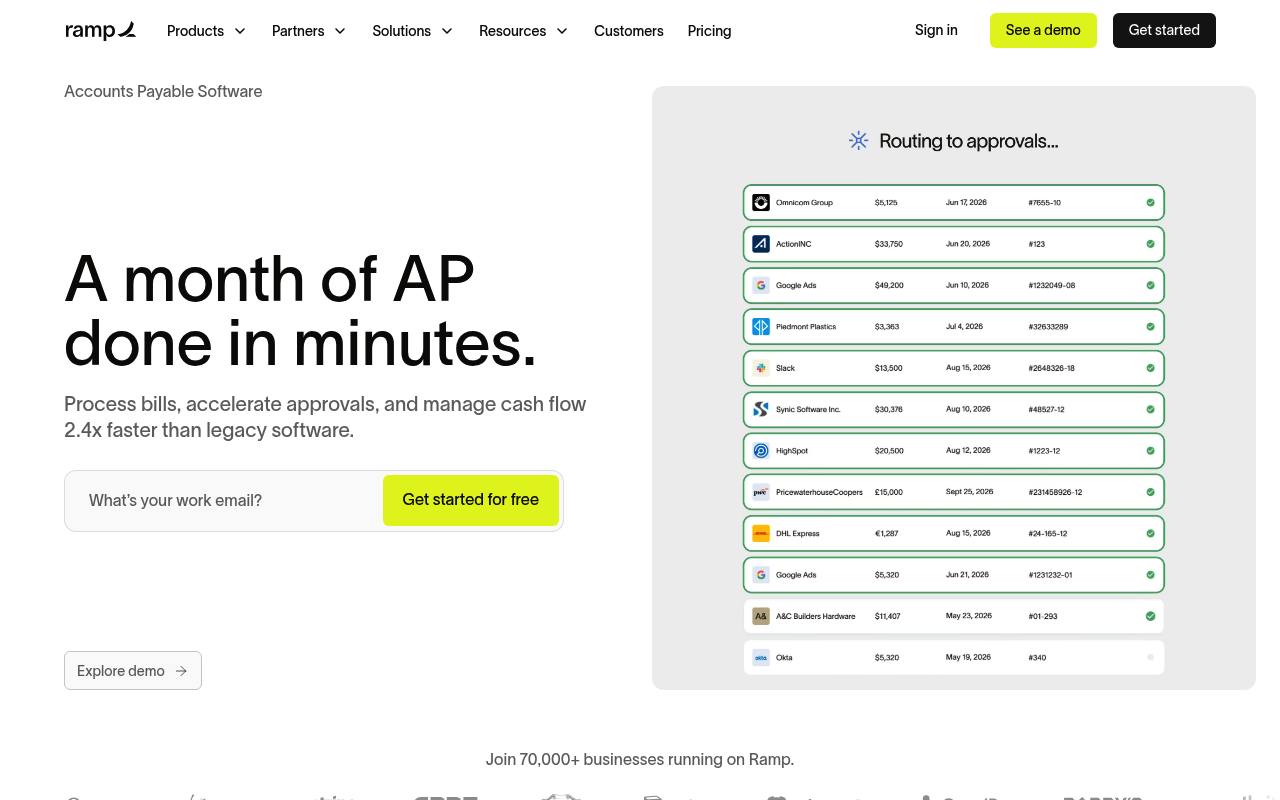
Ramp Bill Pay is an accounts payable tool for businesses. Teams can email or upload invoices, extract invoice data with OCR, route bills through approval workflows, match bills with purchase orders, and pay vendors by card, ACH, check, wire, or stablecoin.
It supports vendor tax-information collection, 1099 preparation and filing, batch payments, budgets, audit trails, and ERP synchronization. The core software has a free tier, while Ramp Plus and Enterprise add paid features; transaction fees may apply depending on the payment method.
Features
- Extract invoice details and line items with OCR
- Route bills through configurable approval workflows
- Match bills against purchase orders and receipts
- Pay vendors by card, ACH, check, wire, or stablecoin
- Batch vendor payments and schedule payment runs
- Collect W-9s and prepare and file 1099 forms
- Sync bills and payments with supported accounting systems
- Create and manage bills through the Developer API
Use cases
- Upload vendor invoices and create draft bills
- Route bills to managers or finance leaders for approval
- Match invoices with purchase orders to detect overbilling
- Schedule ACH, card, check, or wire payments
- Collect vendor tax details for 1099 processing
- Sync approved bills and payments to an ERP
Pros
Cons
Latest updates
- Purchase order accruals
Bring committed, unbilled purchase-order spend into your accrual report, journal-entry preview, and ERP sync alongside bills.
- Vendor document versioning
Upload a new version of a vendor document without creating duplicates, then review, download, or restore every version from one record.
- Ramp Receivables
Ramp drafts invoices with AI, follows up on late payments on your behalf, and matches cash as payments land.
- International mileage rates
Set a custom mileage rate, currency, and distance unit for each country directly in Ramp.
- Lot-tracked item receipts for NetSuite
Capture lot number, quantity, and expiration date on an item receipt, then sync the full inventory assignment to NetSuite.
Capabilities
- Summaries — “Approval agent: Summarizes vendor history, contract details, and PO matching to give approvers full context and suggest approval or rejection.” source
- Automations — “You can set up recurring bills directly in Ramp's accounts payable software to automate routine vendor payments.” source
- AI agents — “Ramp AP agents are agentic AI systems” source
- Connects your apps — “The AP platform syncs with 10 ERPs (like NetSuite, Sage Intacct, and QuickBooks) and handles everything from invoice capture to payment execution independently.” source
- Mobile app — “Mobile bill approvals” source
- Single sign-on — “Secure logins with SCIM, SSO, and SAML” source
- Admin controls — “Set roles and permissions that scale with your business. Decide who can view, approve, or pay—and keep separation of duty.” source
Get it
Security
- SOC 2 Type II — “Ramp undergoes annual audits to ensure your data is always secure, confidential, and private according to SOC 2 Type II protocols.” source
- SOC 2 — “Ramp undergoes annual audits to ensure your data is always secure, confidential, and private according to SOC 2 Type II protocols.” source
Pricing
- Starting price
- $15/user/mo
- Prices checked
- 2026-10-25
Free
Free
- Unlimited cards
- Card issuing controls
- Complete expenses via SMS or Slack
- Automated invoice extraction (OCR)
- QuickBooks Online and Xero integrations
- Custom report builder
Plus
- $15/mo/user
- AI-driven expense reviews and policy insights
- Auto-lock cards when compliance is unmet
- Auto-coded line items
- Automated batch payments
- AI coding for every field
- Custom user roles
Enterprise
Price on request
- Workday, Oracle Fusion Cloud, and more integrations
- Locally funded reimbursements
- Local currency card issuing in 30+ countries
- Dedicated account and customer success manager
- Priority 24/7 global support
- Custom development