tools
MyHeritage In Color
MyHeritage In Color automatically colorizes black-and-white photos and restores faded colors in older color photos.
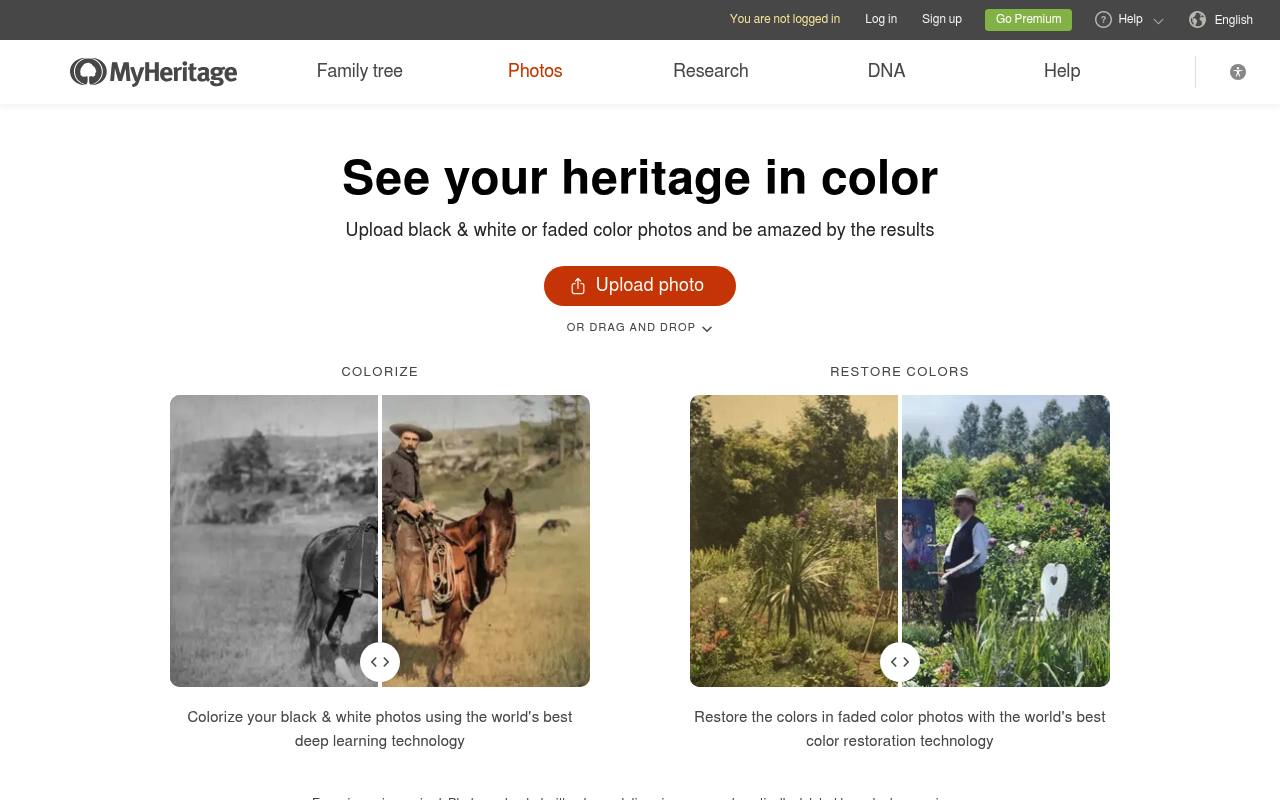
MyHeritage In Color analyzes uploaded or stored photos, then creates a separate colorized or color-restored copy while leaving the original intact. It supports web uploads and the MyHeritage mobile app, with sharing and downloading options.
Several photos can be processed for free; continued use requires a subscription. Complete subscribers can colorize unlimited photos and receive logo-free results. Colorized colors are algorithmic estimates and may not match the originals.
Features
- Automatically colorizes black-and-white and sepia photos
- Restores colors in faded color photos
- Detects whether a photo is black-and-white or color
- Keeps the original photo intact as a separate file
- Provides before-and-after comparison sliders
- Supports downloading and sharing processed photos
- Works with photos stored in MyHeritage
- Marks simulated colorization with a palette symbol
Use cases
- Colorize scanned family portraits
- Restore faded photos from the 1950s through 1990s
- Prepare historical photos for family-tree projects
- Compare original and processed photos before downloading
- Share restored family photos with relatives
Pros
Cons
Latest updates
- New and Improved Colorization Model for MyHeritage In Color™ (July 2021 model)
The July 2021 model is now the default for all photos colorized on the website and mobile app.
Capabilities
Pricing
- Starting price
- $129/yr
- Prices checked
- 2026-11-06
Free
Free
- Build a family tree of up to 250 people
Premium
- $129/year
- Family tree size: 2,500 people
- Smart Matches™
- Advanced DNA features
PremiumPlus
- $209/year
- Family tree size: Unlimited
- Smart Matches™
- Advanced DNA features
- Instant Discoveries™
- Tree Consistency Checker
Data
- $189/year
- Family tree size: 250 people
- Full access to 41.4 billion historical records and family tree profiles
- Record Matches
- Save records to your tree
Complete
- $299/year
- Family tree size: Unlimited
- Full access to 41.4 billion historical records and family tree profiles
- Photo Enhancement Features
- Smart Matches™
- Advanced DNA features
- Instant Discoveries™
Omni
- $399/year
- Family tree size: Unlimited
- Historical Newspapers on OldNews.com
- Geni.com Pro and over 2,000 Webinars
- Unlimited Photo Scanning
- Photo Enhancement Features
- Full access to 41.4 billion historical records and family tree profiles