tools
Make
Make connects apps into visual workflows, automates business tasks, and lets teams build AI agents and custom integrations.
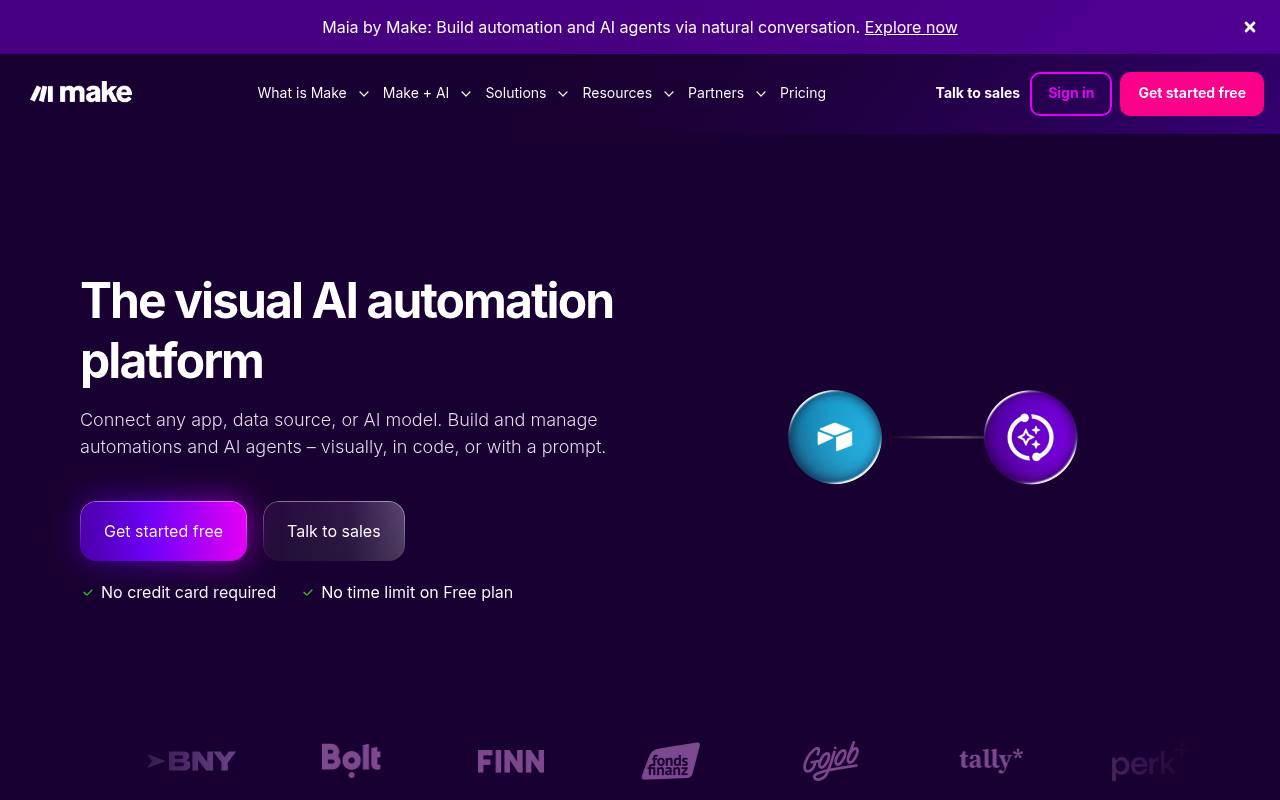
Make is a visual automation platform for connecting business apps and building workflows. Users can create no-code scenarios, add AI tools and agents, call APIs, transform data, and monitor workflow activity.
It is used by operations, marketing, sales, IT, and technical teams. Usage is billed in credits, and advanced features, extra credits, enterprise integrations, and higher limits may cost more.
Features
- Build workflows by dragging, dropping, and connecting modules
- Connect 3,000+ pre-built apps and create custom API integrations
- Build and troubleshoot automations with Maia by Make
- Add AI functions such as text generation and sentiment analysis
- Write and run custom JavaScript or Python with Make Code
- Create reusable AI agents with natural-language prompts
- Use HTTP, webhooks, routers, filters, and data transformation
- Monitor workflows with Make Grid and Analytics Dashboard
Use cases
- Sync customer, project, and operational data between business apps
- Route form submissions to task boards and notification channels
- Classify inbound requests and escalate urgent issues
- Generate status reports from scheduled workflow runs
- Prepare lead-response drafts from new inbox messages
- Build AI agents that execute recurring business processes
Pros
Cons
Latest updates
- New GPT-6.1 Terra model now available
GPT 6.1-terra is ow available for paid users, enabling visual reasoning, image analysis, tool calling, and structured data extraction.
- OpenAI model transition, Anthropic Claude browser use toolset, and other app updates and fixes
OpenAI model fixes, Anthropic browser automation, Adobe Workfront API v22 support, and bug fixes across apps.
- Maia updates for planning, context, and error resolution
Maia’s new capabilities: plan mode, memory, image upload, response sharing, and error resolution.
- Claude Haiku 5.5 is available in Make
Haiku 5.5 is now available in Make for classification, extraction, routing, subagents, and web analysis.
- Kimi deprecation, Gemini 4 Argon support, and fixes across apps
See this week's app updates, including Kimi and SAP SuccessFactors deprecations, support for Gemini 4 Argon, and fixes in other apps.
Capabilities
- Automations — “You build automated workflows and AI agents visually, connect them to the apps and data you already use, and see everything running in one place.” source
- AI agents — “Make AI Agents. Give it a goal and its tools; it works out the steps.” source
- Connects your apps — “Make connects to 3,500+ apps out of the box, and anything with an API can be added as a custom integration.” source
- API — “APIs, SDKs and docs to build on Make” source
- Single sign-on — “Company SSO and 2FA enforcement, so only the right people get in.” source
- Admin controls — “Role-based access, audit logs and real-time analytics across every workflow automation your teams run.” source
Security
Pricing
- Starting price
- $12/mo
- Prices checked
- 2026-11-06
Free
Free
- 1,000 credits/month
- No-code visual workflow builder
- 3,000+ apps
- Routers & filters
- Customer support
- 15-minute minimum interval between runs
Core
- $12/mo
- $16
- Unlimited active scenarios
- Scheduled scenarios down to the minute
- Increased data transfer limits
- Access to the Make API
Pro
- $21/mo
- $28
- Priority scenario execution
- Custom variables
- Full-text execution log search
Teams
- $38/mo
- $51
- Teams and team roles
- Create and share scenario templates
Enterprise
Price on request
- Custom functions support
- Enterprise app integrations
- 24/7 Enterprise support
- Access to Value Engineering team
- Overage protection
- Advanced security features