tools
LinearB
LinearB measures engineering productivity, AI impact, delivery workflows, and developer experience for software teams.
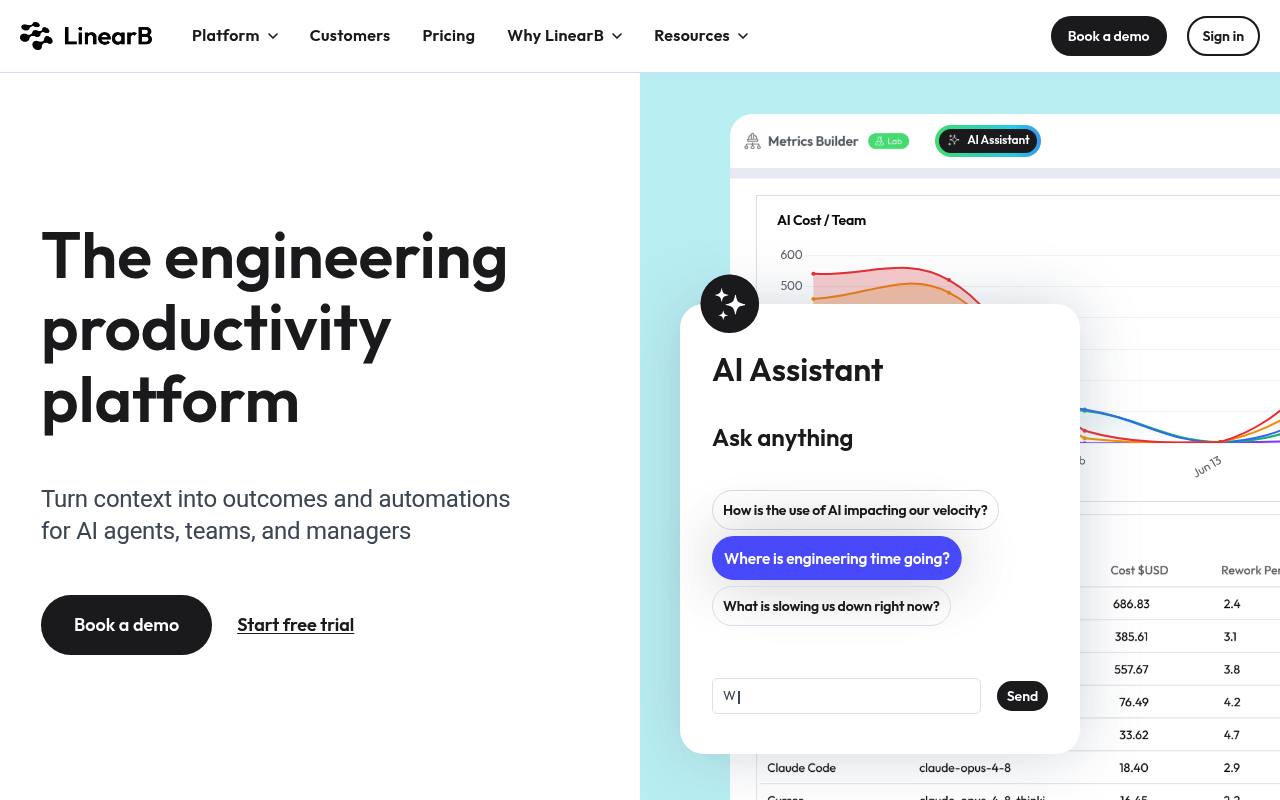
LinearB gives engineering leaders visibility into delivery metrics, AI-assisted development, developer experience, project forecasting, resource allocation, and software investment. It also automates pull-request workflows, AI code reviews, policy enforcement, notifications, and reporting.
It is used by engineering, DevEx, platform, and technology leadership teams. The Essentials plan supports teams with 50+ developers and GitHub Cloud; Enterprise adds forecasting, resource allocation, cost capitalization, on-prem agents, and Slack or Microsoft Teams automations. Plans are billed annually, and additional AI credits cost extra.
Features
- Measures delivery, throughput, quality, DORA, and cycle-time metrics
- Tracks AI adoption and AI impact across engineering workflows
- Automatically reviews code changes with AI
- Automates PR routing, approvals, labels, descriptions, and policies
- Provides developer surveys and experience insights
- Forecasts project delivery with Monte Carlo modeling
- Offers an MCP Server and REST API data exports
- Integrates with GitHub, GitLab, Bitbucket, Azure DevOps, Jira, Slack, and Microsoft Teams
Use cases
- Measure whether AI-assisted development improves delivery outcomes
- Find bottlenecks in pull-request review, testing, and deployment
- Automate code reviews, PR routing, approvals, and policy checks
- Forecast project deadlines and balance engineering capacity
- Survey developers and connect feedback with delivery metrics
- Report engineering investment, costs, and software capitalization
Pros
Cons
Latest updates
- v5.0.6 — 2026-10-28 (v5.0.6)
LinearB On-Prem Agent release.
- v5.0.5 — 2026-10-22 (v5.0.5)
LinearB On-Prem Agent release.
- v5.0.3 — 2026-10-01 (v5.0.3)
Release notes
- v5.0.2 — 2026-09-09 (v5.0.2)
Release notes
- v5.0.1 — 2026-08-12 (v5.0.1)
Release notes
Capabilities
- Ask in plain language — “Chat with your data to spot patterns and boost output” source
- Charts and dashboards — “Build your own metrics dashboards and productivity analyses with data from your favorite tools.” source
- Real-time data — “Get real-time visibility into iteration progress, blockers, workloads, and important updates.” source
- API — “Visualize and present data in your favorite BI tool quickly and easily using a declarative REST API.” source
- Single sign-on — “Enable secure, enterprise-grade authentication with SAML SSO to simplify access and strengthen security.” source
Get it
Pricing
- Starting price
- $29/user/mo
- Prices checked
- 2026-11-06
Essentials
- $29 User/Month Billed annually
- Programmable workflows
- Developer satisfaction surveys
- Auto-PR descriptions
- AI impact measurement
- AI code reviews
- MCP Server
Enterprise
- $59 User/Month Billed annually
- Developer productivity insights
- Project tracking & forecasting
- Resource allocation & investment profile
- R&D cost capitalization
- On-prem agents
- Developer automations in Slack and Microsoft Teams