tools
Jan AI Review 2026 — 100% Offline Open Source AI Assistant
Jan is a free, open-source desktop AI assistant that runs entirely offline. No cloud, no telemetry, OpenAI-compatible API. Works on Windows, Mac, Linux.
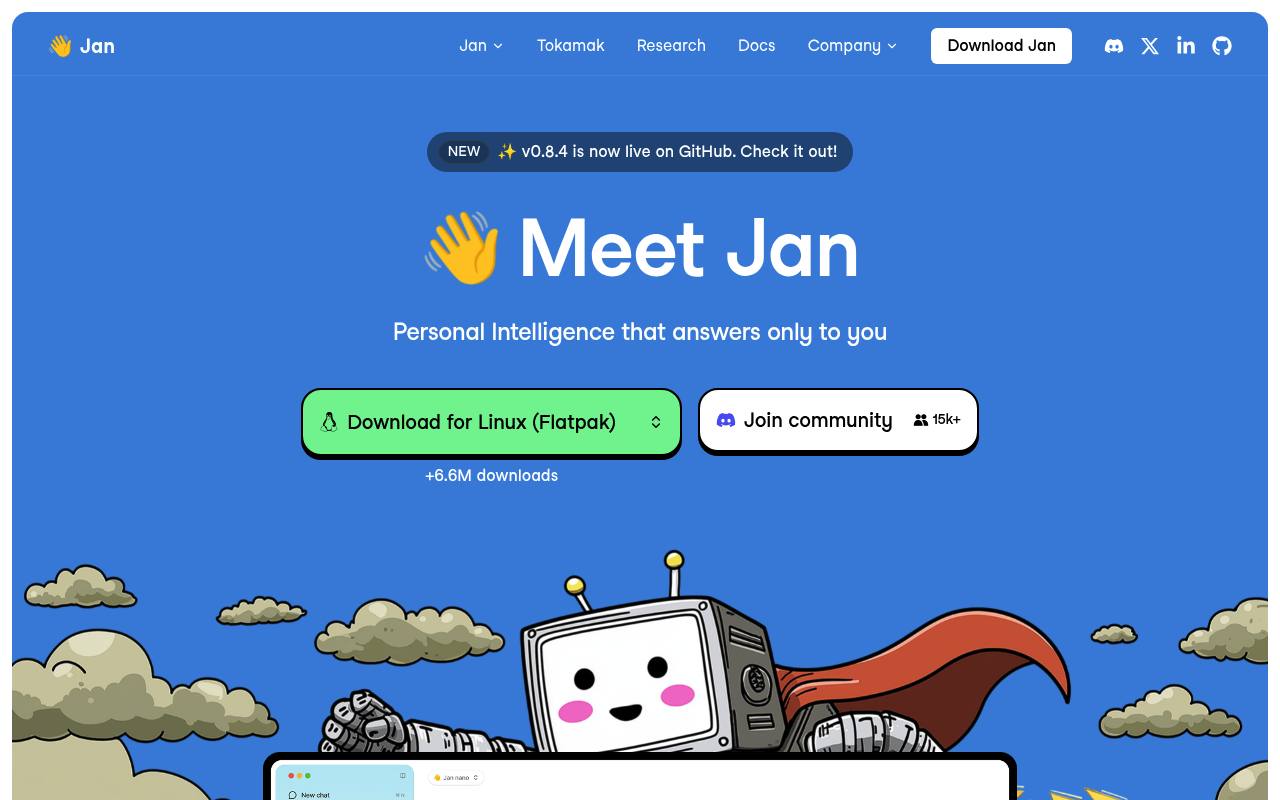
Jan runs AI models on your computer and can connect to online model providers. It includes chat, file handling, web search, agents, MCP connectors, projects, and a local OpenAI-compatible API server.
It is aimed at people who want local AI, privacy, model choice, or developer control. Jan itself is free and does not require an account for local use; online model providers may charge separately. Native mobile apps are not listed as available.
Features
- Run AI models locally on macOS, Windows, and Linux
- Connect models from OpenAI, Anthropic, Google, Mistral, and other providers
- Use built-in web_search and web_fetch tools
- Run autonomous agents that work with files, commands, and web research
- Extend Jan with Model Context Protocol connectors
- Serve local models through an OpenAI-compatible API
- Use Jan CLI to serve models and launch agents from a terminal
- Open-source software licensed under Apache 2.0
Use cases
- Run private AI chats and model inference on your own computer
- Connect local models to files, commands, calendars, or external tools
- Search the web and fetch pages from inside supported model chats
- Build applications against Jan's local OpenAI-compatible API
- Compare open models and connected cloud models in one interface
Pros
Cons
Latest updates
- Jan v0.8.8: Security Fixes, llama.cpp 0.7.0 & Local API Trusted Hosts (v0.8.8)
Links from chat open in your browser, the local API checks where requests come from, and llama.cpp updates to 0.7.0.
- Jan v0.8.7: Shell Switch, Image Size Limit, Project Threads & Agent Subagents (v0.8.7)
Adds a switch to turn the shell tool off in chat, an image size limit, and built-in subagents to the Jan agent.
- Jan v0.8.6: AppImage, Turing GPU, MTP Speed & MCP Image Fixes (v0.8.6)
Fixes Linux AppImage model-load crashes, CUDA engine support on NVIDIA Turing GPUs, Qwen3.8 MTP speed, and MCP tool images reaching the model.
- Jan v0.8.5: llama.cpp Stability, MCP Hardening & Platform Fixes (v0.8.5)
llama.cpp engine (now 0.5.0) ships inside the app; jan CLI is no longer bundled; desktop executable renamed to Jan-Desktop; Trusted Hosts enforced.
- Jan v0.8.4: Native Web Search, Per-Model Chat Templates & a Backend Settings Store (v0.8.4)
Adds native web_search / web_fetch tools, per-model chat-template kwargs for llama.cpp, a token counter, and a backend-managed store for settings and credentials.
Capabilities
- Agent that edits files — “Give Jan a task and it works on it autonomously — files, commands, and web research.” source
- Runs commands — “Give Jan a task and it works on it autonomously — files, commands, and web research.” source
- Command line — “Jan CLI Install Jan Agent separately and connect it to Desktop's Local API Server.” source
- Choice of models — “Choose from open models or plug in your favorite online models.” source
- Self-hosted — “runs entirely on your hardware, keeping your data private” source
- API — “Run a local OpenAI-compatible API server on your machine.” source
Get it
Pricing
- Starting price
- Free
- Prices checked
- 2026-10-24
- Read
- by web search
Jan Desktop
Free
- Free and open source
- Local model use is free
- Cloud model usage is paid directly to providers
Jan Agent
Free
- Preview
- Requires an API key for a model provider, or Tokamak sign-in