tools
Grok
Grok is an AI assistant for chat, web and X search, file analysis, image and video creation, voice, and connected tools.
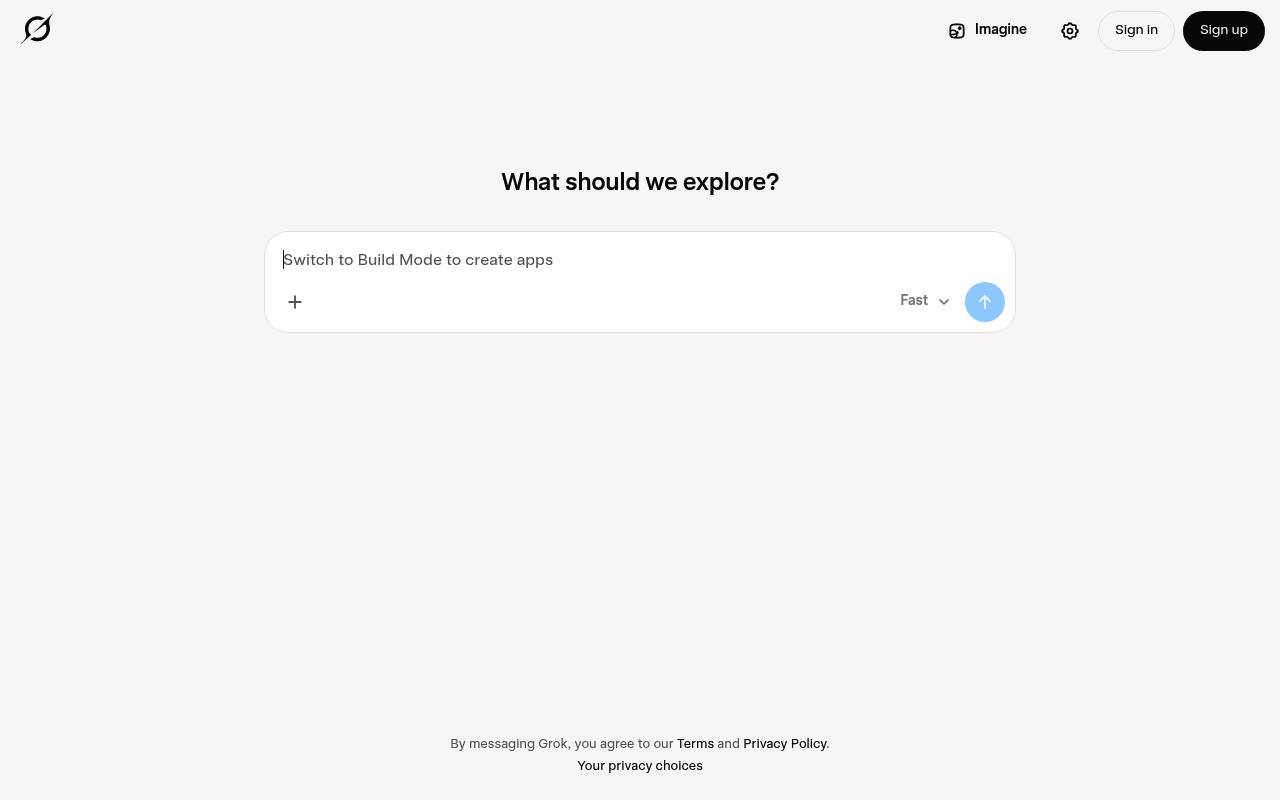
Grok answers questions, helps with writing and problem-solving, searches the web and X in real time, analyzes uploaded files, and creates images and videos. It also supports voice conversations and connectors for email, files, and calendars.
Individuals can use it on the web and mobile apps, while teams can use shared workspaces and administrative controls. Usage limits vary by plan, and API access is provided separately through xAI.
Features
- Real-time web and X search
- Chat for questions, brainstorming, writing, and problem-solving
- Image and video creation with Grok Imagine
- Hands-free voice conversations
- Analysis of PDFs, images, spreadsheets, code, and audio
- Connectors for email, files, and calendars
- Grok Bot access on supported plans
- Grok Build for creating websites, apps, games, and dashboards
Use cases
- Research current information across the web and X
- Analyze uploaded documents, images, spreadsheets, or code
- Draft, revise, and summarize written content
- Create images and videos from prompts
- Build websites, apps, games, and interactive dashboards
- Connect workplace tools and work with information in context
Pros
Cons
Latest updates
- grok-imagine-image-quality retired
Requests to grok-imagine-image-quality and grok-imagine-image-pro are now served by grok-imagine-image-2.0-low at a lower per-image price.
- grok-voice-transcribe-1.0 end of life (grok-voice-transcribe-1.0)
All requests to that slug are routed to grok-voice-transcribe-2.0 at the same price.
- Grok 4.7 (grok-4.7)
Grok 4.7 is now available on the xAI API, with a 500k context window and reasoning effort supporting low, medium, high, and xhigh.
Capabilities
- Searches the web — “Web search works from the first turn of a session, and in subagents, when the search model signs in through an external auth provider” source
- Reads your files — “Upload files — PDFs, images, spreadsheets, code, audio, and more — for analysis, extraction, and summarization.” source
- Understands images — “Upload files — PDFs, images, spreadsheets, code, audio, and more — for analysis, extraction, and summarization.” source
- Makes images — “Create images and video with Grok Imagine.” source
- Voice conversation — “Talk to Grok hands-free with voice.” source
- Remembers you — “Memory always uses the concise MEMORY.md index of topic titles and paths, and /memory lists topics by how often Grok reads them.” source
- Acts for you — “Grok Bot — hand real work to AI teammates on a persistent cloud computer.” source
- Runs code — “Auto mode runs a shell command without review only when every command in it matches an allowlist entry; anything else asks first” source
- Developer API — “Paid plans include Grok API access.” source
- Mobile app — “Grok is SpaceXSI's assistant, available on the web at grok.com and in the iOS and Android apps.” source
Pricing
- Starting price
- $8/mo
- Prices checked
- 2026-11-05
Free
Free
- Limited AI usage
- Limited Chat requests
- Limited agent requests
- Post, reply, and follow
Plus
- $8 /month
- Shared AI usage pool
- Grok Chat, Voice, Imagine, and Build
- Grok API access
- Cursor
- Premium checkmark
- Less timeline ads
Premium
- $30 /month
- 4x more usage compared to Plus
- Grok Bot
- Latest Grok models
- Faster Chat responses
- Make stunning AI images & videos
- Code hosting & AI code reviews
Super
- $100 /month
- 15x more usage compared to Plus
- Significantly higher usage across Chat, Imagine, Voice & Build
- Create 1080p, 15s videos
- Lightning-fast replies
- Priority access at peak times
- 3rd party models available in Cursor, billed separately
Ultra
- $200 /month
- 50x more usage compared to Plus
- 3rd party models available in Cursor, billed separately
Teams
- $30+/user/month
- 4-50x Plus
- Pooled usage
- Team management
- Centralized billing and administration
- Usage analytics
- Team-wide privacy settings
Enterprise
Price on request
- Custom rate limits
- Dedicated support
- SSO & SCIM
- Data residency
- Volume pricing