tools
Grammarly
Grammarly checks writing, suggests corrections, rewrites text, and provides AI tools across apps, browsers, desktops, and mobile devices.
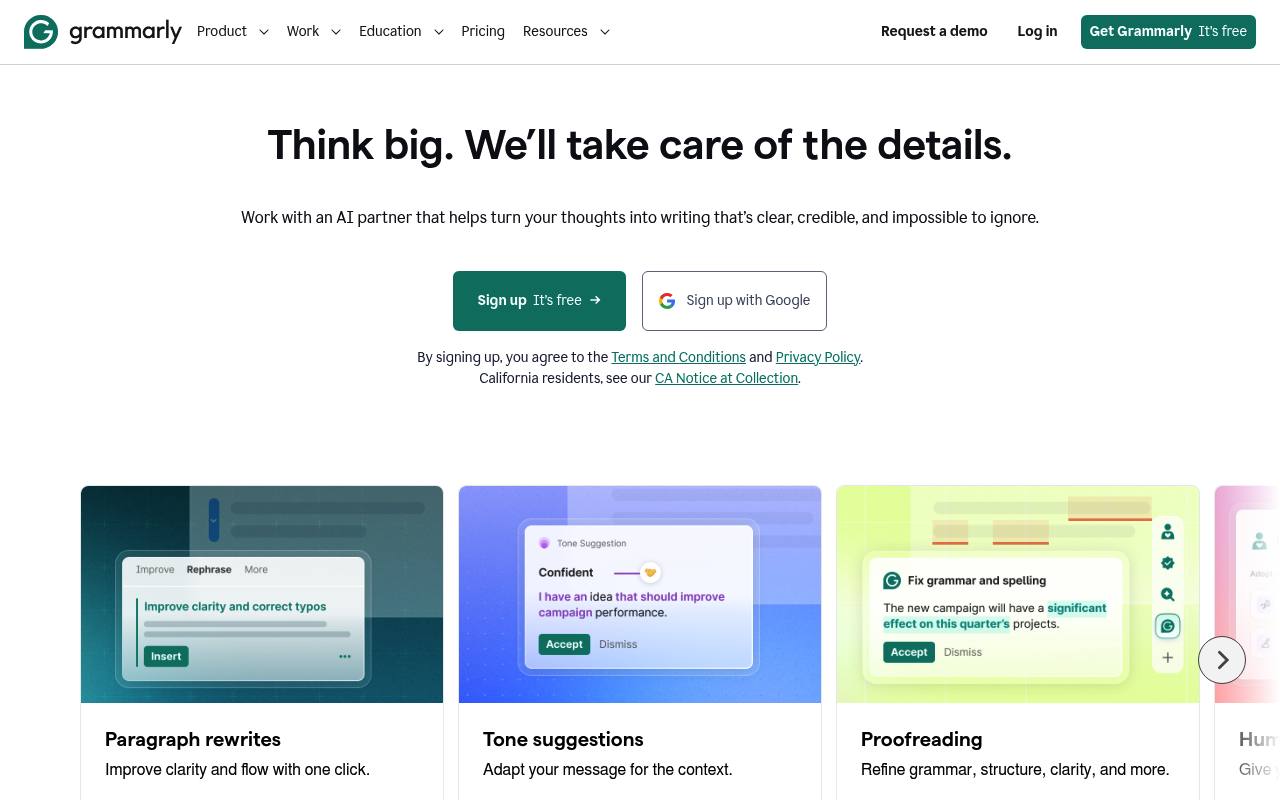
Grammarly reviews spelling, grammar, punctuation, clarity, tone, and phrasing while you write. Its AI tools can proofread, paraphrase, humanize, detect AI-generated text, check plagiarism, translate, and provide reader feedback.
Individuals, teams, educators, and organizations use it in documents, email, browsers, desktop apps, and mobile apps. The Free plan has limited AI prompts; Pro and Enterprise add advanced writing, AI, security, and team features.
Features
- Checks spelling, grammar, punctuation, clarity, and phrasing
- Rewrites full sentences and adjusts writing tone
- Proofreads, paraphrases, humanizes, and translates text
- Detects AI-generated text and accidental plagiarism
- Provides reader reactions for different target audiences
- Offers AI Chat and specialized AI writing agents
- Includes style guides, snippets, brand tones, and analytics
- Supports Grammarly for Windows, Mac, browsers, and mobile
Use cases
- Review emails, documents, proposals, and workplace messages
- Rewrite text for a clearer or more professional tone
- Check essays and assignments for grammar and plagiarism
- Adapt marketing copy to a brand style guide
- Improve AI-assisted writing before sending or publishing
- Get feedback on how text may affect a target reader
Pros
Cons
Latest updates
- Bug fixes and performance optimization (v.14.1160.0)
- Bug fixes and performance optimization (v.14.1340.0 and v.14.1341.0)
- Bug fixes and performance optimization (v.1.2.306.1984)
- Bug fixes and performance optimization (v.1.2.305.1980)
- Fixed PBUG-3572: (v.1.202.0.0)
Fixed PBUG-3572: Text corruption in Microsoft Outlook on macOS 27
Capabilities
- Rewrites — “Rewrite full sentences with a click” source
- Grammar — “Write without spelling and grammar mistakes.” source
- Tone — “Adjust your writing tone with ease” source
- Plagiarism check — “Detect plagiarism from 16 billion web pages and ProQuest's databases.” source
- AI detection — “Detect AI generated text” source
- Translation — “translate instantly across 19 languages” source
- Browser extension — “Grammarly browser extension” source
Get it
Pricing
- Starting price
- $12/mo
- Prices checked
- 2026-10-27
Free
Free
- Write without mistakes
- See your writing tone
- Generate text with 100 AI prompts
Pro
- $12
- Rewrite full sentences with a click
- Adjust your writing tone with ease
- Write fluently in English
- Unlimited personalized suggestions
- Detect plagiarism and AI generated text
- Generate text with 2,000 AI prompts
Enterprise
Price on request
- Proactive AI that works everywhere
- Dedicated support
- BYOK encryption
- Custom roles and permissions
- Data loss prevention
- Cost center visibility