tools
gitStream
gitStream automates pull-request workflows with programmable rules, AI assistants, reviewer routing, CI orchestration, and merge controls.
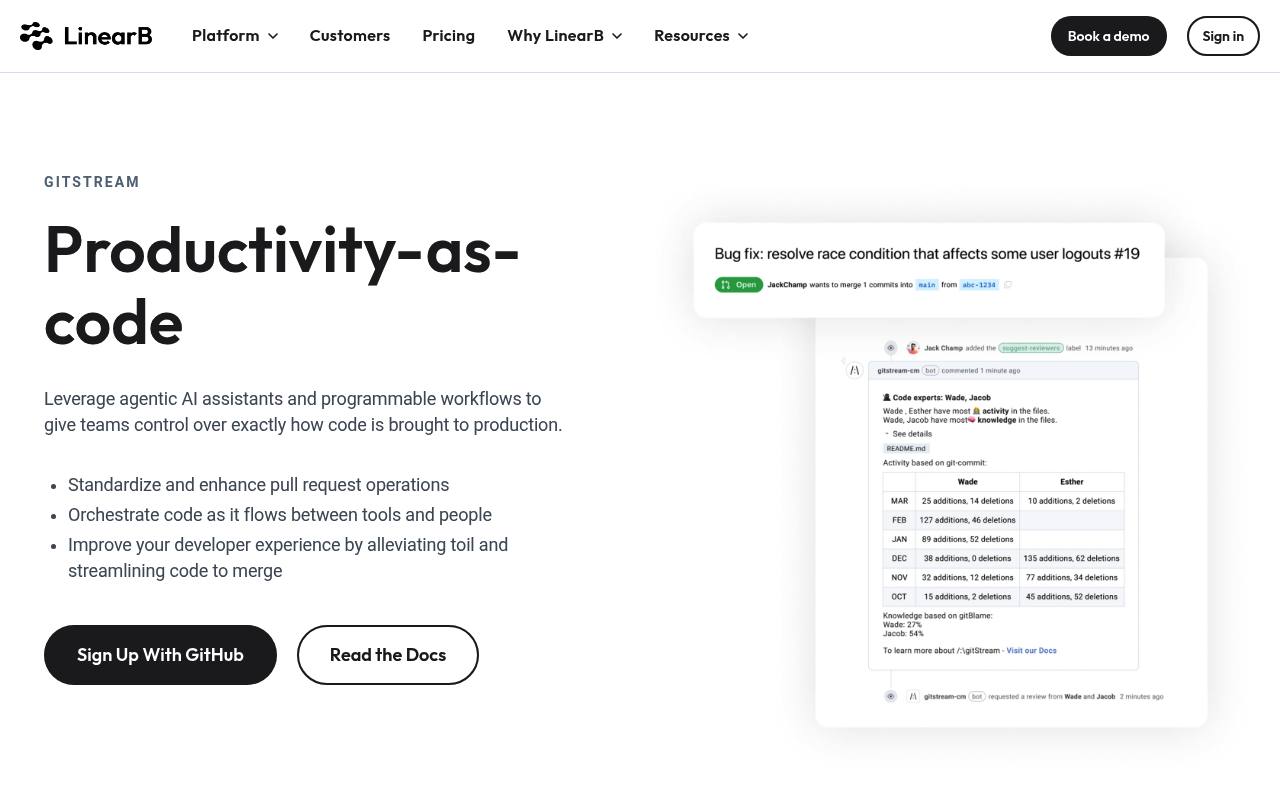
gitStream is LinearB’s productivity-as-code tool for software engineering teams. It uses programmable workflows and agentic AI assistants to classify pull requests, route reviews, trigger CI pipelines, apply labels, enforce merge rules, and automate selected approvals.
Teams use it with version-control, CI/CD, DevSecOps, and documentation tools. The LinearB pricing page lists gitStream-related workflow features within Essentials at $29 User/Month billed annually and Enterprise at $59 User/Month billed annually; additional AI credits start at $0.015.
Features
- Programmable workflows and policy-as-code merge standards
- CI orchestration that selectively triggers pipelines
- Code-expert identification and reviewer routing
- High-risk code tags requiring security approval
- Estimated review-time labels for pull requests
- AI-generated pull-request descriptions and code reviews
- Automated approvals and merge workflow controls
- GitHub, GitLab, and Bitbucket workflow support
Use cases
- Route pull requests to developers with relevant code expertise
- Require extra approvals for high-risk or complex changes
- Trigger only the CI pipelines needed for a pull request
- Label pull requests by estimated review time
- Auto-approve safe documentation-only changes
- Generate pull-request descriptions and review feedback
Pros
Cons
Capabilities
- Builds agents and workflows — “Leverage agentic AI assistants and programmable workflows to give teams control over exactly how code is brought to production.” source
Get it
Pricing
- Starting price
- $29/user/mo
- Prices checked
- 2026-11-06
Essentials
- $29 User/Month Billed annually
- Programmable workflows
- Developer satisfaction surveys
- Auto-PR descriptions
- AI impact measurement
- AI code reviews
- MCP Server
Enterprise
- $59 User/Month Billed annually
- Developer productivity insights
- Project tracking & forecasting
- Resource allocation & investment profile
- R&D cost capitalization
- On-prem agents
- Developer automations in Slack and Microsoft Teams