tools
Gamma
Gamma uses AI to create presentations, documents, websites, graphics, and social posts from prompts, files, or existing content.
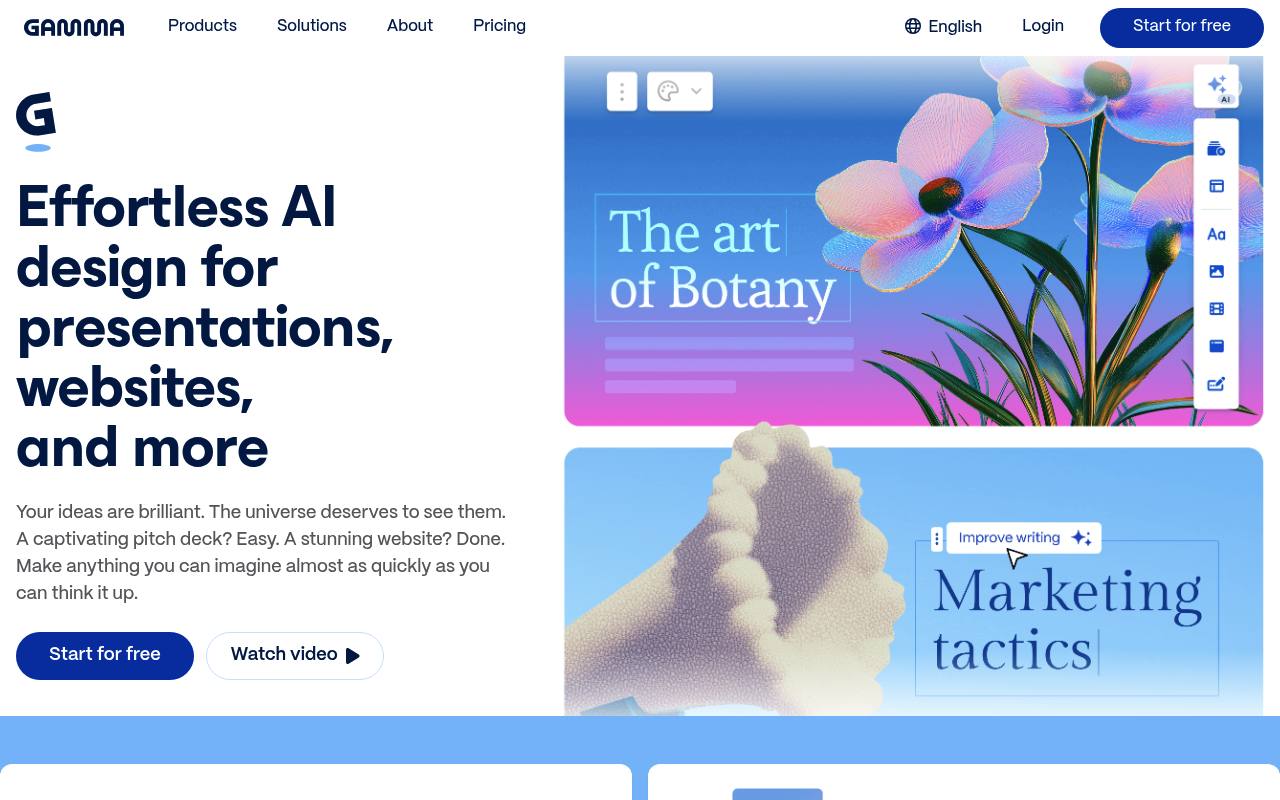
Gamma helps individuals and teams generate, edit, publish, and share visual content. Users can start with a prompt, paste text, import files or webpages, and export results to formats such as PowerPoint, PDF, PNG, and Google Slides.
It supports presentations, documents, websites, graphics, and social media content, with collaboration, analytics, custom branding, and an API on eligible plans. Gamma websites do not support e-commerce or blogging, and advanced models, API access, custom domains, and other features may require paid plans.
Features
- Generate presentations, documents, websites, graphics, and social posts from prompts
- Import PowerPoint files, PDFs, webpages, and Google Drive content
- Edit layouts, text, images, and slides with an AI agent
- Export content to PPTX, PDF, PNG, and Google Slides
- Publish websites and social posts or share work through links
- Collaborate with workspace members in real time
- Create content programmatically through the Gamma API
- Connect Gamma with Slack, ChatGPT, Claude, and automation tools
Use cases
- Create pitch decks from an outline or business brief
- Turn existing documents or presentations into editable visual content
- Publish landing pages, portfolios, and business websites
- Prepare reports, proposals, white papers, and training materials
- Generate social posts, carousels, banners, and infographics
- Automate branded content creation through the API or Slack
Pros
Cons
Latest updates
- What’s new in Gamma | September–October 2026
The agent will brainstorm, research, and design a presentation from a sentence, doc, PDF, image, or old deck.
- What’s New in Gamma | August 28
Gamma is now on iOS and Android; work in Slack; build with the API and connectors; get more control over exports; sync charts with Google Sheets.
- Gamma is now on iOS and Android
Gamma is on iOS and Android, with support for 40+ languages, push notifications, search, page switching, pinch-to-zoom, and exports.
- Work with Gamma directly in Slack
Mention Gamma in Slack to create presentations, docs, webpages, and images from a prompt or thread, and search, read, export, and reply to comments.
- Build more with Gamma’s API and connectors
The API can return engagement analytics and comments, create multi-page gammas, and export work; image generation, archiving, and OAuth connections were added.
Capabilities
- Makes images — “AI-generated images” source
- Brand kit — “Custom instructions, brand controls, and workspace templates” source
- Collaboration — “collaborate on the same project in real time.” source
- Exports — “Export to PowerPoint, PDF, and more” source
- API — “Gamma offers an API that lets you connect Gamma to other tools and workflows.” source
Get it
Security
Pricing
- Starting price
- $9/user/mo
- Prices checked
- 2026-10-26
Free
Free
- 400 credits at signup
- Create up to 10 slides per prompt
- Presentations, docs, websites, social, and images
- Import from PDF & PPTX
- Export to PDF, PPTX, PNG & Google Slides
Plus
- $9 / seat / month
- $108 per seat, billed annually
- $12 / seat / month
- 1,000 monthly credits
- Create up to 100 slides per prompt
- Remove Gamma branding
- Advanced AI image models
Pro
- $18 / seat / month
- $216 per seat, billed annually
- $25
- 4,000 monthly credits
- Premium AI image models
- Custom branding
- Detailed analytics & advanced sharing
- Publish up to 10 custom domains
Ultra
- $90 / seat / month
- $1,080 per seat, billed annually
- $100
- 20,000 monthly credits
- Access to the most advanced AI models (text, image, video)
- Publish up to 100 custom domains
- Early access to new features