tools
Coze Review 2026 — ByteDance's No-Code AI Agent Builder Explained
Coze is ByteDance's no-code AI agent platform with 10M+ users. Build bots with 1000+ plugins, deploy to Discord/Telegram/WhatsApp. Free tier with GPT-4o mini.
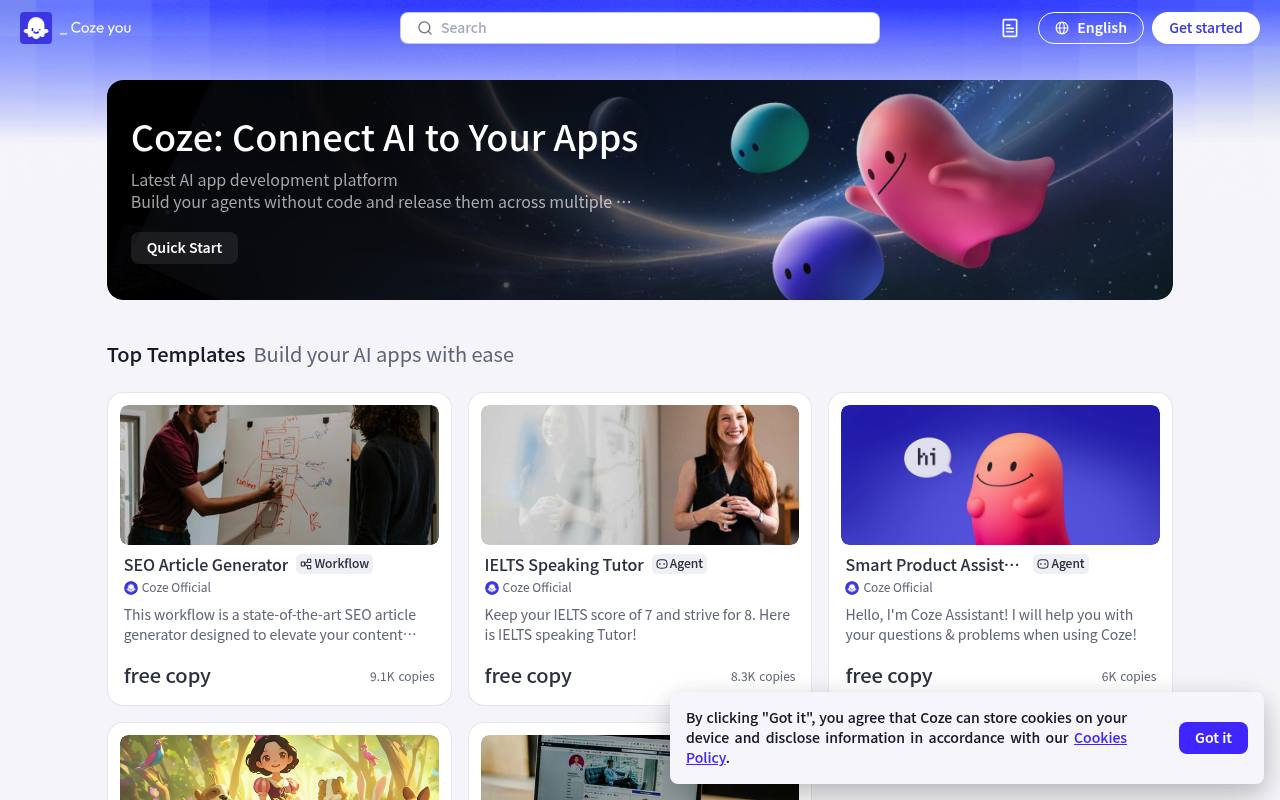
Coze lets users create AI agents with prompts, models, plugins, knowledge resources, templates, and workflow tools. It is aimed at developers, teams, and other users who want to build conversational or task-oriented agents.
Agents can be deployed to apps, web pages, and mini-programs. Coze provides API access and free API call credits, while some services and Coze Tokens may cost extra. The official pricing page rendered without usable prices during this check.
Features
- Build AI agents without coding
- Develop and test prompts
- Use multiple large language models
- Add plugins, knowledge, and other resources
- Use app templates and workflow orchestration
- Apply security controls across the agent lifecycle
- Deploy agents to apps, web pages, and mini-programs
- Access the platform through APIs
Use cases
- Build customer-service and support agents
- Create internal workflow and productivity agents
- Prototype conversational applications
- Deploy agents to websites and apps
- Connect agents to external APIs through plugins
Pros
Cons
Latest updates
- ⭐️ Decommission
Filebox, Long-term Memory, Multi-Agent Mode, Trigger, Asynchronous Operation, Voice, Logs, Collaboration, and Evaluation will be decommissioned.
- Sidebar Redesign
Coze has redesigned the sidebar to improve navigation and streamline user workflows.
- Decommission
Filebox, Long-term Memory, Multi-Agent Mode, Trigger, Asynchronous Operation, Voice, Logs, Collaboration, and Evaluation will be decommissioned.
- Model settings support deep thinking
Developers can enable or disable Deep Thinking to flexibly control the token consumption of the model during interactions.
- Model settings support default instructions
The default instruction feature has been added to model settings.
Capabilities
- API — “Build your agents without code and release them across multiple platforms with ready WebSDKs and APIs” source
- Official SDKs — “Build your agents without code and release them across multiple platforms with ready WebSDKs and APIs” source
- Builds agents and workflows — “Build your agents without code and release them across multiple platforms with ready WebSDKs and APIs” source
Pricing
- Prices checked
- 2026-10-23