tools
CapCut - AI Video Editor for Content Creators
CapCut is the leading AI video editor with auto-captions, text-to-video, AI avatars, and smart editing. Used by 300M+ creators worldwide.
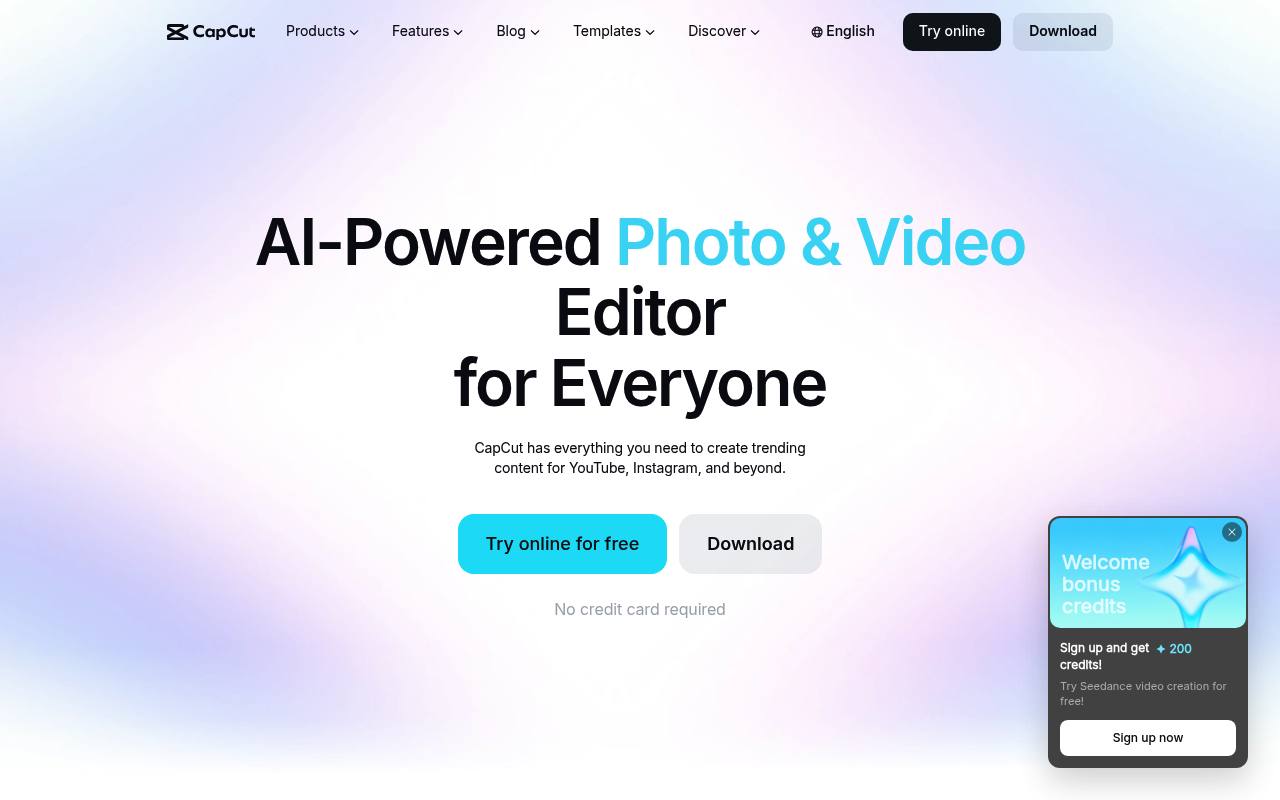
CapCut lets creators edit video on the web, desktop, and mobile using trimming, transitions, filters, music, captions, transcription, text-to-speech, and background removal. Its AI tools can generate videos or images from prompts and help prepare rough cuts from uploaded footage.
It is used by social media creators, marketers, educators, sellers, freelancers, and teams. Basic editing is available for free, while premium templates, advanced AI tools, higher-resolution exports, commercial-use assets, and cloud storage may require a subscription. Pricing varies by region, platform, account, and billing cycle.
Features
- Trim, cut, merge, and adjust video speed
- Add transitions, filters, effects, music, and sound effects
- Generate videos from text prompts with an AI video maker
- Generate images from text prompts with an AI image generator
- Create automatic captions and transcriptions
- Convert text to speech and edit voiceovers on a timeline
- Remove or replace video backgrounds with AI
- Export MP4 and MOV files with resolution, frame rate, and bitrate controls
Use cases
- Edit short videos for TikTok, Instagram, and YouTube
- Create product ads and e-commerce showcases
- Produce tutorials with captions and screen recordings
- Build narrated videos from scripts
- Prepare event highlight reels
- Draft rough cuts from uploaded footage with CapCut × Codex
Pros
Cons
Latest updates
- How Seedream 5.0 Pro Could Upgrade AI Image Design in CapCut (Seedream 5.0 Pro)
Seedream 5.0 Pro could upgrade AI image design in CapCut with prompt control, references, and visual starts.
- Seedream 5.0 Pro and CapCut Design Studio: Faster Visual Creation for Creators (Seedream 5.0 Pro)
Seedream 5.0 Pro could support CapCut Design Studio workflows for posters, banners, social visuals, and campaign concepts.
- Seedream 5.0 Pro Is Coming to CapCut: A New Era for AI Image Generation (Seedream 5.0 Pro)
Seedream 5.0 Pro is coming to CapCut for AI image generation workflows for social visuals, campaigns, and design planning.
- CapCut AI Image Generator Preview: Why Seedream 5.0 Pro Matters for Design Studio Workflows (Seedream 5.0 Pro)
A preview explains Seedream 5.0 Pro in CapCut AI Image Generator for Design Studio workflows, campaign visuals, and creative iteration.
- What to Expect from Seedream 5.0 Pro in CapCut's AI Image Generator (Seedream 5.0 Pro)
The article covers prompt control and campaign visual concepts for Seedream 5.0 Pro in CapCut's AI Image Generator.
Capabilities
- Text to video — “Turn text into a video and choose its visual style.” source
- Image to video — “Turn text, images, or keyframes into videos with the smartest online video editor you've ever used.” source
- Edits video — “Free Online Video Editor with AI – Cut, Trim, Add Transitions & Subtitles, Export HD Videos Without Watermark for YouTube, TikTok & Reels” source
- AI presenters — “AI avatar generator” source
- Dubbing — “AI dubbing” source
- Captions — “AI Auto Subtitle Generator Online Free – Add Accurate Automatic Captions to Videos in Multiple Languages, No Watermark” source
Get it
Pricing
- Starting price
- $12/user/mo
- Prices checked
- 2026-11-06
Free
Free
- Free templates to start fast
- Basic editing tools
Pro
- USD 19.99 /month
- USD 179.99 /year
- Generate up to 240s at 720p or 600s at 480p with Seedance 2.0 Mini
- Use up to 58% fewer credits with Seedance 2.0 Mini
- 1200 monthly AI credits
- Access to AI features
- All premium templates
- 1 TB of space storage
Ultra
- USD 79 /month
- USD 900 /year
- Generate up to 1,700s at 720p or 4,300s at 480p with Seedance 2.0 Mini
- Use up to 58% fewer credits with Seedance 2.0 Mini
- 8645 monthly AI credits
- Access to AI features
- All premium templates
- Everything in Pro, plus exclusive AI features
Teams (2 seats)
- USD 12.49 /month per seat
- USD 107.5 /year per seat
- 1200 monthly AI credits per seat
- Access to AI features
- All premium templates
- Access to Pro features for all seats
- Brand kit
- 1 TB of space storage
Teams (5 seats)
- USD 108 /year per seat
- USD 12 /month per seat
- 1200 monthly AI credits per seat
- Access to AI features
- All premium templates
- Access to Pro features for all seats
- Brand kit
- 1 TB of space storage
Teams (15 seats)
- USD 20 /year per seat
- 1200 monthly AI credits per seat
- Access to AI features
- All premium templates
- Access to Pro features for all seats
- Brand kit
- 1 TB of space storage
Teams (7 seats)
- USD 12 /month per seat
- 1200 monthly AI credits per seat
- Access to AI features
- All premium templates
- Access to Pro features for all seats
- Brand kit
- 1 TB of space storage
Teams (10 seats)
- USD 20 /month per seat
- 1200 monthly AI credits per seat
- Access to AI features
- All premium templates
- Access to Pro features for all seats
- Brand kit
- 1 TB of space storage
Teams (30 seats)
- USD 20 /month per seat
- 1200 monthly AI credits per seat
- Access to AI features
- All premium templates
- Access to Pro features for all seats
- Brand kit
- 1 TB of space storage