tools
Brisk
Brisk is an AI education platform that helps teachers create lessons, personalize materials, give feedback, and support student practice.
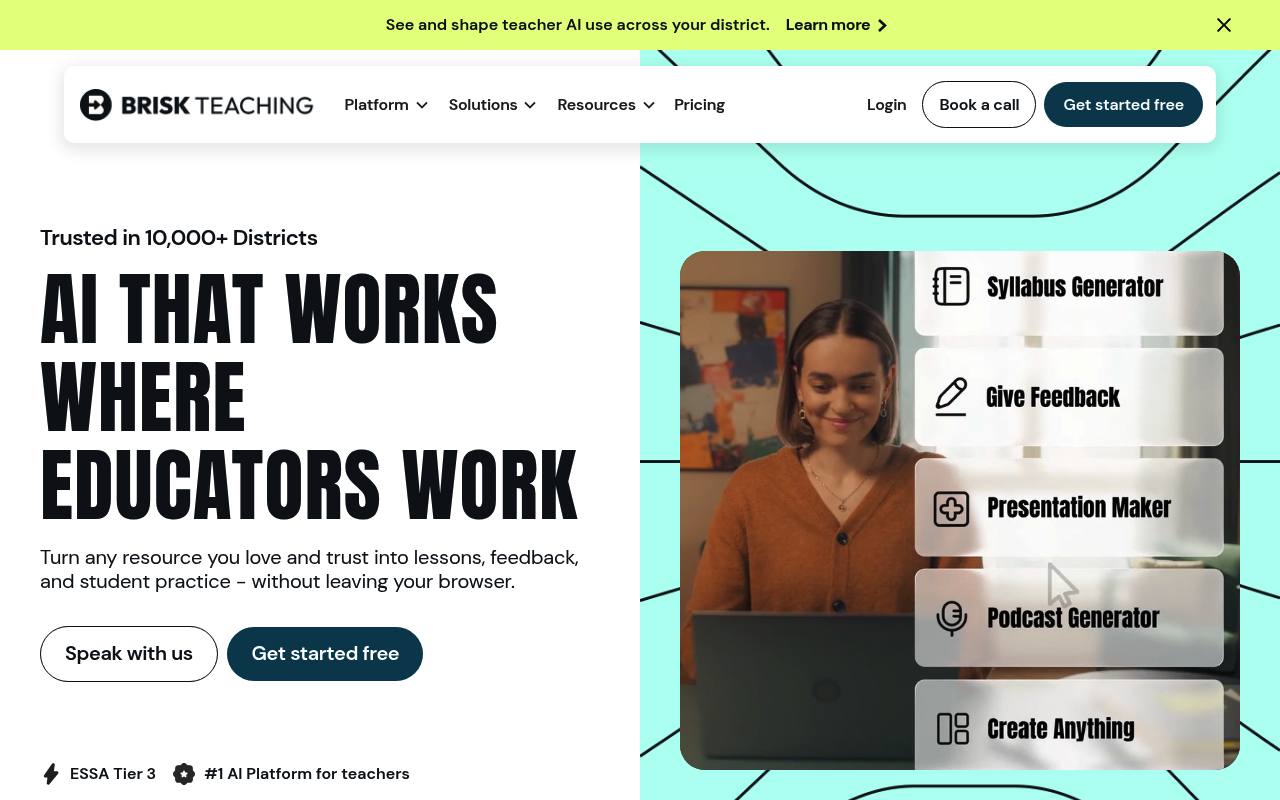
Brisk works through a Chrome and Edge extension, Brisk Next, and Brisk Boost. Teachers can turn documents, webpages, videos, PDFs, images, and spreadsheets into lessons, quizzes, presentations, guided notes, podcasts, and student activities.
It also supports differentiated instruction, translation, writing feedback, rubric scoring, student progress insights, and teacher-guided AI activities. Individual teachers can use the Free plan; Premium and Intelligence plans for schools and districts use custom pricing.
Features
- Creates lessons, quizzes, presentations, guided notes, podcasts, and interactive resources
- Generates materials from Docs, Slides, Word, PowerPoint, webpages, YouTube, PDFs, images, and spreadsheets
- Differentiates lessons and creates up to three reading levels
- Translates instructional materials into 40+ languages
- Provides personalized, batch, rubric-based, and targeted writing feedback
- Creates teacher-guided AI activities for students with Brisk Boost
- Bundles, refines, shares, and organizes resources in Brisk Next
- Chrome and Edge extension with Google and Microsoft tool integrations
Use cases
- Create a lesson set from an article, video, PDF, or existing document
- Generate differentiated readings for students at different readiness levels
- Give personalized feedback on student writing and assignments
- Build guided AI activities from teacher-selected classroom resources
- Translate lessons and classroom materials for multilingual learners
- Review student progress and generate standards-aligned next steps
Pros
Cons
Latest updates
- Create Wayground Assessments Without Leaving Brisk
Brisk generates assessments directly in your Wayground account.
- Give Students a Safe Way to Explore Any Topic with Quick Chat
Quick Chat lets students explore a topic and ask Brisk questions about it.
- Use Brisk Tools Directly in ChatGPT
Use the Brisk App in ChatGPT to build resources in your Brisk account and get links to them.
- Brisk’s Web App Just Got Easier to Navigate
Navigation moved from the top of the screen to a collapsible bar on the left.
- Use Your Documents to Build District Guidance
Upload documents from Google Drive, OneDrive, or your computer to draft District Guidance.
Capabilities
- Reads PDFs — “Brisk works wherever you teach – on any page, in any file, from docs and videos to PDFs, websites, and your own materials.” source
- Quizzes and flashcards — “Quiz generator” source
- Many languages — “Adjust reading levels or translate content to support every learner in your classroom.” source
Get it
Pricing
- Starting price
- Free
- Prices checked
- 2026-10-26
Free
Free
- Strong pedagogy and general best practices
- Create materials, give feedback, and adapt instruction
- Safe, trusted AI tool teachers can explore on their own
- Self-serve resources and community
Premium
Price on request
- Your state standards, rubrics, classroom insights, and instructional priorities
- Generate with your standards and see what students need next
- Tools customized to your context
- Tool management and real-time visibility into district usage
- CSM support, onboarding, and access to professional development
Intelligence
Price on request
- Your adopted curriculum, pacing, and scope & sequence
- District-curated library of curriculum-based resources
- Curriculum fidelity and instructional consistency across buildings and classrooms
- White glove curriculum setup and a dedicated CSM
- Access to professional development