tools
Aider Review 2026 — Open-Source AI Coding Agent for Your Terminal
Aider is the leading open-source AI pair programmer for the terminal. Bring your own API key, get multi-file edits with automatic Git commits. Rated 4.4/5.
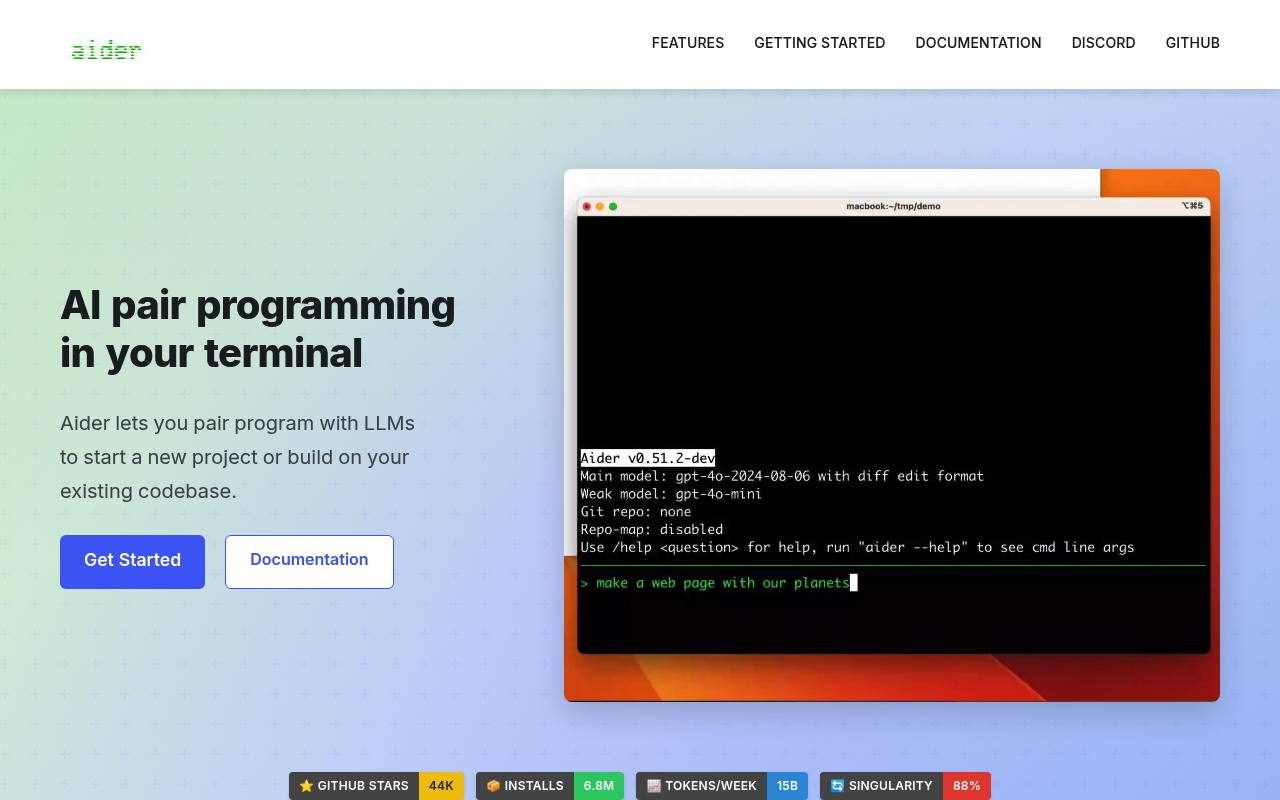
Aider lets developers chat with language models about a codebase, create or modify files, run shell commands, and review changes through Git. It builds a repository map to provide context and can work with cloud or local models.
It supports terminal, browser, IDE, voice, image, and web-page workflows. Aider itself is free and open source, but most model usage requires an API key and provider charges may apply.
Features
- Edits files through an interactive terminal chat
- Maps the codebase to provide repository context
- Automatically commits changes with Git
- Runs linters and tests and helps fix detected problems
- Connects to cloud and local language models
- Adds images and web pages to coding chats
- Supports voice-to-code requests
- Apache 2.0 licensed open-source software
Use cases
- Build a new project from a natural-language request
- Refactor multiple files in an existing Git repository
- Run tests and fix failures after code changes
- Review or undo AI-generated changes with Git
- Use voice requests to implement features or bug fixes
- Apply model-generated edits while working in an IDE
Pros
Cons
Capabilities
- Chat about your code — “Usage — How to use aider to pair program with AI and edit code in your local git repo.” source
- Knows the whole codebase — “Aider makes a map of your entire codebase,” source
- Runs commands — “Automatically lint and test your code every time aider makes changes.” source
- Reviews pull requests — “You can also use aider to review PR branches:” source
- VS Code — “Use aider from within your favorite IDE or editor.” source
- JetBrains IDEs — “Use aider from within your favorite IDE or editor.” source
- Command line — “Aider is AI pair programming in your terminal.” source
- Choice of models — “Control aider with in-chat commands like /add, /model, etc.” source
- API — “You can script aider via the command line or python.” source
Get it
Pricing
- Starting price
- Free
- Prices checked
- 2026-10-24
- Read
- by web search
Free / Open Source
Free
- Works with Claude, GPT, DeepSeek, Gemini, local models (Ollama, etc.)
- Automatic git commits with sensible messages
- Codebase mapping for larger projects
- Supports 100+ languages
- IDE/editor integration and voice input
- Linting & testing after edits