tools
Aftershoot Editing
AI photo editing software that learns a photographer’s style, applies edits in batches, and supports RAW refinement and retouching.
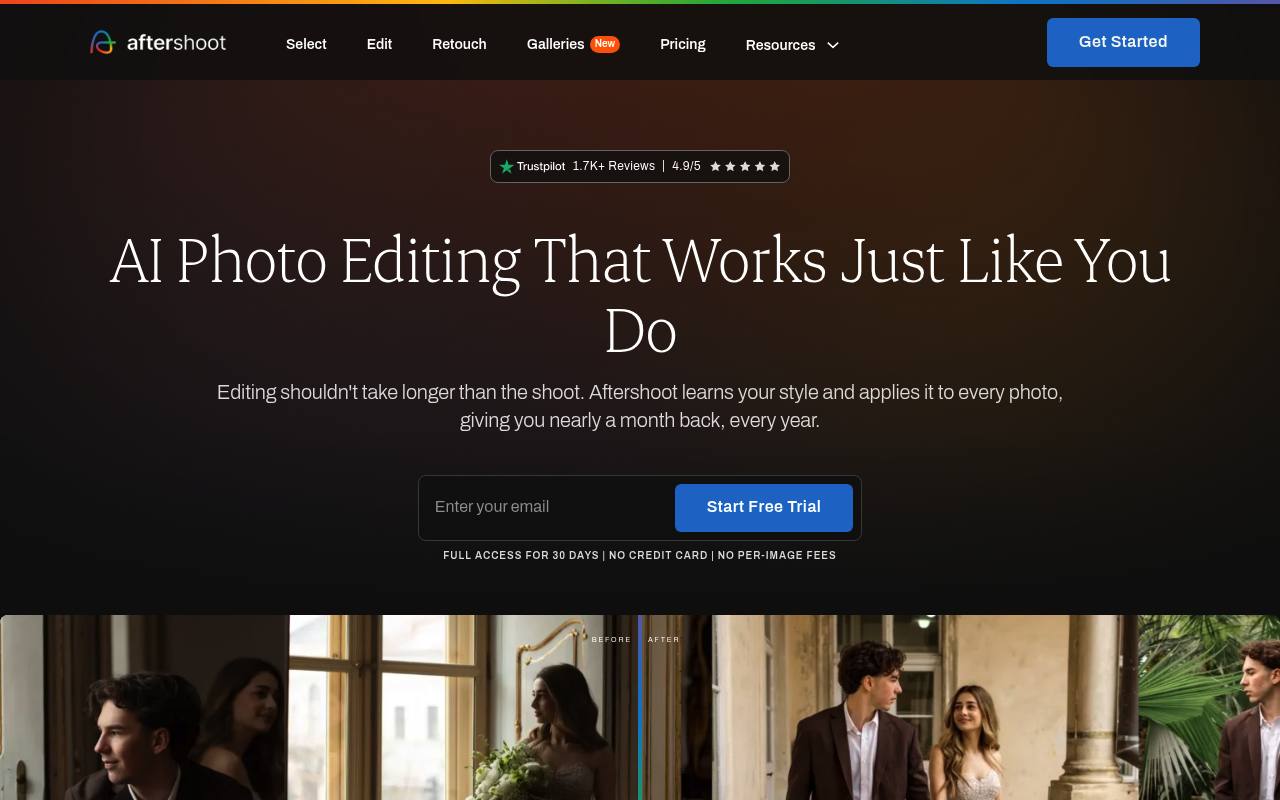
Aftershoot Editing analyzes photos and applies a photographer’s editing style across a gallery. It supports personalized AI profiles, preset-based styles, masking, cropping, straightening, RAW adjustments, retouching, and exports to other photo applications.
It is designed for photographers handling large volumes of wedding, event, portrait, and journalism images. Manual editing is available without charge, but AI editing requires an active subscription; the official pricing page did not display prices during this search.
Features
- Create personalized AI profiles from edited Lightroom or Capture One images
- Apply pre-built AI and Creator Styles across photo galleries
- Edit RAW files with white balance, light, HSL, color grading, and detail controls
- Use subject and background masking for targeted adjustments
- Automatically crop and straighten images in batches
- Retouch subjects and apply background replacement and generated shadows
- Export images to Lightroom, Capture One, Photoshop, JPEG, TIFF, or original formats
Use cases
- Edit thousands of wedding photos with a consistent visual style
- Build an AI profile from a photographer’s previous Lightroom edits
- Batch-crop and straighten portrait or event galleries
- Refine AI-edited RAW files without switching applications
- Retouch portraits and replace backgrounds before delivery
Pros
Cons
Latest updates
- Your Aftershoot Founder Membership: How It Compares This Black Friday
Founder Membership costs $499 for the first year at Black Friday pricing, then stays $499/year while the subscription is active.
- How to Reach Your Wedding Gallery Count With Fewer Culling Passes
Cull to Target lets users set a gallery-wide target photo count before culling and weighs coverage and variety alongside quality.
Capabilities
Pricing
- Starting price
- $7.50/mo
- Prices checked
- 2026-11-06
Select
- $15
- $7.50 /m
- $12
- AI-driven image selections, duplicate grouping, & key face detection
- Users save 5-7 hours per shoot
Edit
- $35
- $22.50 /m
- $32
- Ai Marketplace Styles, AI-driven cropping, straightening, and masking
- 30+ hours saved per month
Retouch
- $25
- $15 /m
- $22
- Portrait Retouching, Retouching Presets, and Batch Sync
- 12k+ users retouched yesterday
Select + Edit
- $50
- $30
- $44
Complete
- $55
- $33.75 /m
- $50
- Select, Edit, Retouch
- Most popular plan, preferred by 78% of our users