tools
Aftershoot Culling
AI photo-culling software that selects strong images, groups duplicates, and flags blur and closed eyes for photographers.
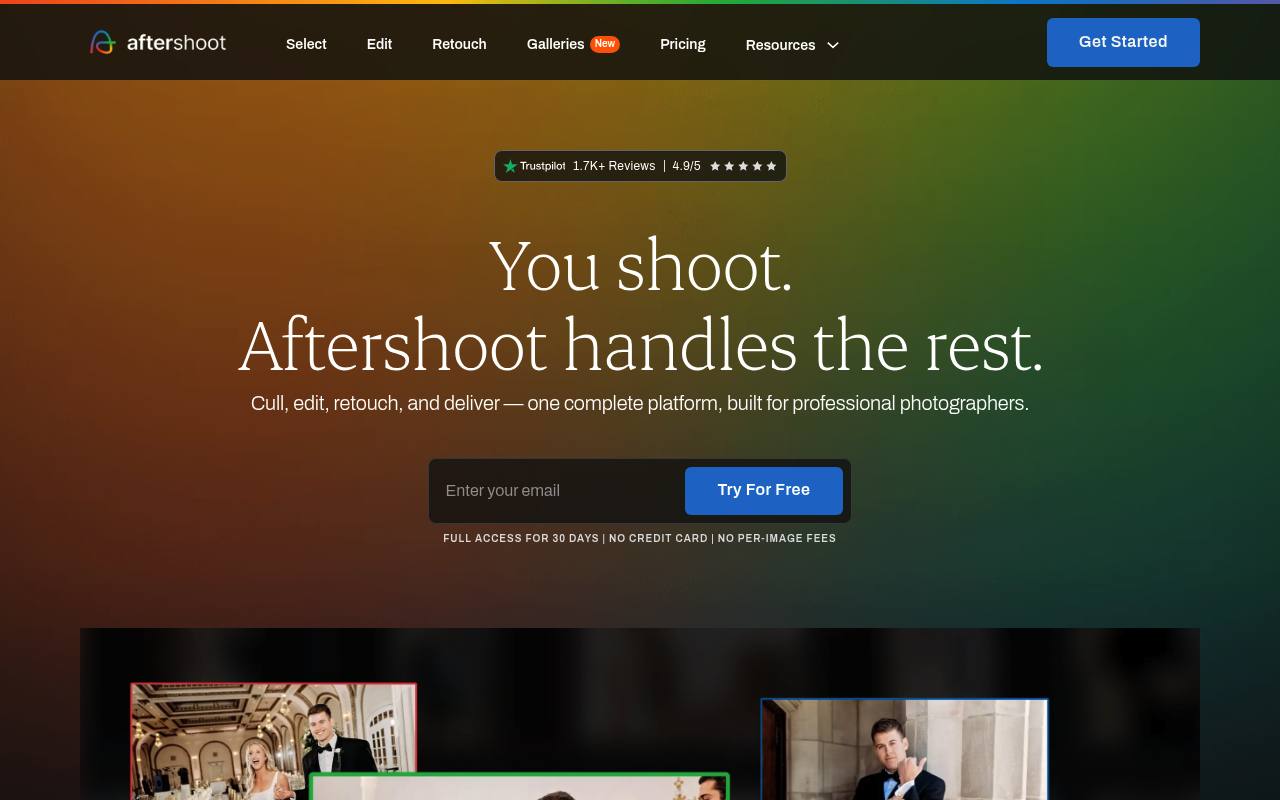
Aftershoot Culling analyzes RAW and JPEG photo albums locally, scores images, groups duplicates, and identifies selections, highlights, blur, and closed eyes. It offers automated and assisted culling modes plus review tools such as Survey Mode and Spray Can.
It is designed for wedding, portrait, event, and other high-volume photographers using Windows or macOS. It does not create images; editing, retouching, and gallery delivery are separate modules or part of broader plans.
Features
- Automated and AI-assisted culling modes
- Groups duplicate images while preserving creative variations
- Flags blurry photos and closed eyes
- Scores images and surfaces strongest selections
- Survey Mode compares up to 16 images side by side
- Spray Can Tool applies ratings and categories quickly
- Works offline with RAW and JPEG files
- Exports ratings and flags for Lightroom
Use cases
- Cull thousands of wedding images before editing
- Group burst duplicates from sports or event shoots
- Flag blurry frames and closed eyes in portrait sessions
- Review AI selections in Survey Mode
- Sort images into delivery categories with Spray Can
Pros
Cons
Latest updates
- Your Aftershoot Founder Membership: How It Compares This Black Friday
Founder Membership costs $499/year, locked while active, and includes extra AI profiles, a device, priority support, early access, and roadmap calls.
- How to Reach Your Wedding Gallery Count With Fewer Culling Passes
Cull to Target lets photographers set a target gallery count before culling and weighs coverage and variety alongside photo quality.
Capabilities
- Private generation — “100% offline. Images never leave your machine.” source
Pricing
- Starting price
- $10/mo
- Prices checked
- 2026-10-25
- Read
- by web search
Select
- $10/mo paid annually
- $15/month
- Unlimited AI Culling
- Smart Duplicates Grouping
- Key Faces Detection
Edit
- $30/mo paid annually
- $35/month
- Unlimited AI Editing
- Professional AI Profiles
- 30+ Pre-built AI Marketplace Styles
- AI Crop, Straighten & Masking
Retouch
- $20/mo paid annually
- $25/month
- Unlimited AI Retouching
- Custom Retouching Presets
- Effortless Batch Sync
Complete
- $45/mo paid annually (Save 25%)
- $55/month
- Everything in Select + Edit + Retouch
- Culling + Editing + Retouching, fully connected