tools
Adobe Firefly
Adobe Firefly creates and edits images, video, audio, and vector graphics from text prompts, with tools for ideation and production.
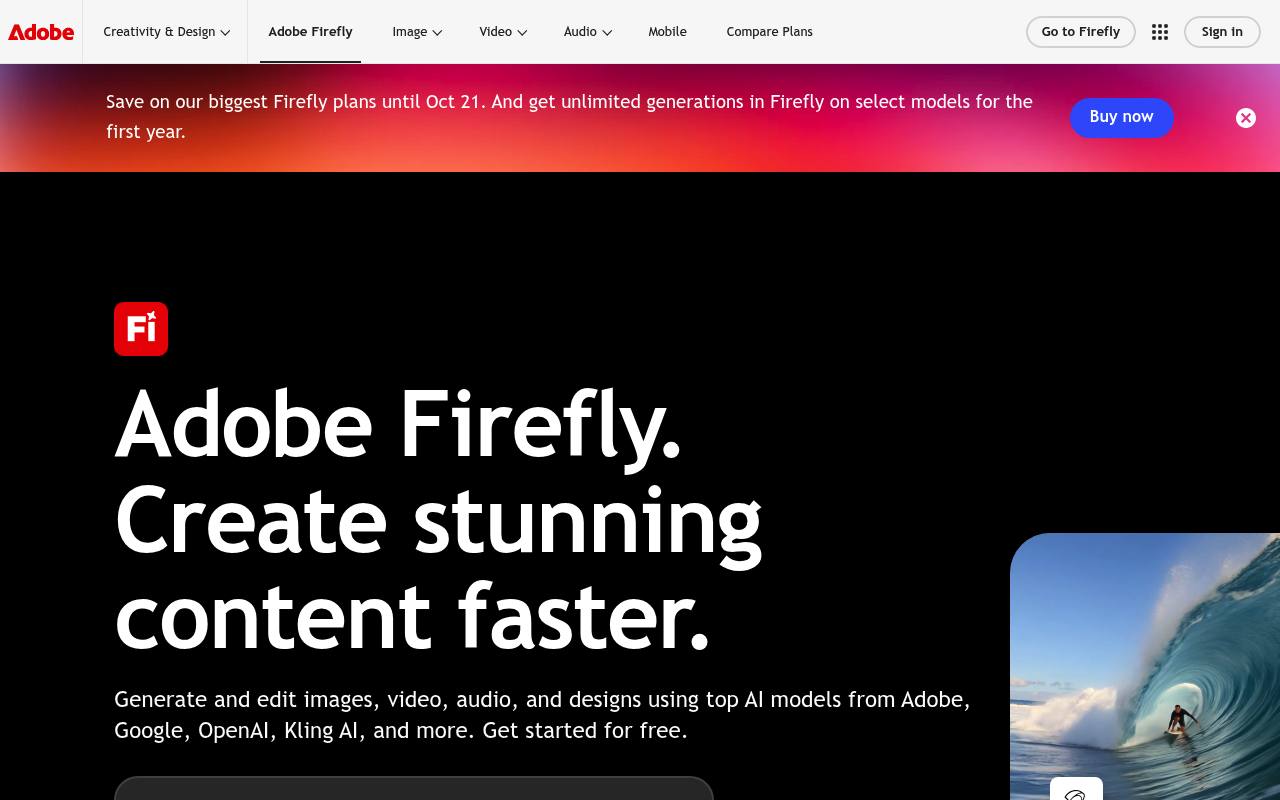
Adobe Firefly is a web and mobile creative AI workspace for generating and editing images, video, audio, and vector graphics. It includes image and video generation, audio tools, Firefly Boards, precision editing, and integrations with Adobe apps.
Designers, photographers, video editors, marketers, and content creators use it for campaign assets, social content, video clips, sound design, brand exploration, and storyboards. Free use has daily limits; paid plans provide monthly generative credits, and premium features or partner models use those credits.
Features
- Generate and edit images with Generative Fill, Generative Expand, and Prompt to Edit
- Generate video clips from text or still images
- Create sound effects, music, speech, and audio or video translations
- Create vector graphics and other design assets from text prompts
- Organize and remix concepts in Firefly Boards
- Use Adobe and partner AI models in one workspace
- Export images as PNG or JPG and videos as MP4
- Use Firefly Services APIs for content generation, editing, and assembly
Use cases
- Create on-brand campaign visuals and localized marketing assets
- Generate social media images, thumbnails, video clips, and sound effects
- Develop video B-roll, storyboards, soundtracks, and voiceovers
- Explore brand identities, product mockups, and visual concepts
- Refine generated or existing images and videos before Adobe app editing
Pros
Cons
Latest updates
- What’s new in Adobe Firefly - September 2026
Video background removal; GPT Image 2 supports 10 aspect ratios; Kling 3.0 Omni supports reference images; longer Image and Video prompts.
Capabilities
- Text to image — “Bring your ideas to life by generating high-quality, detailed images in just a few clicks.” source
- Edits images — “Then refine any image in the Firefly image editor — remove items, expand backgrounds, upscale, and more.” source
- Upscales — “Then refine any image in the Firefly image editor — remove items, expand backgrounds, upscale, and more.” source
- Image to video — “Generate Video from Image” source
- Commercial use — “Adobe Firefly models are commercially safe.” source
- Mobile app — “Users can access the Adobe Firefly web application on desktop and mobile or download the Firefly mobile app on iOS and Android .” source
Get it
Pricing
- Starting price
- $9.99/mo
- Prices checked
- 2026-10-25
Firefly Standard
- US$9.99/mo
- 2,000 generative credits per month
- Generate 5-second videos: up to 20
- Translate audio and video: up to 6 minutes
- Generate sound effects: up to 200
- Generate music: up to 100 minutes
Firefly Pro
- US$19.99/mo
- 4,000 generative credits per month
- Generate 5-second videos: up to 40
- Translate audio and video: up to 13 minutes
- Generate sound effects: up to 400
- Generate music: up to 200 minutes
Firefly Pro Plus
- US$49.99/mo
- 10,000 generative credits per month
- Generate 5-second videos: up to 100
- Translate audio and video: up to 33 minutes
- Generate sound effects: up to 1,000
- Generate music: up to 500 minutes
Firefly Premium
- US$199.99/mo
- 50,000 generative credits per month
- Unlimited access to the Firefly Video Model in Generate Video
- Translate audio and video: up to 166 minutes
- Generate sound effects: up to 5,000
- Generate music: up to 2,500 minutes