The Pulse
rakumo brings AI agent to invoice and estimate approval workflows
rakumo Workflow users can use an AI agent to draft internal applications from invoices, estimates and other documents. The agent is available at no additional charge to eligible Google Workspace customers, but users must submit and approve applications themselves.
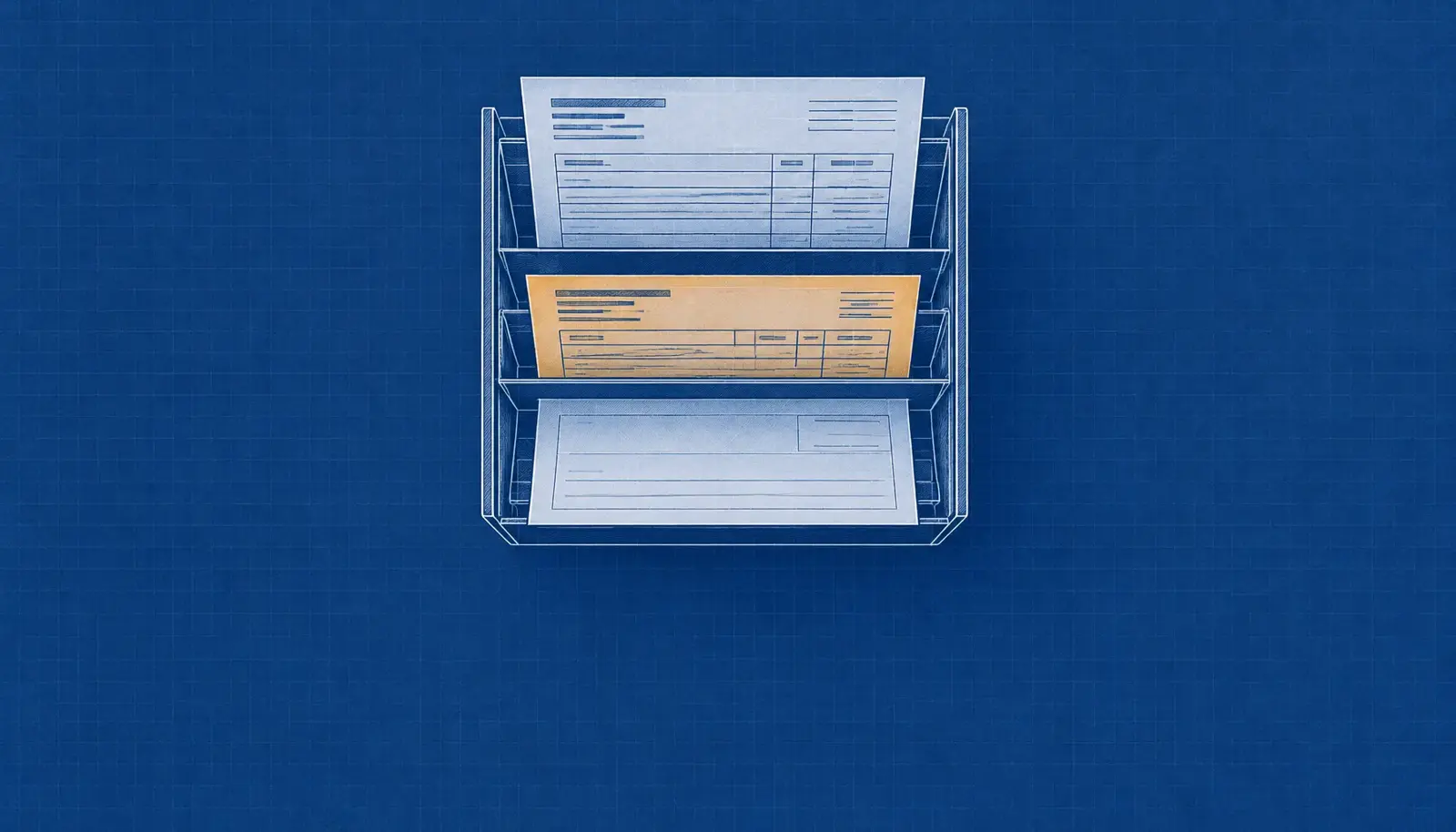
Invoices and estimates can now be used to draft internal approval applications in rakumo Workflow through an AI agent, according to a company release. The company made the agent generally available on November 11, adding it to the electronic approval system after an earlier calendar beta.
The Workflow integration follows a beta that began in rakumo Calendar in February 2026. The agent is part of the rakumo for Google Workspace series and can help select an application form as well as fill in a draft.
Drafts from documents
The agent works in a chat panel, where users can describe what they want to do or attach a document with a request. It accepts PDF, JPEG and PNG files, including invoices, estimates, receipts, training notices and airline booking confirmations.
Users must include a written request with an attachment; a file alone cannot be sent, according to rakumo's support notice. After reading a document, the agent displays a summary, the form it intends to use and the information to be entered. The user can then review the response and reply before the draft is saved.
Files are limited to 16MB each and five files per post, while Word and Excel formats are not supported. The company cautioned that the agent may select a form that does not fit the purpose or read a value incorrectly, and it told users to check drafts before submitting them.
Requests through chat
A request does not have to start with a document or the name of a form. Users can describe a proposed purchase, a paid seminar or another internal application, and the agent selects a form and saves a draft with details it can extract from the conversation, such as the subject, amount or reason.
Users can ask for changes in the same panel after a draft has been created. The agent can also use an earlier application as the basis for a new draft, including for recurring requests such as business card reprints or supply orders.
From the same chat, users can search for forms and check the progress of applications. The support notice also describes creating multiple drafts with the same contents at once.
Human review and access
The agent stops at drafting: users continue to review, submit, approve, reject or return applications through the Workflow screen. It operates within the user's permissions, so it handles only forms that person can use or view.
Chat content, attachments and workflow data are not used as AI model training data, the company said. The feature is available at no additional charge to rakumo Workflow customers using the Google Workspace version when an administrator enables the AI features and agent in the settings.
The support notice says customers who have already enabled the agent in rakumo Calendar need no additional setting. Use is limited to licensed Workflow users included in the agent's eligible user group and to the PC version. Some automatically generated application forms linked to rakumo's expense and attendance products cannot be created through the agent.