The Pulse
A $7 ESP32 Lets AI Agents Operate Real iPhones
ESP32 iPhone Agent uses an ESP32-S3 board to relay an iPhone’s mirrored screen to an agent app on the phone and send taps and other input back. The project’s current design removes the runtime computer, though setup still requires a Mac wit
AI.info Team · Written with AI ·
A roughly $7 ESP32-S3 board can give an AI model a way to see and operate a real iPhone, using screen mirroring for vision and a USB mouse-and-keyboard connection for input. The project, called ESP32 iPhone Agent, has since changed its design: the board now receives the phone’s AirPlay stream and passes it to an agent app running on that same iPhone. The project README describes the change:
“The board is now the AirPlay receiver and the mouse, and the agent runs in an iPhone app on the same phone.”
ESP32 iPhone Agent project README
The board sees; AssistiveTouch clicks
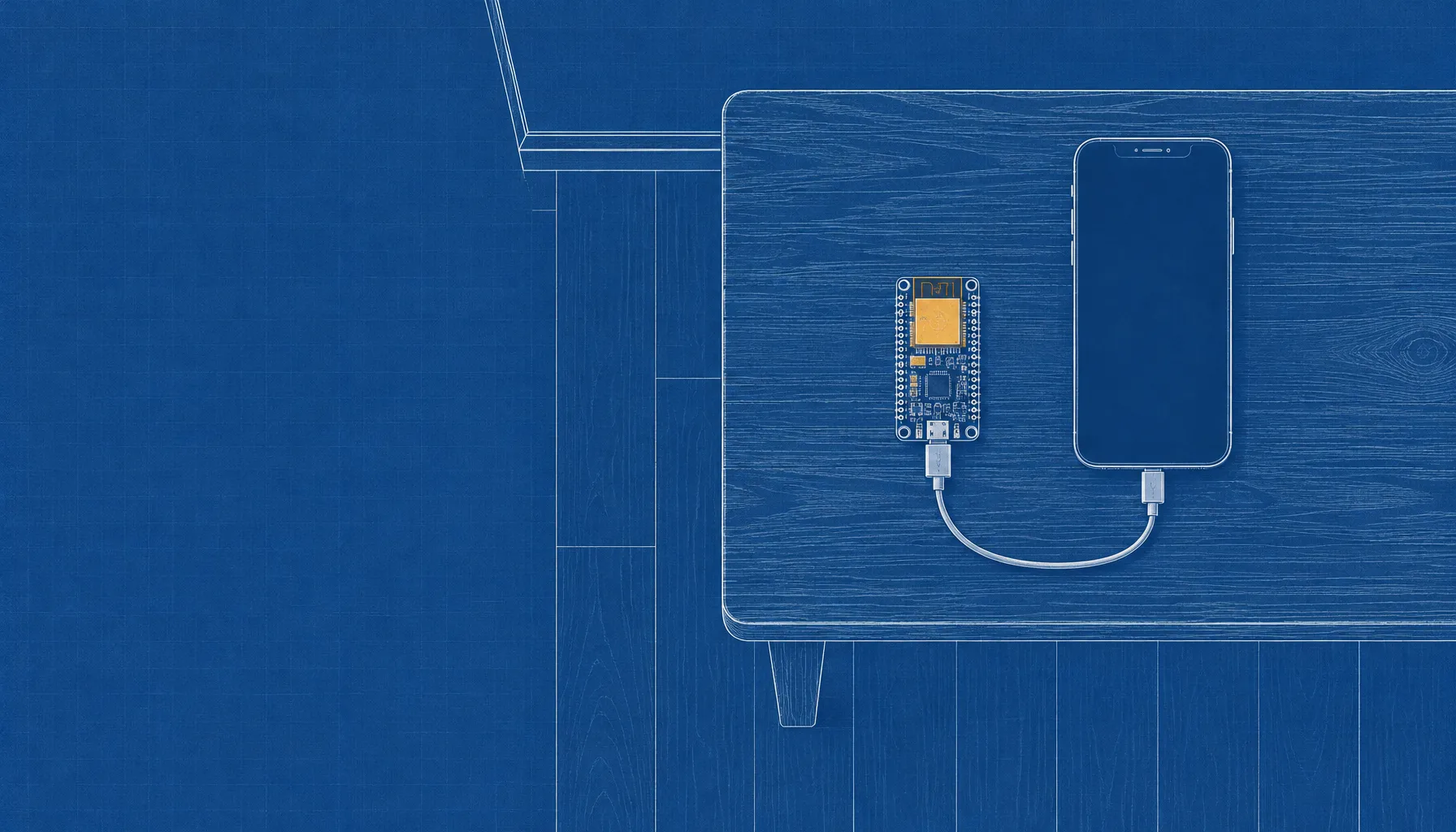
The tested hardware is Seeed Studio’s XIAO ESP32S3, the standard model with 8 MB of PSRAM. The board presents itself to iOS as a USB mouse and keyboard; with AssistiveTouch enabled, its pointer can tap and drag on screen. For vision, the iPhone mirrors its display over Wi-Fi to the board, which forwards the video over Bluetooth Low Energy to the app. The app decodes the stream, sends screen images to a vision model, and chooses actions such as tapping, swiping and typing.
The agent works with OpenAI-compatible vision-model endpoints, including cloud services and models hosted by the user. The project says the model key is stored in the iOS Keychain, and its prompts can be edited as plain-text files. The board uses the phone’s USB connection for power; while connected to the board’s hotspot, the iPhone reaches the model over cellular data rather than Wi-Fi.
The current version removes the runtime computer
The project’s first tagged release, v0.1.0, used a Mac or Linux computer to receive AirPlay with UxPlay and run a Python server. The current design moves those jobs: the ESP32 became the AirPlay receiver, while the iPhone app took over the agent loop. The earlier computer-based version remains available as a legacy branch, according to the project’s documentation.
“No computer” applies to running tasks, not building the setup. The current instructions require a Mac with Xcode to flash the board and build and install the iPhone app. A free Apple ID can sign the app, but the project says that signature must be renewed every seven days; one-tap hotspot setup requires a paid developer account. The iPhone must run iOS 18 or later.
Screen access has hard limits
The system relies on what iOS mirrors and accepts through standard input. It cannot see passcode entry, Apple Pay sheets or DRM-protected video, and mirroring stops when the phone locks. The project lists a 480-by-1040 stream at up to five frames per second, with each action taking several seconds; typing is limited to ASCII and landscape apps are not supported.
There is also a software caveat for anyone hoping to install the app from Apple’s App Store. The project says its current app uses a private iOS API and that it must replace that call before an App Store release. Its license is MIT for the project, with an exception: AirPlay code ported from UxPlay and the firmware binary that links it are distributed under GPL-3.0.
A phone agent still needs supervision
The app keeps run histories for replay and offers a stop control through the Dynamic Island. Those features help review or interrupt an agent, but they do not remove the risk of giving a model access to an unlocked phone with signed-in accounts. The project instructs users to automate only devices and accounts they own or have permission to use, follow app terms, watch the agent, and keep the stop control within reach.
That makes the board’s low price only one part of the setup. Users also need a compatible iPhone, a Mac for installation, an AI model endpoint and a willingness to let software act through the same interface a person uses. The project’s own limitations rule out sensitive screens such as Apple Pay and passcode entry, while its README still warns users to supervise every run.