tools
Wondershare Filmora
AI video editor for cutting, arranging, enhancing, captioning, and exporting videos on desktop and mobile, with AI tools and creative assets.
In inglese
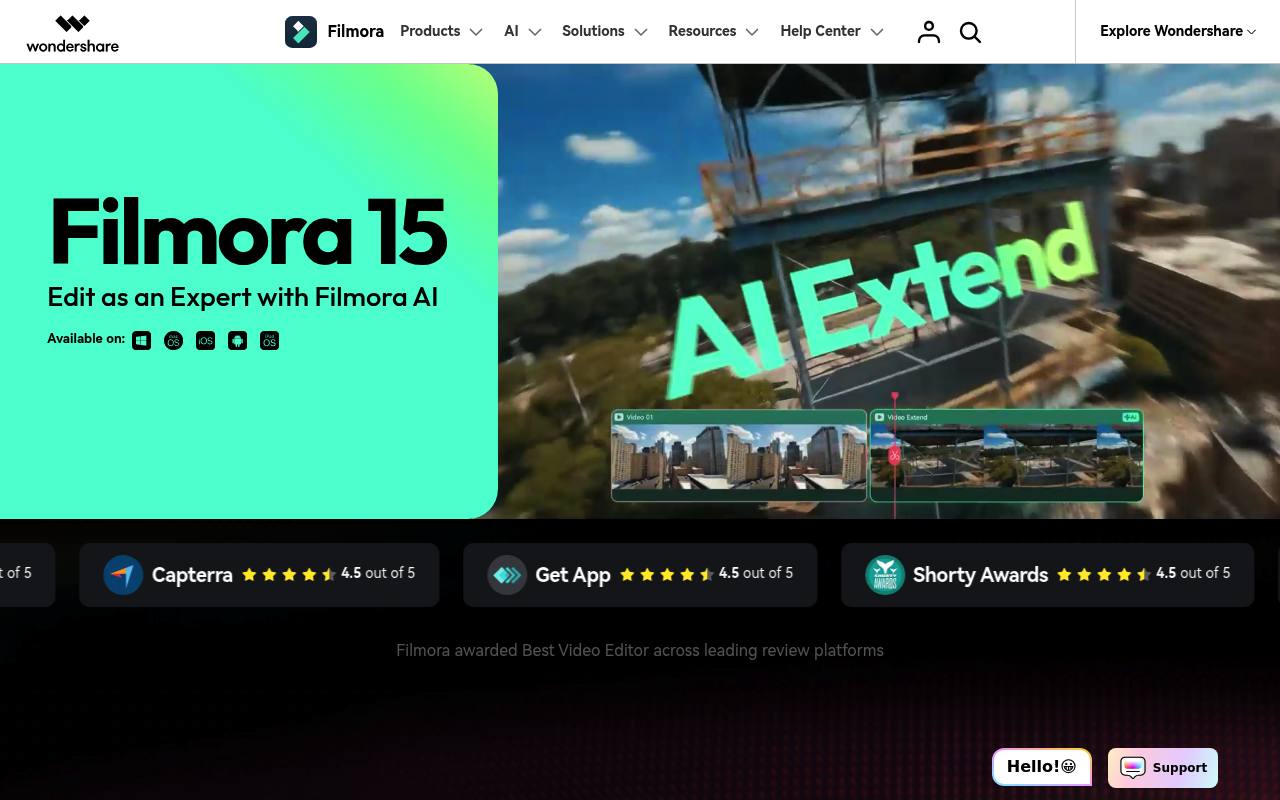
Wondershare Filmora edits video on Windows and macOS, with tools for timelines, captions, keyframes, color adjustment, motion tracking, effects, music, and creative assets. Its AI features can extend video, remove objects, enhance footage, generate captions, and create images or video from prompts.
It is used by creators, marketers, educators, and small production teams for social videos, tutorials, presentations, and marketing content. The free edition adds watermarks to exports; AI credits, cloud storage, and larger asset libraries vary by plan.
Features
- Edit with magnetic and dual timelines, multi-camera tools, and keyframe animation
- Generate or extend video and images with AI tools
- Create dynamic captions and convert speech to text
- Remove objects, cut out backgrounds, and enhance video clarity
- Track motion and attach graphics or text to flat surfaces
- Create animated charts and record screens for marketing videos
- Use AI tools for translation, text-to-speech, music, and sound effects
- Access templates, stock media, effects, transitions, titles, and music
Use cases
- Edit YouTube videos, tutorials, and creator content
- Create vertical clips for TikTok, Instagram, and YouTube Shorts
- Add captions, translations, and generated voiceovers to videos
- Remove unwanted objects and improve low-resolution footage
- Produce marketing videos with animated charts and screen recordings
- Combine multi-camera footage and apply color or motion adjustments
Pros
Cons
Capabilities
- Text to video — “Generate video from text , images , or audio” source
- Image to video — “Generate video from text , images , or audio” source
- Edits video — “cut and trim footage, edit on a multi-track timeline” source
- Dubbing — “AI Video Translation” source
- Captions — “turn speech into captions” source
- Sound and music — “AI Music Generator” source
- 4K — “4K HD Export” source
- Commercial use — “AI-generated resources labeled "Commercially available," such as AI Music, are suitable for commercial use.” source
Get it
Pricing
- Starting price
- $49.99/yr
- Prices checked
- 2026-09-25
Free
Free
- Basic editing features
- Export videos with watermarks
Basic
- US$ 49.99 /yr
- 2.9M+ Filmora Creative Assets
- 1 GB Cloud Storage
- Continuous Version Upgrades
- Export Without Watermark
- 4K HD Export
- 100+ Advanced Video Editing Features
Advanced
- US$ 59.99 /yr
- 1,000 Filmora AI Credits/mo
- 2.9M+ Filmora Creative Assets
- 10 GB Cloud Storage
- Continuous Version Upgrades
- Export Without Watermark
- 4K HD Export
Perpetual
- US$ 79.99
- 1,000 Filmora AI credits (One-time)
- Updates Within Filmora 16
- Export Without Watermark
- 1 GB Cloud Storage
- 4K HD Export
- 100+ Advanced Video Editing Features