tools
VEED.io Review 2026 — AI Video Editor with Subtitles & Avatars
VEED.io is the leading browser-based AI video editor. Auto-subtitles in 125+ languages, AI Avatars, text-to-video, Magic Cut. 10M+ users. Free plan available.
In inglese
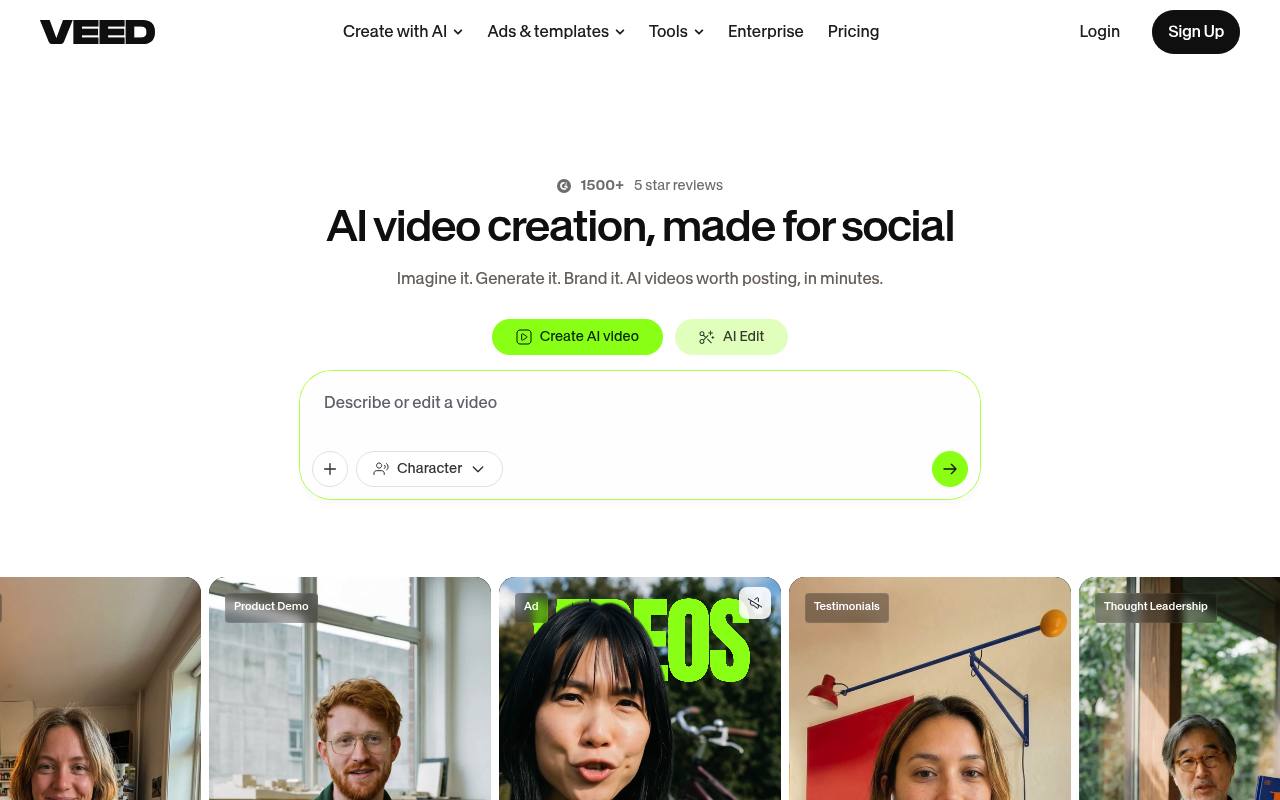
VEED helps creators, marketers, founders, and teams make videos online. It supports text-to-video generation, transcript-based editing, automatic subtitles, audio cleanup, AI avatars, dubbing, templates, stock media, and social exports.
The free plan includes basic editing and watermarked exports. Paid plans add higher-resolution exports, watermark removal, and expanded AI features. API access and some AI generation features may incur separate usage-based costs.
Features
- Generate videos from text prompts with AI
- Edit videos by changing their transcripts
- Automatically add animated subtitles and captions
- Translate video and audio into 125+ languages
- Clean audio and remove background noise
- Create AI avatars, voiceovers, and dubbed videos
- Resize and repurpose videos for social platforms
- Use video APIs for generation, lip sync, subtitles, and background removal
Use cases
- Create short-form videos for TikTok, Instagram Reels, and YouTube Shorts
- Edit interviews and podcasts by deleting transcript text
- Add subtitles and translate videos for international audiences
- Generate marketing videos from text prompts
- Produce branded training and internal communications videos
- Automate video generation and captioning through APIs
Pros
Cons
Latest updates
- OpenEdit
Tell your AI agent to add subtitles to a video, and it transcribes the audio, designs a caption style, and renders the finished clip on your own machine.
- Lipsync 2.0
Bring your own audio to re-dub any video, not just pick a target language. Full HD output, and videos up to an hour.
- Subtitle API
Generate subtitles and captions for your videos programmatically in 100+ languages, and build automatic subtitling into your own products and pipelines.
- VEED in Make.com
Drop VEED's AI video tools into your Make scenarios to generate, edit, and publish video automatically as part of any automated workflow.
- Epidemic Sound Integration
Browse and add tracks and sound effects to your videos without leaving the editor.
Capabilities
- Text to video — “Text to Video” source
- Image to video — “Image to Video” source
- Edits video — “Everything you need to edit, convert, subtitle and transcribe video - fast, free to try and right in your browser.” source
- AI presenters — “AI Avatars & Lip Sync” source
- Lip sync — “AI Lip Sync” source
- Dubbing — “Dubbing AI” source
- Captions — “Auto Subtitle Generator” source
- Sound and music — “AI Music Generator” source
- API — “Video APIs” source
Security
Pricing
- Starting price
- $12/user/mo
- Prices checked
- 2026-09-25
Creator
- $12 per user / month billed yearly as $147
- $147
- $25 per user / month
- 6,000 Credits · ~1,500 AI Videos
- No watermark
- Unlimited Auto Subtitles
- Full audio & video catalog
- 15+ AI tools to make studio-quality videos
- Create videos with Gen-AI Studio
Pro
- $22 per user / month billed yearly as $265
- $265
- $45
- 30,000 Credits · ~7,500 AI Videos
- Everything in Creator +
- Multiple Brand Kits
- Translate to 50+ Languages
- Up to 144 hr/yr of AI voice
- Create videos with Gen-AI Studio
Studio
- $39 per user / month billed yearly as $465
- $465
- $79
- 180,000 Credits · ~45,000 AI Videos
- Everything in Pro +
- Custom Templates
- Translate to 50+ Languages
- Up to 960 hr/yr of AI voice
- Create videos with Gen-AI Studio
Enterprise
Price on request
- Custom AI Credits
- Centrally manage teams and data
- Review mode for videos
- Privacy controls
- Customer success