tools
Slack AI
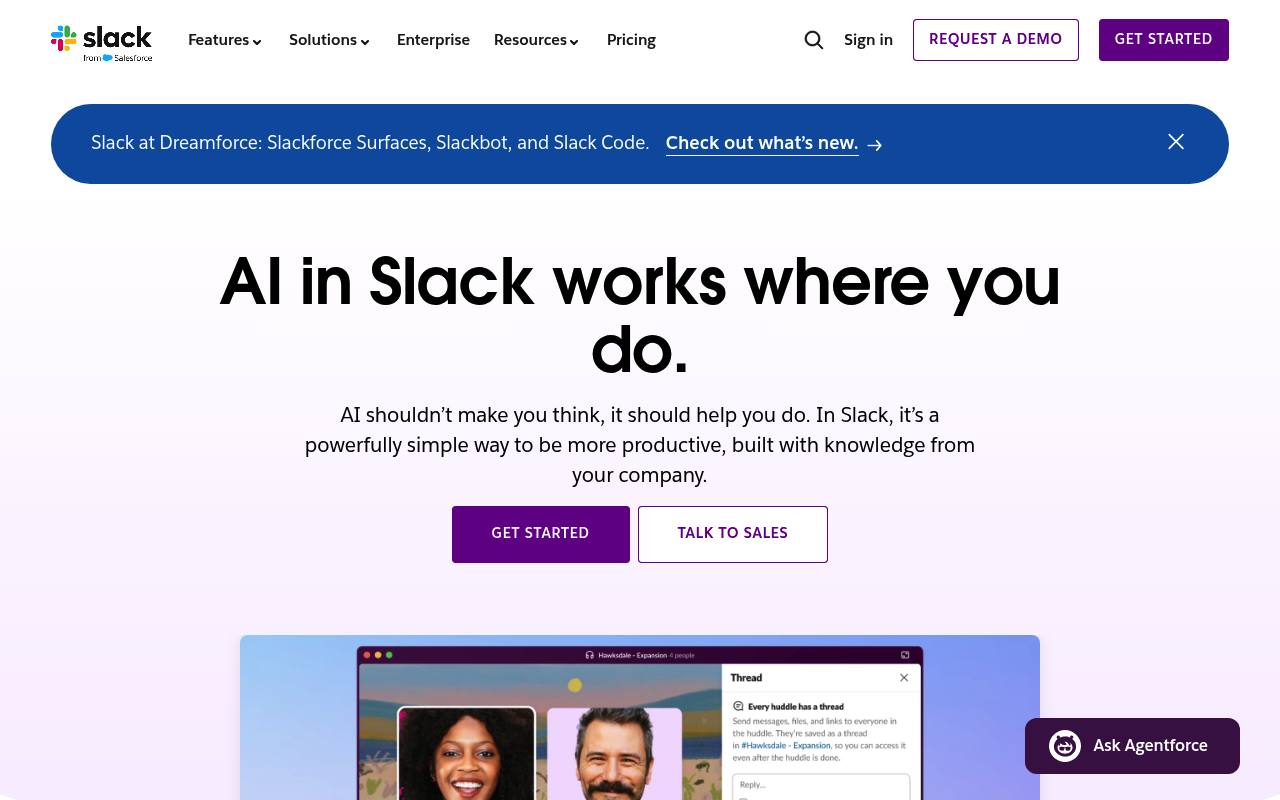
AI features inside Slack summarize work, search connected content, translate messages, generate workflows, and assist with research and briefs.
In inglese
Slack AI adds AI features to Slack conversations, files, huddles, search, workflows, and connected business systems. Slackbot can summarize discussions, answer questions using workspace context, prepare meeting and project materials, and support research across internal data and the web.
Teams use it for customer service, engineering, sales, marketing, and general collaboration. Feature availability and limits vary by plan; Enterprise+ pricing requires contacting sales.
Features
- Summarize channels, threads, conversations, huddles, and shared files
- Use Slackbot to analyze reports and create project briefs
- Search Slack conversations, files, images, Google Drive, and Salesforce data
- Generate workflows from a single prompt with Workflow Builder
- Translate conversations and AI results into a preferred language
- Take meeting notes with transcripts, key takeaways, and action items
- Run Deep Research across organizational data and the public web with citations
- Use Big Mode for longer research, analysis, drafting, and file generation
Use cases
- Catch up on channels, threads, files, and daily team activity
- Prepare for meetings with account context, summaries, and briefing materials
- Find answers across Slack and connected business systems
- Translate messages for teams working across languages
- Draft project briefs, reports, follow-ups, and workflow responses
- Research prospects, competitors, or internal topics using cited sources
Pros
Cons
Latest updates
- Slack 4.52.162 (4.52.162)
Bug fixes.
- Slack 4.52.155 (4.52.155)
Bug fixes.
- Slack 4.51.191 (4.51.191)
Bug fixes.
- Slack 4.51.185 (4.51.185)
Bug fixes.
- Slack 4.51.180 (4.51.180)
This release includes security improvements.
Capabilities
- Writes and edits — “AI helps create, structure, and polish your content.” source
- Summaries — “Catch up on documents in a flash with smart AI summaries of files shared in Slack.” source
- Meeting notes — “use AI to take meeting notes.” source
- Searches your work — “Search across connected apps, databases, and systems with enterprise search.” source
- Automations — “Build workflows from a single prompt with the power of Slack AI and Workflow Builder.” source
- AI agents — “Your personal AI agent that understands conversations, files, and projects in Slack.” source
- Connects your apps — “Choose from over 2,600 apps in the Slack App Directory — from Salesforce, Jira, Google Drive, ChatGPT, and more.” source
- Single sign-on — “SAML-based single sign-on” source
- Admin controls — “Data loss prevention in Slack Connect scans messages and files sent by members of your organization to reduce the risk of sharing confidential, malicious, or personally identifiable content with external orgs.” source
Get it
Security
Pricing
- Starting price
- $7.25/user/mo
- Prices checked
- 2026-09-25
Free
Free
- 90 days of message history
- Up to 10 apps
- 1:1 meetings
- Basic AI
- AI conversation summaries
- AI search
Pro
- $8.75 USD per user / month, when paying monthly
- $7.25 USD per user / month, when paying annually
- Unlimited message history
- Unlimited app integrations
- Group meetings
- Group external messages
- Basic AI
- AI conversation summaries
Business+
- $18 USD per user / month, when paying monthly
- $15 USD per user / month, when paying annually
- Unlimited message history
- Unlimited app integrations
- Group meetings
- Group external messages
- Advanced AI
- Slackbot (personal AI agent)
Enterprise+
Price on request
- Unlimited message history
- Unlimited app integrations
- Group meetings
- Group external messages
- Enterprise-Grade AI
- Enterprise search