tools
Sigma
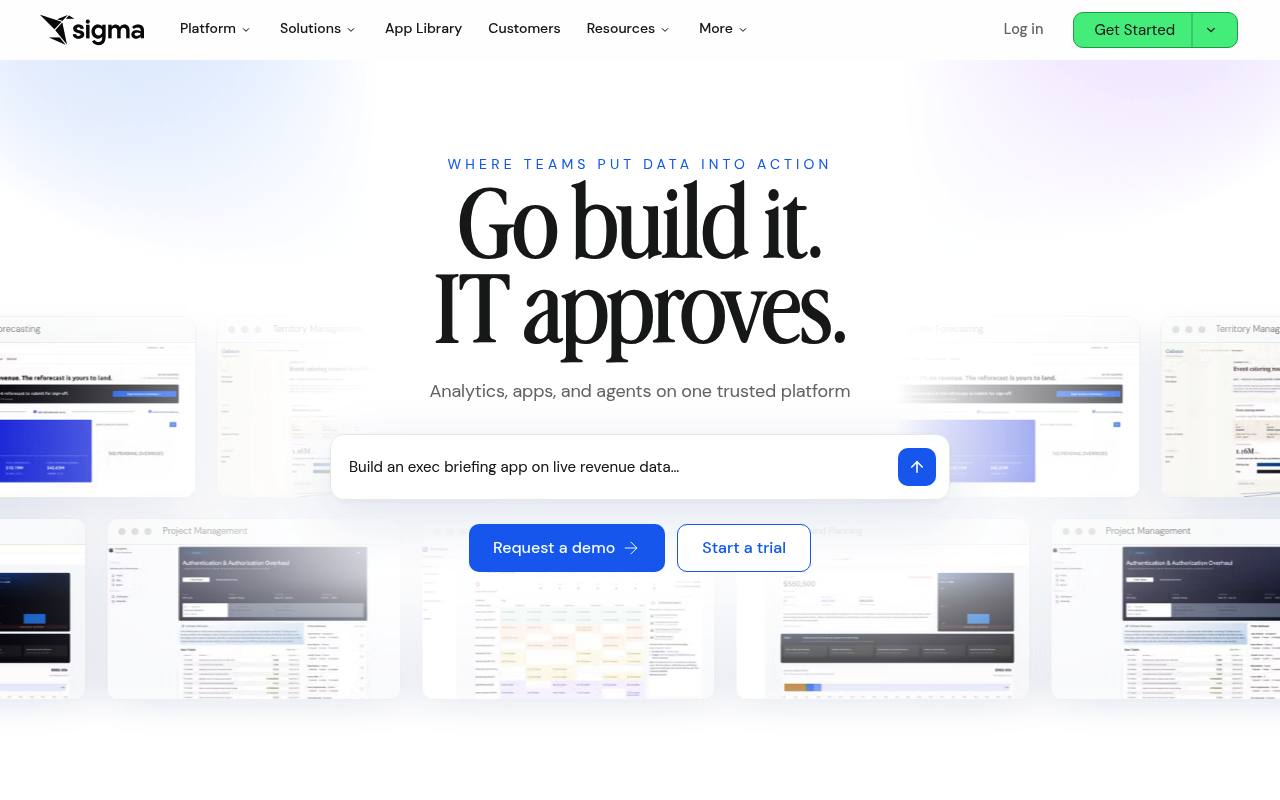
Sigma is a cloud analytics platform for querying warehouse data, building dashboards and apps, and deploying AI agents.
In inglese
Sigma connects directly to cloud data warehouses for analysis, dashboards, reports, embedded analytics, data models, and AI-powered applications. Users can work with spreadsheets, SQL, Python, natural-language queries, and agents in one workspace.
It is used by finance, operations, analytics, and data teams to explore live data, model scenarios, automate workflows, and embed analytics in products. Sigma offers a free trial, while subscription pricing and credit costs are handled through sales.
Features
- Query live warehouse data without extracts
- Build dashboards, reports, and spreadsheet-style workbooks
- Create governed data models and reusable metrics
- Use natural-language queries with Sigma Assistant
- Create AI columns to classify, extract, and summarize data
- Deploy agents that trigger workflows and external actions
- Embed white-label analytics with React SDK and SSO
- Use REST API access and the Sigma CLI
Use cases
- Analyze finance and operational data from a cloud warehouse
- Build live dashboards and pixel-perfect reports
- Model budgets, forecasts, pricing, or compensation scenarios
- Create AI apps that write back to warehouse data
- Automate alerts and actions across business systems
- Embed analytics and self-service data tools in a product
Pros
Cons
Latest updates
- Migrate to Sigma with an AI assistant (Beta)
Use migration skills for Sigma to have an AI assistant rebuild source content as a Sigma document.
- Connect multiple Sigma organizations to one Slack workspace
You can now connect multiple Sigma organizations to the same Slack workspace.
- New API endpoints to manage audit logging for an organization
The following endpoints are now available to manage audit logging for an organization in Sigma: get the audit logging setting; enable or disable audit logging.
- Allow Assistant to search all sources (Beta)
An admin can configure the default behavior of Sigma Assistant to use any data sources available to users or limit Assistant to specific configured data sources.
- Access Sigma from the command line using the Sigma CLI (GA)
You can access the Sigma REST API programmatically from your terminal using the Sigma command-line interface (CLI) tool.
Capabilities
- Ask in plain language — “Chat with data and agents to uncover instant insights on live cloud data.” source
- Charts and dashboards — “Use AI to build dashboards, reports, and apps you need on the data you trust.” source
- Connects to your data — “Sigma queries your data warehouse directly, so security and governance always hold at the source.” source
- Spreadsheets — “Enter, edit, and submit in a familiar spreadsheet grid” source
- Python and notebooks — “Run Python on submitted rows without leaving the workbook” source
- Builds models — “Input Tables help the team build predictive models and run scenario planning in Sigma.” source
- Real-time data — “Real-time dashboards and automated pipelines sped up decision-making and lifted campaign revenue 15%.” source
- API — “React SDK White-label SSO ready Speed-to-deploy” source
- Single sign-on — “SSO & SCIM Identity” source
Get it
Pricing
- Prices checked
- 2026-09-24