tools
Shortwave
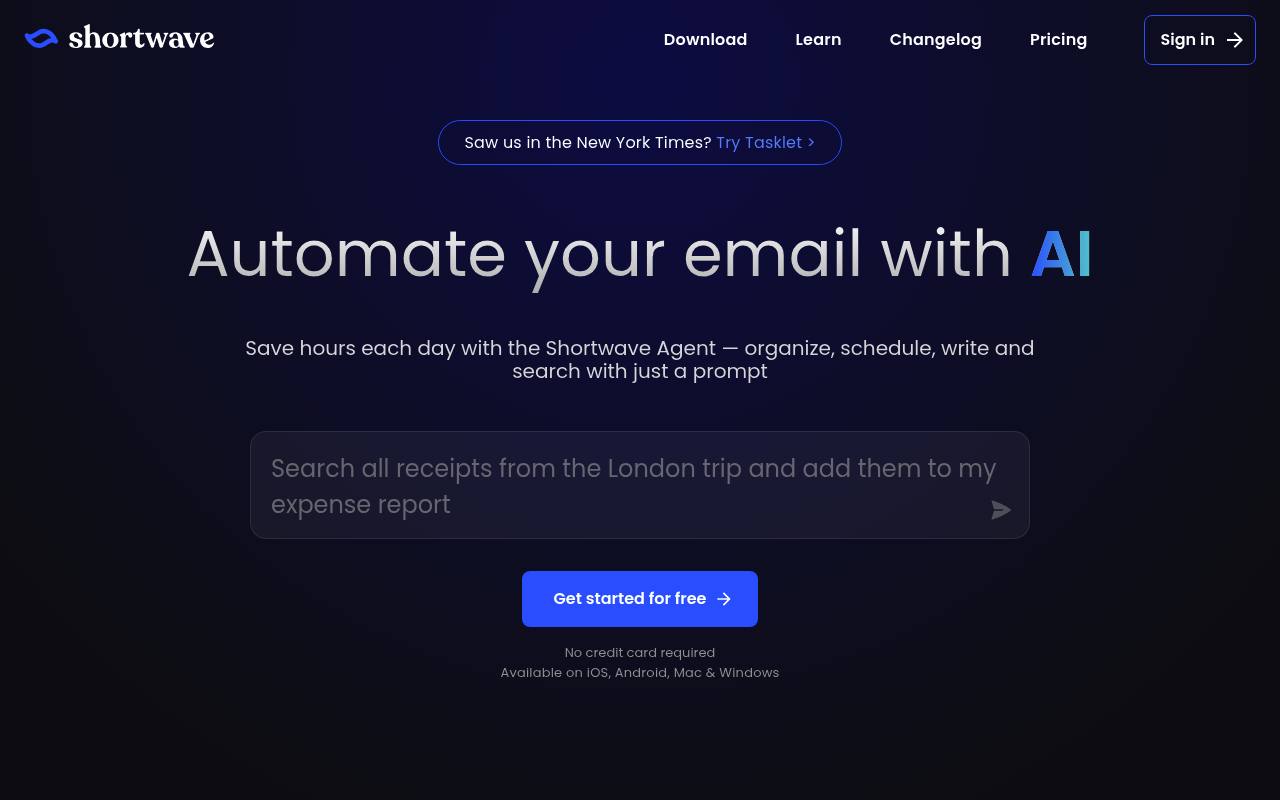
Shortwave is an AI email client that helps people organize, search, write, schedule, and collaborate around Gmail.
In inglese
Shortwave combines an email client with an AI Assistant. It can summarize messages, draft and improve replies, search email using natural language, organize inboxes, analyze attachments, and help schedule calendar events.
Individuals and teams use it for inbox management and email collaboration. It supports shared threads, private team comments, assignments, labels, and channels. Free access is available, while paid plans add larger AI quotas, longer AI search history, advanced intelligence, and more filters. Tasklet provides separate background workflow automation.
Features
- Summarizes emails and provides AI-generated replies
- Searches email with natural-language queries
- Organizes inboxes with AI filters and actions
- Analyzes PDF, text, code, and other attachments
- Checks availability and helps schedule calendar events
- Shares live email threads and private team comments
- Provides AI autocomplete and personalized writing
- Supports AI integrations and web browsing on paid plans
Use cases
- Triage a crowded inbox with AI labels, bundles, and todos
- Draft replies in a user’s writing style
- Find project details across email history and attachments
- Coordinate meetings using calendar availability and scheduling
- Share email threads and assign follow-up work to teammates
Pros
Cons
Latest updates
- Upgraded to Claude Sonnet & Opus 4.6
Standard and Advanced tiers now use Claude Sonnet 4.6; Expert uses Claude Opus 4.6; Basic continues to use Claude Haiku 4.5.
- Fully automate your email with Tasklet 🔗
Shortwave now integrates with Tasklet to take action on your emails automatically. Drafts appear right in Shortwave.
- Enhanced AI performance & collaboration
The assistant now better understands what you're looking at; search includes field selection; the macOS app remembers window position and size.
- Integrate the AI with all your apps 🔌
Connect the Shortwave AI to tools via MCP; upgraded the AI to Claude Sonnet 4; AI Memories and new AI Filter actions added.
- Talk to your inbox 🎙️
The AI Assistant now supports voice commands; modify, move, and delete calendar events using the AI Assistant.
Capabilities
- Writes and edits — “Our AI learns your unique voice and style from the emails you send, so it can write emails that sound just like you” source
- Summaries — “Get a smart tl;dr right at the top of every email” source
- Searches your work — “Use AI-powered search to find emails fast, or to analyze your entire team's emails & attachments for the answers you need” source
- Automations — “Connect the AI to your Slack, Calendar, Notion, Asana, Hubspot, and more so you can automate workflows without ever leaving your inbox.” source
- AI agents — “Save hours each day with the Shortwave Agent — organize, schedule, write and search with just a prompt” source
- Connects your apps — “Connect the AI to your Slack, Calendar, Notion, Asana, Hubspot, and more so you can automate workflows without ever leaving your inbox.” source
- Real-time collaboration — “Keep your whole team on the same page with shared threads that update automatically in real-time” source
- Mobile app — “Available on iOS, Android, Mac & Windows” source
Get it
Security
Pricing
- Starting price
- $30/user/mo
- Prices checked
- 2026-09-24
Business
- $30 per seat / month
- Full standard search history
- Standard intelligence
- More AI usage
- 5 years AI search history
- Max 50 threads per AI search
- 3 AI-powered filters
Premier
- $45 per seat / month
- Advanced intelligence
- 2x more AI usage
- Unlimited AI search history
- Max 100 threads per AI search
- 10 AI-powered filters
- Smarter AI answers with 2x context tokens
Max
- $120 per seat / month
- Expert intelligence
- 6x more AI usage
- Max 150 threads per AI search
- 50 AI-powered filters
- Smarter AI answers with 3x context tokens