tools
Scribe
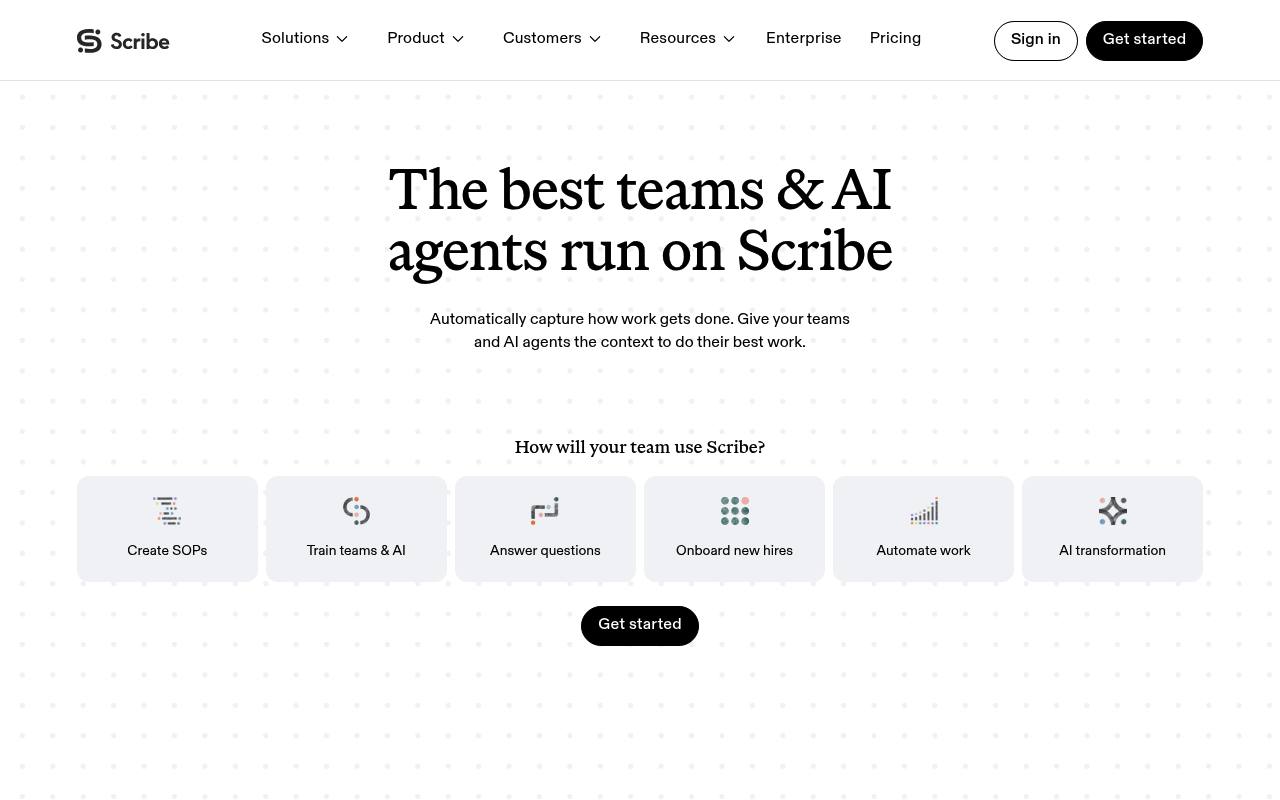
Scribe automatically captures work as step-by-step guides, pages, walkthroughs, and workflow data for teams and AI tools.
In inglese
Scribe records browser, desktop, and mobile workflows and turns them into step-by-step guides with text, screenshots, annotations, and shareable links. Teams use it for SOPs, training, onboarding, customer enablement, and process documentation.
Scribe also offers Pages, interactive walkthroughs, workflow analysis through Scribe Optimize, and integrations for AI workflows. Basic is free; advanced features, desktop capture, enterprise controls, and Optimize require paid plans or custom pricing.
Features
- Automatically capture workflows and create step-by-step guides
- Capture processes in web, mobile, and desktop apps
- Create Pages combining guides, text, videos, and links
- Edit text, steps, screenshots, and annotations
- Redact sensitive information manually or automatically
- Share by link, embed, or export to PDF, HTML, and Markdown
- Analyze workflows and identify improvement opportunities with AI
- Use enterprise search API, Copilot, Slack bot, and custom AI integrations
Use cases
- Create SOPs from real work as employees perform processes
- Train new hires with visual, interactive process guides
- Document software implementations and support workflows
- Onboard customers with embedded walkthroughs and help content
- Find workflow inefficiencies and automation opportunities
- Give AI agents structured instructions and workflow context
Pros
Cons
Latest updates
- Scribe browser extension 104.30.0 (104.30.0)
You can review and manage onboarding consent in the web app; reliability improved when services are busy.
- Scribe desktop app 6.9.17 (Windows) (6.9.17)
Web background capture now supports Chrome.
- Scribe desktop app 6.9.17 (Mac) (6.9.17)
Web activity from Safari and Chrome is now supported in workflow mapping.
- Scribe browser extension 104.29.0 (104.29.0)
The post-save loader and Pins use updated brand blue; duplicate workspace tabs are prevented.
- Scribe browser extension 104.28.0 (104.28.0)
Redaction labeling improved in live preview, and the back button now appears in Sidekick when viewing a Page.
Capabilities
Security
- SOC 2 Type II — “SOC 2 Type II” source
- SOC 2 — “SOC 2 Type II” source
- GDPR — “Compliance. Scribe follows global privacy laws and security standards to meet compliance obligations. Trust Center SOC 2 Type II US State Privacy Laws HIPAA FERPA GDPR” source
- HIPAA — “Compliance. Scribe follows global privacy laws and security standards to meet compliance obligations. Trust Center SOC 2 Type II US State Privacy Laws HIPAA FERPA GDPR” source
- Not trained on your data — “We do not allow our AI service providers to use your data to train their models.” source
Pricing
- Starting price
- $13/user/mo
- Prices checked
- 2026-09-25
Basic
Free
- Works with any web app
- Quick customization
- Shareable with link & embed
Pro Personal
- $35 per seat per month
- $25 per seat per month
- Works with web, mobile & desktop apps
- Customize with company branding
- Edit and redact screenshots
- Export to PDF, HTML and Markdown
Pro Team
- $17 per seat per month
- $13 per seat per month
- Works with web, mobile & desktop apps
- Customize with company branding
- Edit and redact screenshots
- Export to PDF, HTML and Markdown
- Collaborate using comments
Enterprise
Price on request
- Auto-redaction of PII & PHI
- SSO for authentication
- Creator, Viewer and Admin roles
- Enterprise grade data governance
- Collaborate using comments
- Central user and document management