tools
RunPod Pods
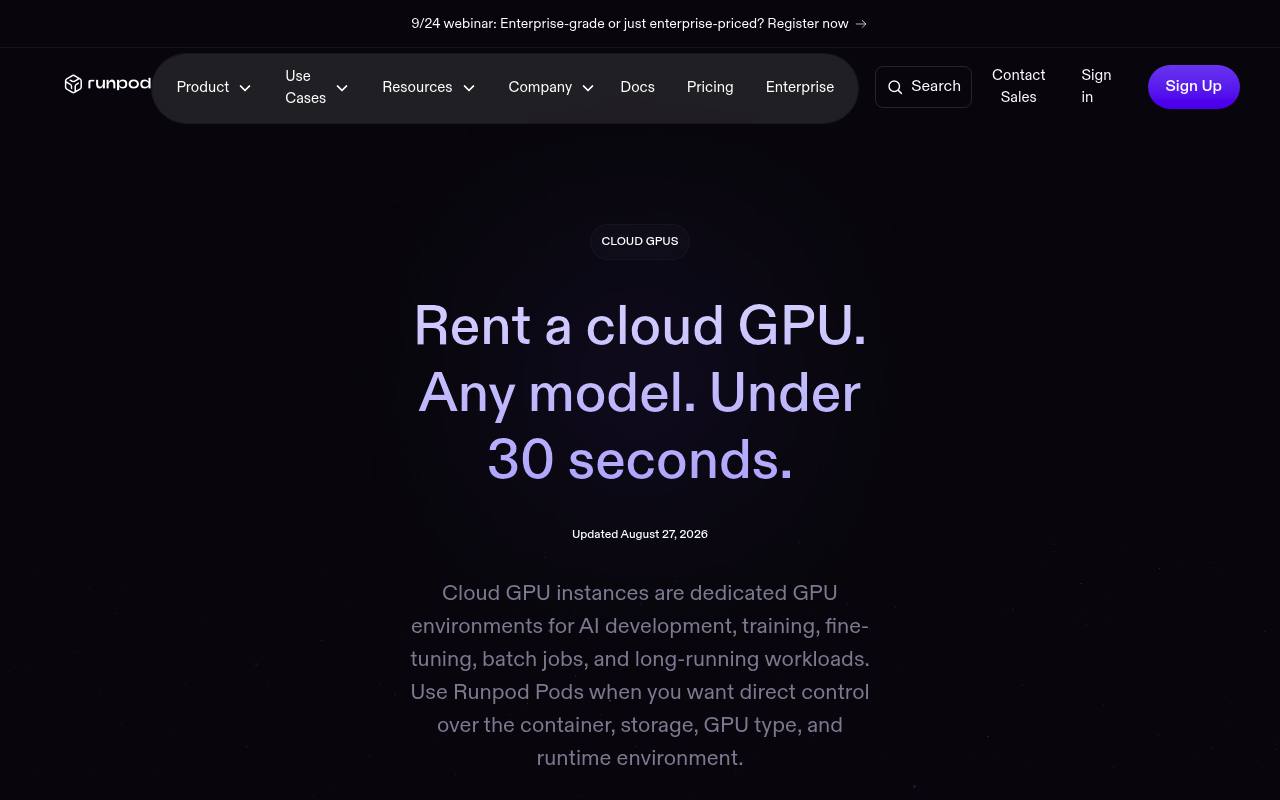
RunPod Pods are dedicated cloud GPU instances for AI development, training, inference, batch jobs, and long-running workloads.
In inglese
RunPod Pods provide dedicated GPU environments with control over the GPU type, container, storage, drivers, and runtime. Users can deploy custom Docker images, run Linux GPU frameworks, and rent GPUs across 31 regions with billing by the second.
They are used by researchers, developers, and teams for model training, fine-tuning, inference, image and video generation, and AI agents. GPU compute is usage-priced, while container disks, volume disks, and network storage cost extra. Pods are separate from RunPod Serverless endpoints and multi-node Clusters.
Features
- Deploy dedicated GPU instances in under 30 seconds
- Choose from 30+ GPU models across 31 global regions
- Control containers, storage, GPU type, drivers, and runtime
- Run custom Docker images from registries
- Use per-second GPU billing with no long-term commitment
- Manage instances through an API, CLI, SDKs, and CI/CD
- Attach persistent or temporary storage
- Use spot instances at discounted rates with eviction risk
Use cases
- Run low-latency LLM inference with H100 or L40S instances
- Train and fine-tune models on A100 or H100 SXM GPUs
- Generate images and video with RTX 4090 or RTX A6000 GPUs
- Host stateful AI agents on persistent GPU instances
- Process batch jobs and other compute-heavy workloads
- Deploy custom containers with preferred ML frameworks
Pros
Cons
Latest updates
- Global Volumes - Beta
Mount it at startup across any region; no copying data between data centers required.
- Nano Banana Edit
The Nano Banana Edit endpoint will be retired September 28, 2026. Migrate to Nano Banana 2 Edit.
- Sales tax and tax ID support
Runpod collects sales tax on credit purchases. Add a business tax ID at checkout or in your account settings.
- Batch Jobs (BETA)
Submit inference requests to a Serverless endpoint. Create a batch, finalize it to start processing, and poll for status and progress.
- REST API v2
REST API v2 adds catalog endpoints, pod log streaming, and Serverless observability.
Capabilities
- Command line — “CLI & SDKs. Deploy and manage directly from your terminal.” source
- API — “Full API access. Automate everything with a simple, flexible API.” source
- Official SDKs — “CLI & SDKs. Deploy and manage directly from your terminal.” source
- Runs models for you — “Run API-based AI workloads with serverless GPU endpoints.” source
Get it
Pricing
- Prices checked
- 2026-09-25
B300
- $6.94 /hr (Community Cloud)
- $ 7.89 /hr (Secure Cloud)
- 288 GB HBM3e
- 251 GB RAM
- 32 vCPUs
H200
- $3.59 /hr (Community Cloud)
- $ 4.59 /hr (Secure Cloud)
- 141 GB VRAM
- 276 GB RAM
- 24 vCPUs
B200
- $5.98 /hr (Community Cloud)
- $ 6.79 /hr (Secure Cloud)
- 180 GB VRAM
- 283 GB RAM
- 28 vCPUs
RTX Pro 6000
- $1.69 /hr (Community Cloud)
- $ 2.09 /hr (Secure Cloud)
- 96 GB VRAM
- 188 GB RAM
- 16 vCPUs
H100 NVL
- $2.59 /hr (Community Cloud)
- $ 3.19 /hr (Secure Cloud)
- 94 GB VRAM
- 94 GB RAM
- 16 vCPUs
H100 PCIe
- $1.99 /hr (Community Cloud)
- $ 2.89 /hr (Secure Cloud)
- 80 GB VRAM
- 188 GB RAM
- 16 vCPUs
H100 SXM
- $2.69 /hr (Community Cloud)
- $ 3.49 /hr (Secure Cloud)
- 80 GB VRAM
- 125 GB RAM
- 20 vCPUs
A100 PCIe
- $1.19 /hr (Community Cloud)
- $ 1.59 /hr (Secure Cloud)
- 80 GB VRAM
- 117 GB RAM
- 8 vCPUs
A100 SXM
- $1.39 /hr (Community Cloud)
- $ 1.59 /hr
- 80 GB VRAM
- 125 GB RAM
- 16 vCPUs
Pro 6000 MIG 48GB
- $ 1.09 /hr
- 48 GB VRAM
- 62 GB RAM
- 8 vCPUs