tools
Riverside.fm
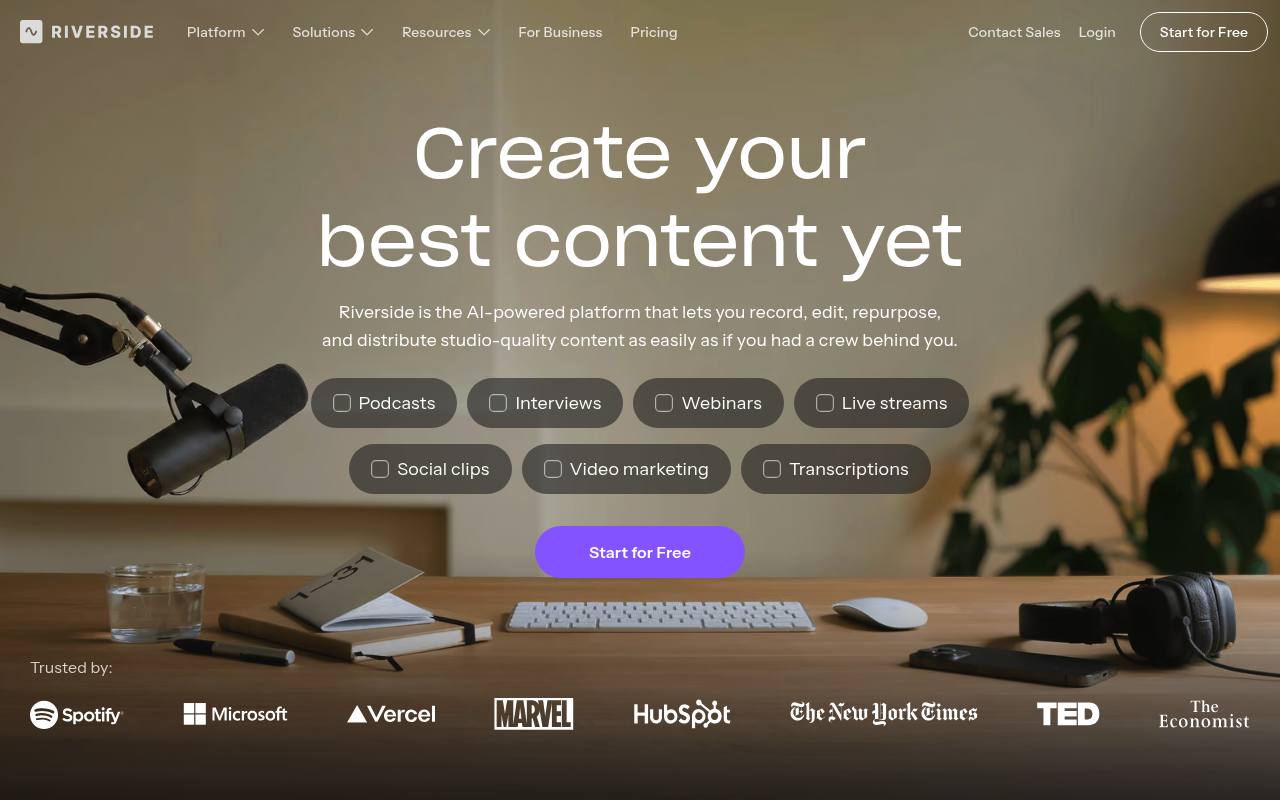
Riverside records, edits, streams, hosts, and publishes podcasts, interviews, webinars, and other video content.
In inglese
Riverside is a web-based recording and content production platform for podcasters, creators, marketers, producers, and businesses. It records separate audio and video tracks, provides text-based and AI-assisted editing, creates clips and promotional assets, and supports podcast hosting, publishing, live streaming, and webinars.
It also offers Mac, iOS, and Android apps, plus Riverside MCP connections for supported AI assistants. A free plan is available; paid plans add higher-quality recording, more studios, AI credits, hosting, live events, and collaboration features. Business pricing is custom.
Features
- Record up to 4K video and uncompressed audio in separate tracks
- Edit recordings with a text-based, multi-track editor
- Generate clips, show notes, captions, B-roll, and promotional assets with AI
- Remove filler words, silences, and background noise
- Translate and dub content into over 30 languages
- Host and publish podcasts to YouTube, Spotify, Apple, and other platforms
- Stream in HD to multiple destinations and run webinars
- Connect Riverside to AI assistants through Riverside MCP
Use cases
- Record remote podcasts and video interviews with guests
- Edit long recordings into short social media clips
- Publish and host video podcasts from one workflow
- Stream webinars and live events to multiple platforms
- Create marketing videos, customer testimonials, and training content
- Prepare episodes, edits, clips, and posts through an AI assistant
Pros
Cons
Latest updates
- Zoom & pan effects
Pan, zoom, and add movement to your video.
- Dictionary
Correct a name or term once in your transcript and save it to your Dictionary, so it comes out right in every transcript from then on.
- AI Image & Video Generation
Generate b-roll, guest cards, transitions, and more, with AI models, right in Riverside.
- Share screen on iOS 27
Share your screen straight from your phone during a recording on iOS 27, as its own track while your camera keeps rolling.
- Video Enhancement
Enhance video fixes clarity and lighting to salvage recordings and turn them into footage worth sharing.
Capabilities
- Speech to text — “Automatically generate transcriptions, titles, descriptions, chapters, and takeaways packed with the keywords you need to reach new audiences.” source
- Dubbing — “Use AI to translate and dub your content into over 30 languages so your message travels farther than ever.” source
- Many languages — “Use AI to translate and dub your content into over 30 languages so your message travels farther than ever.” source
- API — “API access” source
- Mobile app — “Mobile Apps” source
Get it
Pricing
- Starting price
- $24/mo
- Prices checked
- 2026-09-24
Pro
- $24 /month
- $35/mo
- Up to 4K video
- No watermark
- Unlimited text-based editing
- Unlimited transcriptions
- Podcast hosting & analytics
- 15 hrs of separate track downloads
Grow
- $34 /month
- $45/mo
- Everything in Pro, plus:
- Social media scheduling
- Podcast hosting for 2 shows
- Full HD 1080p live streaming
- Multistream to unlimited destinations
- 20 hrs of separate track downloads
Webinar
- $79 /month
- $99/mo
- Host webinars with up to 100 registrants
- Recurring webinars
- Unlimited sessions
- Lead capture tool
- Webinar analytics
- 25 hrs of separate track downloads
Business
Price on request
- Unlimited studios
- Unlimited separate track downloads
- Up to 10,000 webinar registrants
- Unlimited video storage
- SSO (Okta, Azure)
- Dedicated CSM