tools
Reve Image
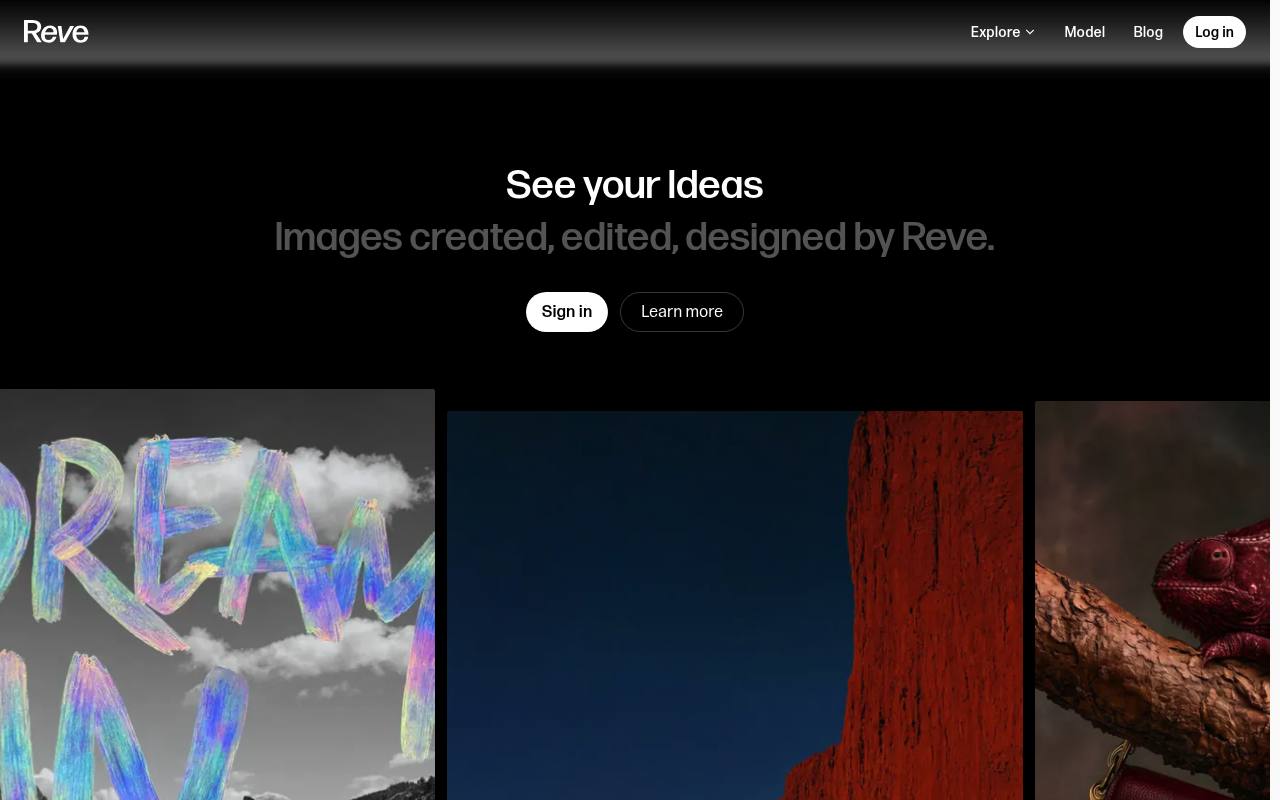
Reve creates and edits images through conversation, references, layouts, and a direct-manipulation editor.
In inglese
Reve is an AI image creation and editing app for designers, marketers, artists, and other creative teams. Users can generate images through conversation, edit or remix uploaded images, use references, and make precise changes with a drag-and-drop editor.
It also supports video creation and team workspaces, plus a Chrome extension for saving web images as references, palettes, albums, or templates. The API is no longer available, and Reve says new image and video creation will stop after September 27, 2026.
Features
- Generate and refine images through conversational instructions
- Edit, remix, or reference uploaded images
- Create images with Reve 2.1 at native 4K resolution
- Make precise object and region edits with layout-based controls
- Generate video from prompts, frames, or image references
- Organize work with albums, folders, bookmarks, and search
- Use the Chrome extension to save web images as references or palettes
- Free, Lite, and Pro plans with creative energy and storage
Use cases
- Create concept art, illustrations, and visual explorations
- Develop product photography and advertising imagery
- Edit campaign visuals while preserving selected image elements
- Build mood boards and style references from web images
- Generate video concepts from prompts or reference frames
- Organize creative work for individual or team projects
Pros
Cons
Latest updates
- Shareable References
Publish your reference boards and build from boards others have made.
- Reve Chrome Extension
The Reve Chrome extension turns anything on the web into a reference, palette, or album.
- Introducing Templates
Templates let you start with an idea, edit and refine an image, explore new directions, and shape it your way.
- Reve for Teams
Reve for Teams provides one shared workspace for commercial creative work.
- Introducing Reframe
Reframe lets you expand an image or get closer to details in any aspect ratio.
Capabilities
Pricing
- Starting price
- $7.99/mo
- Prices checked
- 2026-09-25
- Read
- by web search
Free
Free
- Basic creative energy, refreshed daily
- One-time energy allowance upon sign up (Video Energy)
- Basic storage
- Default opt-in only (Reve Model Training)
Lite
- $7.99 + tax, if applicable
- 5x more energy than Free
- Same as Free (Video Energy)
- 5x more storage than Free
- Opt-out available (Reve Model Training)
Pro
- $19.99 + tax, if applicable
- 100x more energy than Free
- 250 video energy per month, plus the ability to use standard energy for video (up to 100/day)
- 100x more storage than Free
- Opt-out available (Reve Model Training)