tools
Read AI
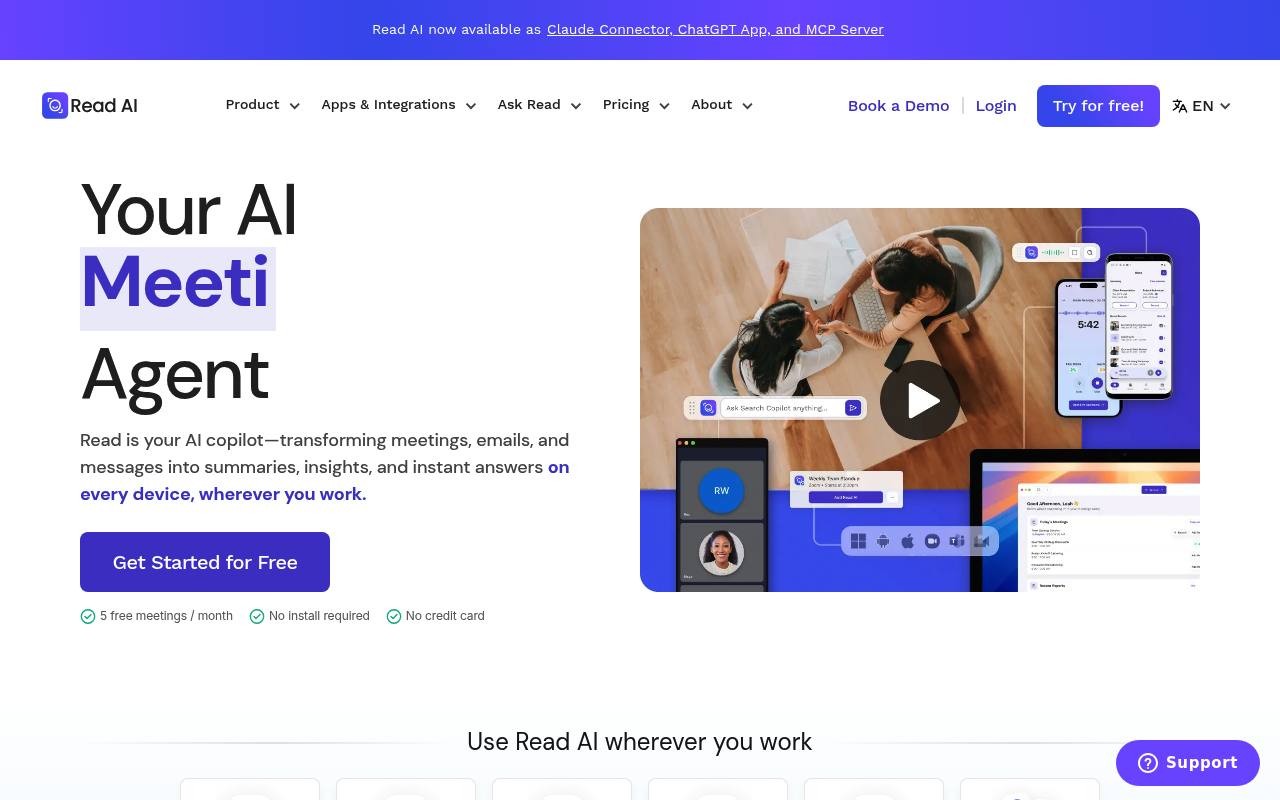
Read AI records meetings, email, and messages, then creates summaries, transcripts, insights, and searchable answers.
In inglese
Read AI is an AI assistant for meetings, email, and workplace messages. It joins Zoom, Microsoft Teams, and Google Meet meetings, creates transcripts and reports, measures meeting behavior, and searches connected content.
Individuals and teams use it for meeting notes, follow-ups, coaching, workflow integrations, and enterprise search. The free plan includes 5 meetings per month; paid plans add unlimited meetings, premium integrations, video playback, and organization controls.
Features
- Generate meeting summaries, transcripts, topics, action items, and key questions
- Add Read Assistant to Zoom, Microsoft Teams, and Google Meet
- Search meetings, emails, messages, and connected workplace content
- Provide meeting metrics and personalized coaching reports
- Record and play back meeting audio and video with highlights
- Connect with Slack, Salesforce, Jira, Notion, HubSpot, Zapier, and webhooks
- Create personal and shared report templates
- Access Read through Windows, macOS, Android, iOS, and Chrome
Use cases
- Capture notes and action items during customer or internal meetings
- Search past conversations, emails, and meeting reports for answers
- Review speaking speed, filler words, sentiment, and engagement
- Push structured meeting notes into CRM systems
- Create custom report formats for sales, recruiting, or customer success
- Record and summarize in-person meetings and uploaded recordings
Pros
Cons
Latest updates
- Live Today: Templates Tailored for Sales Teams and Beyond
Custom and pre-generated templates are now available for qualification, follow-up, pipeline reviews, and internal alignment.
- Read AI is Now a Claude Connector
Meetings, action items, and customer conversations are building blocks inside Claude, with three new skills.
- Read AI Introduces a Botless Integration with Google Meet
A botless version in Google Meet adds opt-in and visuals, and transforms meeting content into workflows.
- Ask Read Actions For Sales
Ask Read now executes multi-step sales actions.
- Read It! What's New at Read AI — March 2026
Introduces Ada, upgrades syncing meeting content to connected platforms, and lets you transform conversations into code with MCP server and API.
Capabilities
- Summaries — “Auto-generated recaps, action items, and highlights custom to you” source
- Meeting notes — “Add Read Assistant to any Zoom, Teams, or Meet meeting to automatically take meeting notes” source
- Searches your work — “Find answers in seconds from your meetings, messages, and documents.” source
- Automations — “Automate summaries & insights across platforms” source
- AI agents — “Ada works alongside you - handling tasks, managing your workflow, and freeing up your time.” source
- Connects your apps — “Read AI is independent and platform-agnostic—connecting across all your tools to deliver truly unified insights.” source
- Mobile app — “Capture in-person meetings, live events, and record thoughts on the go.” source
- API — “Zoom Google Teams Outlook Slack iOS Android Windows MacOS ChatGPT Claude MCP API” source
- Single sign-on — “Integration with your Identity Provider to support SAML-based SSO.” source
- Admin controls — “Designed for teams: set report distribution and sharing rules, control which meetings Read joins, and manage user licenses across your organization” source
Get it
Pricing
- Starting price
- $15/user/mo
- Prices checked
- 2026-09-25
Free
Free
- 5 meeting transcripts per month
- Unlimited enterprise search
- Best-in-class summaries for meetings, email, and messaging
- Personalized meeting coach
- Basic integrations
- 20+ languages supported
Pro
- $15 USD. Per user / month when billed annually.
- $19.75 USD. Per user / month
- Priority report processing
- Unlimited meeting transcripts
- 100 file upload credits /mo
- Premium integrations (Notion, Salesforce, HubSpot, Jira, Confluence, Zapier, webhooks)
- Unlimited meeting reports
- Unlimited storage
Enterprise
- $22.50 USD. Per user / month when billed annually.
- $29.75 USD. Per user / month
- Audio & video playback
- Video highlights
- 200 file upload credits /mo
- Premium support
- Unlimited meeting reports
- Unlimited storage
Enterprise+
- $29.75 USD. Per user / month when billed annually.
- $39.75 USD. Per user / month
- HIPAA compliance
- SAML & SCIM
- Domain capture
- Custom data retention policy
- 300 file upload credits /mo
- Workspace onboarding