tools
Poolside Assistant
Poolside Assistant is a coding-agent workspace for running, supervising, and switching between multiple agents across repositories.
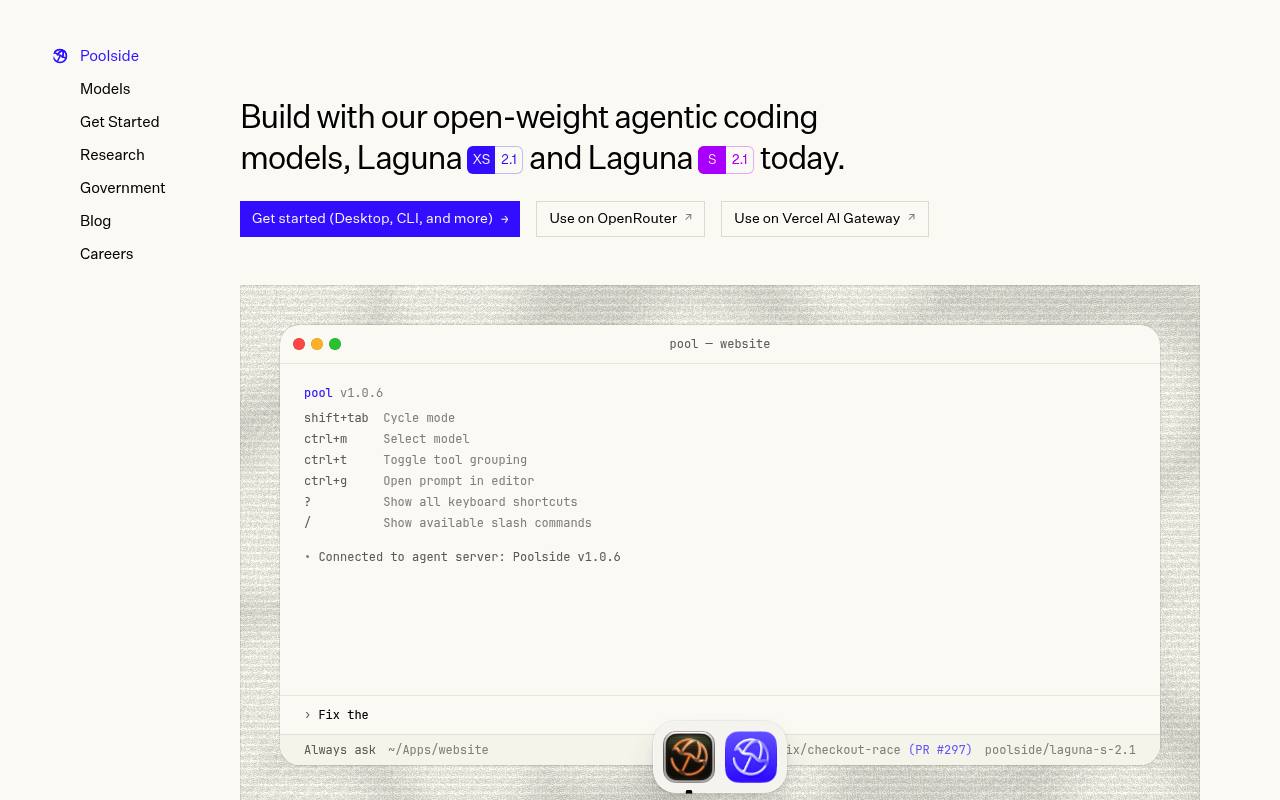
In inglese
Poolside Assistant provides a macOS workspace for coding agents, with extensions for VS Code and Visual Studio. It connects to Poolside’s pool agent through ACP and can also work with compatible agents such as Claude Code and Codex.
Developers can run parallel sessions, isolate tasks with Git worktrees, inspect terminals, files, diffs, and GitHub status, import existing sessions, use built-in connectors, and run supported models locally through MLX. Official pricing was not published on the pages reviewed; external agent subscriptions or inference endpoints may cost extra.
Features
- Run multiple coding-agent sessions in parallel
- Connect agents through the Agent Client Protocol
- Isolate tasks with Git worktrees and branches
- Arrange conversations, terminals, files, diffs, and GitHub views
- Import Claude Code and Codex sessions
- Use connectors for GitHub, Linear, Notion, Sentry, Vercel, and more
- Run supported local models offline through MLX
- Use Poolside's pool agent from the terminal
Use cases
- Run agents on separate repositories at the same time
- Hand a coding task from one agent to another
- Review generated changes beside terminals and Git diffs
- Explore a repository in chat mode before creating a branch
- Run local coding models without sending code to a cloud service
Pros
Cons
Latest updates
- Introducing Poolside Desktop Assistant, for macOS
Poolside Desktop Assistant is a macOS app for running multiple coding agents across projects and repositories. The extensions bring the same experience into VS Code and…
- Introducing Laguna S 2.1
Today we’re releasing Laguna S 2.1, models that pursue longer horizon work and make effective use of reasoning.
- Introducing Laguna XS 2.1
Today we're releasing Laguna XS 2.1, a version of our Laguna XS.2 model.
- Poolside on Dell: an efficient path for frontier AI inside your boundary
Poolside running on Dell gives enterprises another path: AI that runs inside their own boundary, closer to their data.
- Long context update: Laguna XS.2 and M.1
Now serving our Laguna XS.2 and M.1 models at 256K context lengths.
Capabilities
- Chat about your code — “Chat mode gives a conversation a scratch directory of its own, with space to ask questions, explore ideas, and do research before any of it deserves a branch.” source
- Agent that edits files — “reading through a repository, working in the terminal, changing files, running the tests, fixing what it broke, and staying at it for hours.” source
- Knows the whole codebase — “reading through a repository” source
- Runs commands — “working in the terminal, changing files, running the tests” source
- Reviews pull requests — “Ask Claude Code to review what pool built.” source
- VS Code — “The Poolside Assistant extensions bring the same experience into VS Code” source
- JetBrains IDEs — “connect Poolside agents to Zed and JetBrains through ACP.” source
- Command line — “You can also install pool to work from the terminal” source
- Choice of models — “You can download Laguna XS 2.1 for a completely offline coding setup, or search for other MLX-compatible models directly from Hugging Face.” source
- No code retained — “On capable hardware, you get a coding agent that can work without sending your code or prompts to a cloud service.” source
Get it
Pricing
- Prices checked
- 2026-09-26