tools
Napkin AI
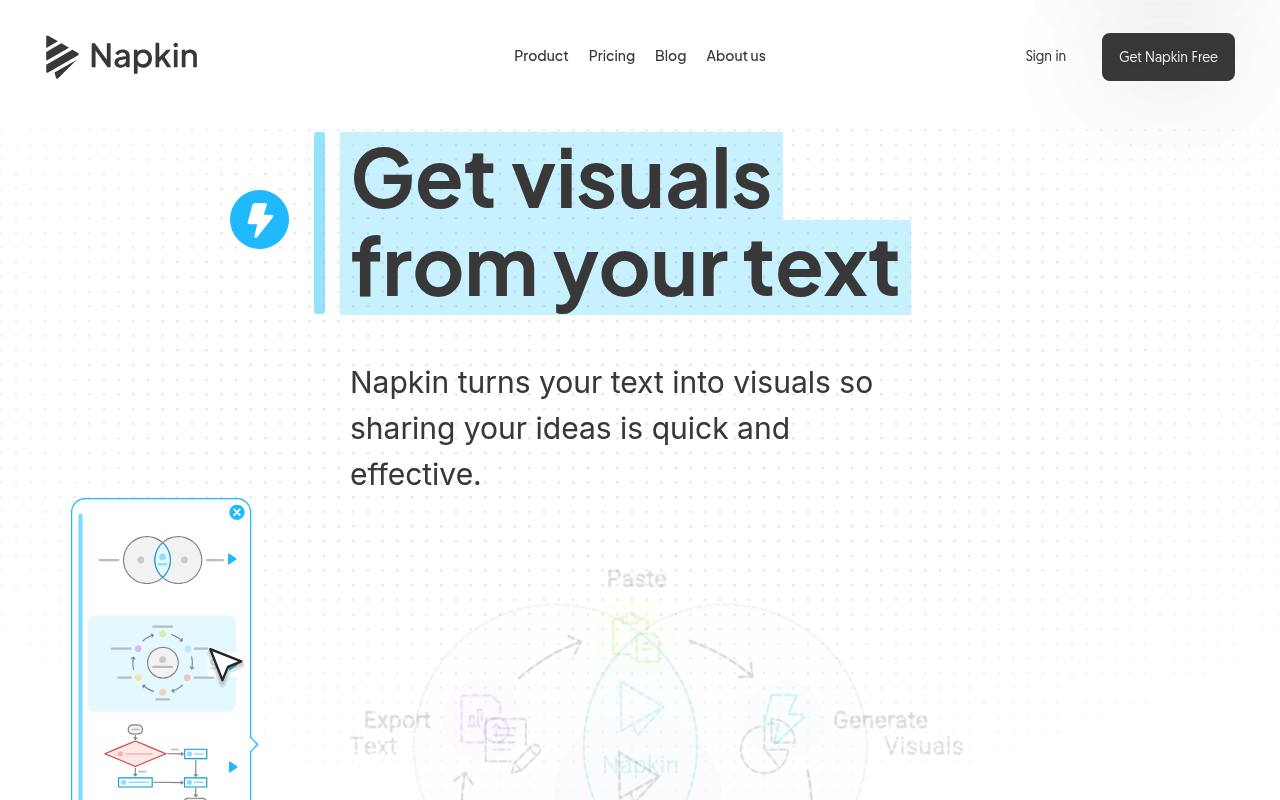
Napkin AI turns text into editable diagrams, charts, mind maps, infographics, and presentations.
In inglese
Napkin AI converts written ideas into visuals such as flowcharts, mind maps, infographics, data charts, and presentation slides. Users can import or paste text, generate visuals, edit their structure and styling, and export the results.
It is used by teams, marketers, educators, consultants, and content creators for presentations, documents, blogs, social posts, and internal communication. The free plan includes weekly AI credits; paid plans add more credits, branding controls, and additional export options. An API is available in developer preview.
Features
- Generate visuals from pasted, written, or imported text
- Create diagrams, flowcharts, mind maps, infographics, and data charts
- Build presentation-ready decks with Napkin Slides beta
- Edit colors, fonts, layouts, and individual visual elements
- Import PPT, DOC, PDF, HTML, and MD files
- Export visuals as PPT, PNG, PDF, or SVG
- Use an API to automate visual generation
Use cases
- Create presentation slides from written ideas
- Explain business processes with flowcharts
- Turn data or text into editable charts
- Add diagrams and infographics to blog posts
- Prepare visual content for social media
- Clarify documentation and internal communications
Pros
Cons
Latest updates
- v1.2.0 (2026-09-20) (v1.2.0)
Failed visual endpoint calls return JSON errors; X-API-Version is sent on every response; 429 errors use a code.
- v1.1.27 (2026-09-18) (v1.1.27)
Generating a visual with an OAuth access token requires the generation scope.
- v1.1.26 (2026-09-14) (v1.1.26)
Requests above the accepted body size and content without a word are refused; failed requests report a reason code where available.
- v1.1.25 (2026-09-11) (v1.1.25)
Failed downloads and failed authentication report a more accurate status.
- v1.1.24 (2026-09-08) (v1.1.24)
Credits are charged once per visual request.
Capabilities
- Brand kit — “Yes, you can easily add your brand colors and fonts inside our Brand Studio.” source
- Collaboration — “You can invite team members to a shared Teamspace, edit Napkins together in real time, and use built-in commenting and highlighting to share feedback directly on your Visuals and Slides.” source
- Exports — “Export them as PPT, PDF, PNG, or SVG, and drop them straight into PowerPoint, Google Slides, Keynote, Notion, or any other tool you already use.” source
- API — “Automate visual generation at scale, directly in your workflow.” source
Pricing
- Starting price
- $9/user/mo
- Prices checked
- 2026-09-26
Free
Free
- 500 AI credits per week
- Unlimited visuals editing
- Unlimited file import (PPT, DOC, PDF, HTML, MD)
- Unlimited PNG & PDF export
- Built-in styles and fonts
- Standard icons
Plus
- $9 per person / month
- Everything in Free
- 10,000 AI credits per month
- Unlimited PPT & SVG export
- 3 Brand Styles
- Bold icons
- Remove Napkin branding
Pro
- $22 per person / month
- Everything in Plus
- 30,000 AI credits per month
- Exclusive designs
- Unlimited Custom Branding
- Upload your fonts
- Team management and billing
Enterprise
Price on request