tools
monday AI
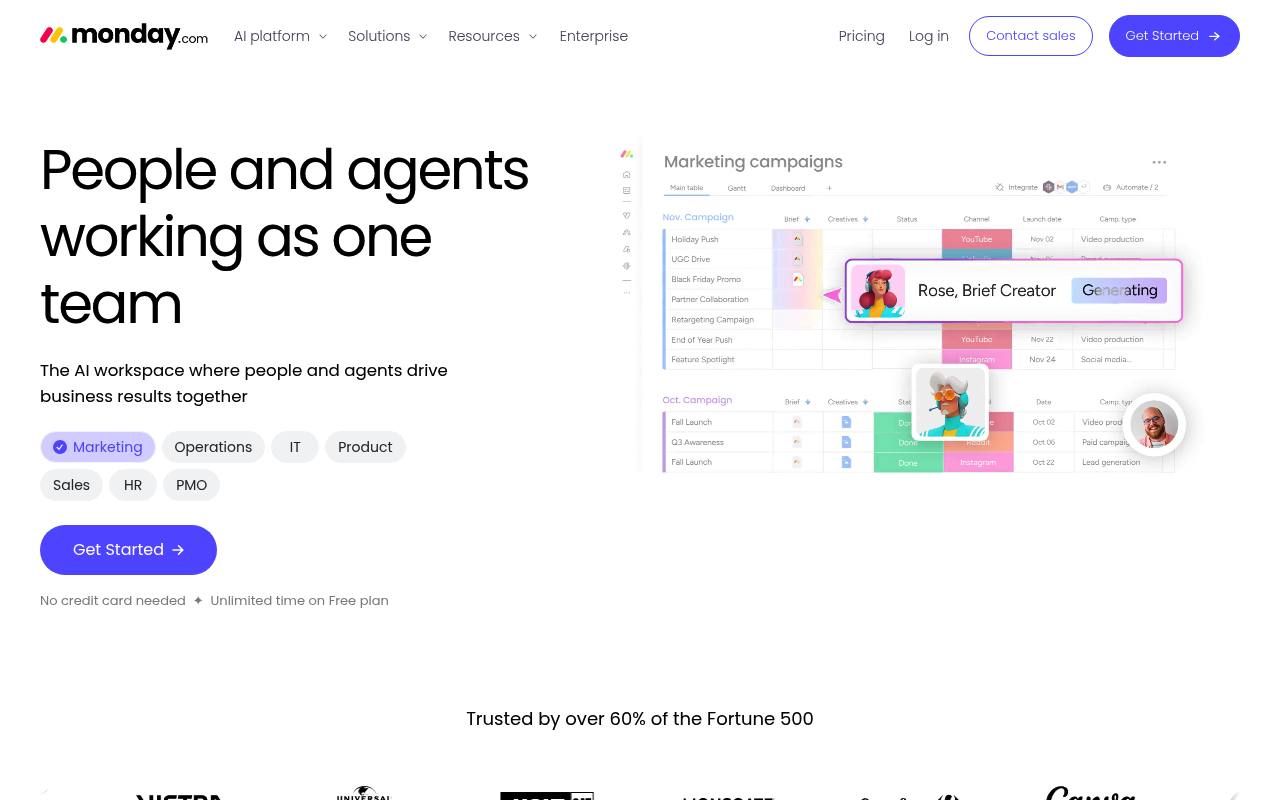
monday AI adds AI assistants, agents, meeting notes, app building, workflows, and board automation to monday.com.
In inglese
monday AI works inside monday.com boards, docs, workflows, and apps. It can summarize work, generate content, update tasks, build formulas, suggest automations, run agents, capture meeting notes, and create apps with monday vibe.
Teams use it for project coordination, sales and CRM work, service operations, and repetitive business processes. AI features are unavailable on the Free plan. Paid plans include monthly AI credits, with additional credits available to purchase.
Features
- Summarize tasks and work updates
- Generate content and formulas
- Run AI-powered automations and columns
- Build and run AI workflows
- Create and use AI agents
- Capture meetings with AI Notetaker
- Build custom apps with monday vibe
- Connect external agents through APIs and MCP
Use cases
- Summarize project updates for stakeholders
- Draft CRM emails and customer communications
- Automate task classification and assignment
- Capture meeting notes and action items
- Build internal apps for recurring business needs
- Connect external AI agents to monday.com data
Pros
Cons
Latest updates
- Route workflows based on human approval
Add a human-in-the-loop block in AI Workflows to send approval requests and branch based on the response.
- Connect any 3rd party app with the MCP Block for AI Workflows
Use the MCP Block for workflows to run actions on any 3rd party app that has a public MCP server.
- Manage Automations via Sidekick and MCP from anywhere
Create, read, delete, and disable automations from any agent — no UI required.
- Visualize charts using monday sidekick
Turn your item fields into visualized item data in charts so you can spot trends and act.
- Build live workflows with monday Vibe AI Notetaker access
Use monday vibe AI Notetaker access to surface action items, query transcripts, and auto-fill CRM fields after every call.
Capabilities
- Writes and edits — “Drafts in your voice” source
- Summaries — “Summarizes meetings, decisions, and tasks into a daily recap of team progress.” source
- Meeting notes — “Notetaker keeps your team focused during meetings and turns conversations into actionable insights” source
- Automations — “Save precious time by automating repetitive tasks in your boards.” source
- AI agents — “Build agents for your exact needs. Define the goal, set the rules, watch the results.” source
- Connects your apps — “Connect monday.com with the tools you already use to centralize all your team's work.” source
- Real-time collaboration — “Create docs and collaborate with your team in real time.” source
- Mobile app — “iOS and Android apps” source
- API — “Enable external agents, integrations, and custom apps to read and update monday data.” source
- Admin controls — “Track every agent action across your organization with a real-time log of what was done and when.” source
Get it
Security
Pricing
- Starting price
- $9/user/mo
- Prices checked
- 2026-09-25
Free
Free
- Up to 2 seats
- Up to 3 boards
- Up to 3 Docs
- 200+ templates
- 8 column types
- iOS and Android apps
Basic
- $9 seat / month, billed annually
- $12 seat / month, billed monthly
- 1,000 AI credits / month
- Unlimited free viewers
- Unlimited items
Standard
- $12 seat / month, billed annually
- 14 / month, billed monthly
- 2,000 AI credits / month
- 3 workflows
- Automations (250 actions / month)
- Integrations (250 actions / month)
- Timeline & Gantt views
- Calendar view
Pro
- $19 seat / month, billed annually
- 24 / month, billed monthly
- 3,000 AI credits / month
- 20 workflows
- Automations (25,000 actions / month)
- Integrations (25,000 actions / month)
- Private boards and docs
- Time tracking
Enterprise
Price on request
- Custom AI credits matched to how your team actually works
- 250 workflows
- Enterprise-grade security & governance
- Portfolio management
- Resource management
- Top tier support