tools
Midjourney - AI Image Generation & Art Creation | AI.info
Create stunning AI-generated artwork with Midjourney. Transform text into beautiful, high-quality images. Perfect for artists, designers, and creators.
In inglese
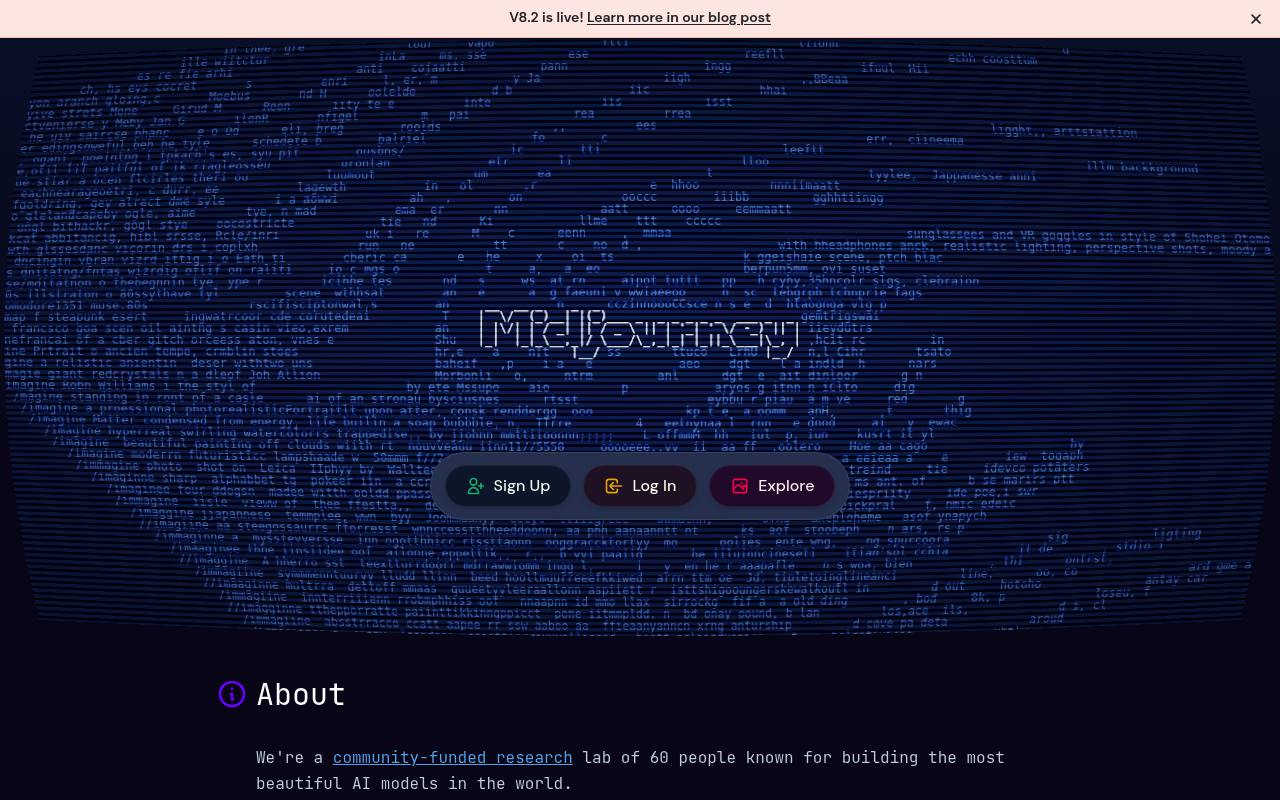
Midjourney is a subscription-based image and video generation service. Users create work from text prompts, edit uploaded images, explore styles, personalize aesthetics, and organize results on the website or through Discord.
It is used by artists, designers, marketers, and other visual creators. Plans include limited or unlimited GPU modes, while extra GPU time costs $4/hr; private Stealth Mode is limited to Pro and Mega plans.
Features
- Generate images and videos from text prompts
- Edit uploaded images with the Midjourney Editor
- Browse and reuse community images, prompts, and settings
- Discover and apply Style Reference codes
- Create Personalization profiles and Moodboards
- Organize images and videos with search, filters, folders, and timelines
- Use Discord direct messages for private workspaces
- Use Stealth Mode on Pro and Mega plans
Use cases
- Create concept art from written ideas
- Develop visual directions for brands and campaigns
- Edit or restyle existing images
- Explore reference styles for design projects
- Generate images and videos for social content
- Organize and revisit a large visual library
Pros
Cons
Latest updates
- Alpha Changelog - 9/23/26
The Styles sidebar can preview prompts across styles, and you can save prompt-bar parameters as defaults.
- Alpha Changelog - 9/16/26 (v8.2)
Korean support was added, and the v8.2 editor received fixes.
- Alpha Changelog - 9/2/26 (v8.2)
The v8.2 edit model and a new editor are available on alpha.
- Edit Image Quality Update (V8.2)
The V8.2 edit model was updated for better image quality.
- Edit Model for V8 (V8.2)
The V8.2 edit model supports instruction-based editing, up to four image references, inpainting, outpainting, personalization, moodboards, and srefs.
Capabilities
- Edits images — “The prompt bar now asks "What would you like to change?" when you attach an image.” source
- Commercial use — “If you have subscribed at any point, you are free to use your images/videos in just about any way you want.” source
- Private generation — “Stealth Mode , which keeps your images and videos private, is only available on the Pro and Mega Plans.” source
Pricing
- Starting price
- $8/mo
- Prices checked
- 2026-09-24
Basic Plan
- $10
- $96
- $8 / month
- 3.3 hr/month Fast GPU Time (200 minutes)
- SD video resolution
- 3 Fast concurrent image prompts
- Maximum repeat/permutation size: 4 jobs
- Maximum queued jobs: 10 jobs
- General Commercial Terms
Standard Plan
- $30
- $288
- $24 / month
- 15 hr/month Fast GPU Time
- Unlimited Images with Relax GPU Time
- SD & HD video resolution
- 3 Fast or Relax concurrent image prompts
- Maximum repeat/permutation size: 10 jobs
- General Commercial Terms
Pro Plan
- $60
- $576
- $48 / month
- 30 hr/month Fast GPU Time
- Unlimited Images & SD Video with Relax GPU Time
- SD & HD video resolution
- Stealth Mode
- 12 Fast or 3 Relax concurrent image prompts
- Maximum repeat/permutation size: 40 jobs
Mega Plan
- $120
- $1,152
- $96 / month
- 60 hr/month Fast GPU Time
- Unlimited Images & SD Video with Relax GPU Time
- SD & HD video resolution
- Stealth Mode
- 12 Fast or 3 Relax concurrent image prompts
- Maximum repeat/permutation size: 40 jobs