tools
Let's Enhance
AI image enhancement tool for upscaling, sharpening, restoring, retouching, and preparing images for print.
In inglese
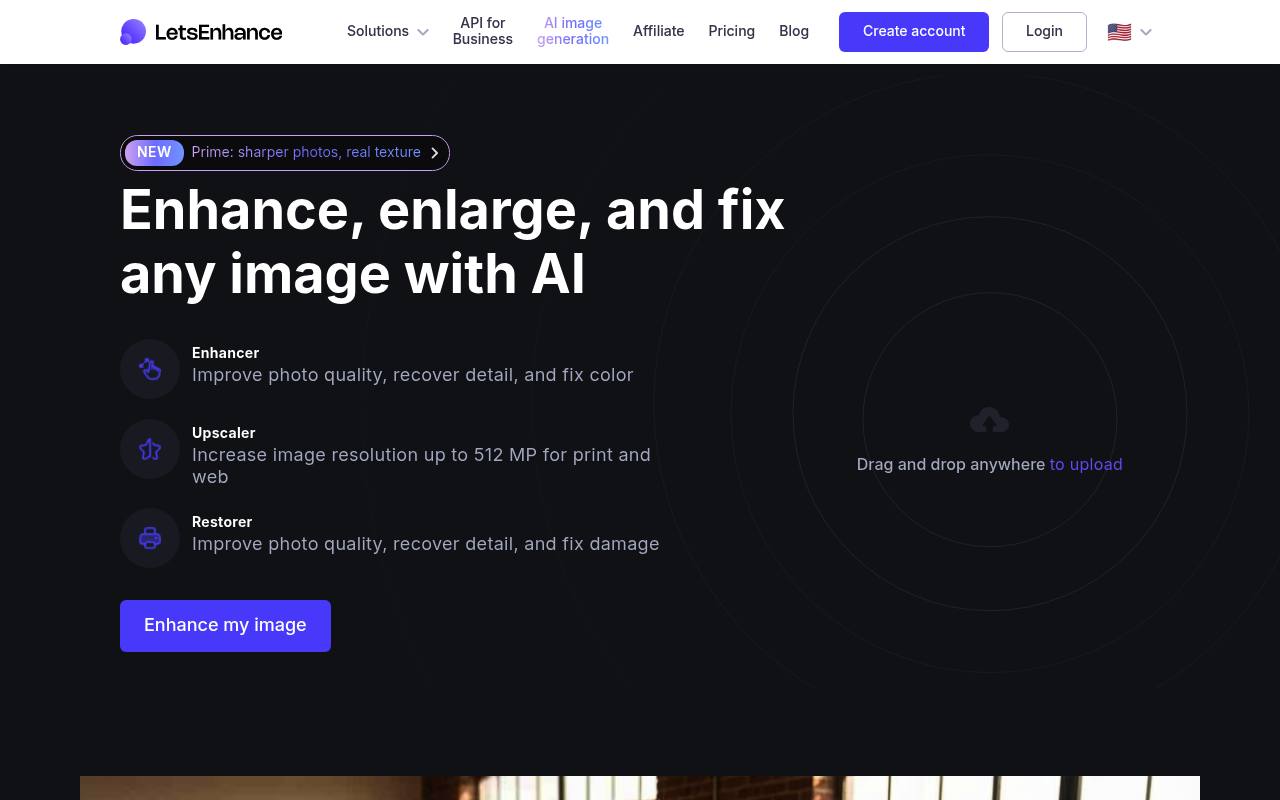
Let's Enhance is a web-based image editor that improves image quality, enlarges photos up to 512 megapixels, sharpens blur, restores damaged images, and corrects color. It supports JPG, PNG, and WebP uploads and includes enhancement modes such as Prime, Gentle, and Old Photo.
Photographers, artists, print-on-demand sellers, and e-commerce teams use it to prepare images for posters, products, catalogs, and digital content. Paid plans use monthly image credits; AI editing, background removal, and higher output limits consume credits.
Features
- Upscale images up to 512 megapixels and 16x enlargement
- Sharpen blurred images and recover lost detail
- Restore damaged, faded, or black-and-white old photos
- Correct color, exposure, noise, and compression artifacts
- Edit images with Chat Editor text instructions
- Remove backgrounds and generate AI art on paid plans
- Process up to 20 images at once
- Image enhancer and upscaler APIs available through Claid.ai
Use cases
- Upscale low-resolution photos for posters, canvas, and merchandise
- Restore faded or damaged family photographs
- Improve product images for e-commerce catalogs
- Prepare AI-generated artwork for printing
- Sharpen portraits while preserving natural skin texture
- Automate image enhancement in upload and media workflows
Pros
Cons
Latest updates
- New Old Photo upscaler for restoring and colorizing old photos
Added the Old Photo upscaler. It's designed for restoring and colorizing old photos.
- New Strong upscaler for maximum clarity and face enhancement
Added the Strong upscaler for quality restoration when fixing blur, pixelation, and noise in images under 2.5MP.
- New Ultra upscaler for maximum quality enhancement
Added the Ultra upscaler. It's designed for maximum quality enhancement and detail preservation.
- CMYK Conversion Support in API
We have added CMYK conversion support to our API, making it easier for our printing customers to maintain color accuracy.
- Enhanced Text-to-Image AI on LetsEnhance.io
An updated text-to-image AI generator is now live on LetsEnhance.io, delivering higher detail, resolution, and overall image quality.
Capabilities
- Text to image — “Image generation creates a new image from only a text prompt.” source
- Edits images — “We've added a new way to edit images in LetsEnhance. It’s called Chat Editor, and it lets you change any part of a photo just by typing what you want.” source
- Upscales — “Upscaler Increase image resolution up to 512 MP for print and web” source
- Image to video — “You can further edit the image in Chat Editor or animate it with Image to Video.” source
- Text in images — “The model understands perspective and lighting to make the new text look like it was always there.” source
- Commercial use — “Enhance soft areas, remove artifacts, and upscale to 4K or 8K for printing or commercial use.” source
- API — “API for Business” source
Pricing
- Starting price
- $9/mo
- Prices checked
- 2026-09-25
Free
Free
- 10 free credits upon signing up
- No credit card needed
- Input image up to 24 megapixels or 50MB
- Upscale up to 8 megapixels
- Unlimited storage for 6 months
- Email support
Starter
- $ 9 /month Billed annually.
- $12/month if billed monthly
- 100 credits to process images each month
- Save up to 600 unused credits
- Upscale up to 256 megapixels
- Unlimited storage for 3 months
- Input image up to 64 megapixels or 50MB
- Generate AI art
Pro
- $ 24 /month Billed annually.
- $32/month if billed monthly
- 300 credits to process images each month
- Save up to 1800 unused credits
- Upscale up to 350 megapixels
- Unlimited storage for 6 months
- Input image up to 64 megapixels or 50MB
- Generate AI art
Max
- $ 34 /month Billed annually.
- $45/month if billed monthly
- 500 credits to process images each month
- Save up to 3000 unused credits
- Upscale up to 512 megapixels
- Unlimited storage for 6 months
- Input image up to 64 megapixels or 50MB
- Generate AI art