tools
Kapwing
Browser-based video editor with AI tools for generating, editing, captioning, translating, resizing, and repurposing content.
In inglese
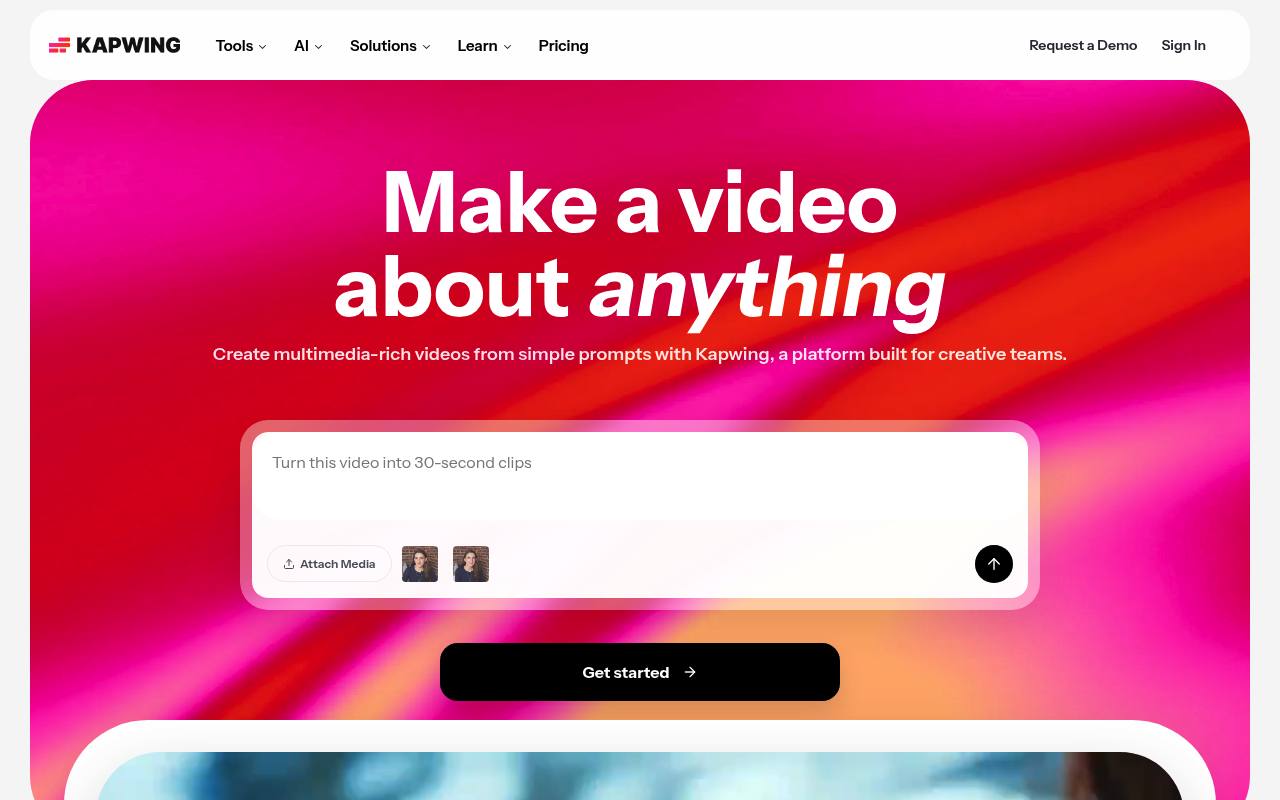
Kapwing is an online workspace for creating and editing videos, images, GIFs, and audio. Its AI tools can generate video drafts, edit footage from prompts, create subtitles, translate and dub content, generate B-roll, remove background noise, and resize videos for different platforms.
Creators, marketers, social media teams, educators, YouTubers, podcasters, journalists, and businesses use it for content production and collaboration. The free plan adds a watermark and limits exports and AI usage; paid plans add higher resolution, longer exports, storage, collaboration, and more credits.
Features
- Generate and edit videos from prompts, scripts, PDFs, or existing footage
- Automatically create subtitles and translate them into over 60 languages
- Trim videos using transcript text and remove silences with Smart Cut
- Generate B-roll, voiceovers, avatars, lip-sync videos, and AI video clips
- Resize, upscale, stabilize, and remove backgrounds from video
- Collaborate in shared workspaces with comments, Brand Kit, and custom fonts
- Export projects as MP4, PNG, JPG, MP3, or GIF files
- Browser-based editor with support for Windows, Mac, iOS, and Android
Use cases
- Repurpose long videos into short clips for social media
- Create product videos with AI-generated B-roll, captions, and branding
- Turn articles, scripts, or PDFs into edited video projects
- Produce accessible training videos with translated subtitles and dubbing
- Edit podcasts and interviews by removing pauses, filler words, and noise
- Create promotional reels and recap videos for events
Pros
Cons
Latest updates
- About the Kapwing MCP
Kapwing MCP gives AI agents access to Workspace editing functions and is in beta with trusted testers.
- Release Notes - August 2026
Kapwing launched autonomous mode for Kai, media references in prompts, new subtitle styles and animations, and improvements to AI creation, playback, and exports.
- Release Notes - June 2026
Kapwing added a Draw tool and improved AI understanding of uploaded media and follow-up edits, subtitles, and Side Kai.
- Release Notes - July 2026
Users can convert subtitles into editable text layers for individual styling and multiple caption sets in one project.
- Release Notes - May 2026
Kapwing improved AI Characters, workspace storage, uploads, media management, and editor reliability; Kai can suggest and display stock characters.
Capabilities
- Text to video — “Turn a short prompt, full video script, article, or PDF into a fully-edited video project” source
- Image to video — “Animate any still image into an AI video, whether a produc shot upload or an AI-generated image start frame” source
- Edits video — “A drag-and-drop timeline makes it easy to edit, trim, and combine video clips and add overlays, with a collaborative interface to let your team take part and share thoughts.” source
- AI presenters — “Lifelike AI presenters that read your script on camera — no recording required” source
- Lip sync — “Match lip movement to translated audio” source
- Dubbing — “Translate audio and videos into 100+ languages” source
- Captions — “Generate customizable on-brand subtitles with 99% accuracy” source
- Sound and music — “Turn a simple text prompt into original videos complete with voiceover, visuals, subtitles, music, and characters, with a script you can customize for tone and content.” source
- 4K — “Export content in 4K resolution” source
- Commercial use — “Free AI stock characters. Full commercial rights.” source
Pricing
- Starting price
- $16/user/mo
- Prices checked
- 2026-09-25
Free
Free
- 10 credits
- Unlimited exports with a watermark
- Export videos up to 4 minutes long
- 720p video quality
- 5 GB of cloud storage
- Credits usable for auto-subtitling and text to speech
Pro
- $ 16 per member, per month, billed annually
- $24 billed monthly
- $192/year
- No Kapwing watermark on your creations
- Upload files up to 6 GB
- Export content in 4K resolution
- Create and edit unlimited projects
- Export projects up to 2 hours long
- Brand Kit and custom fonts
Business
- $ 50 per member, per month, billed annually
- $64 billed monthly
- $600/year
- Create custom voice clones
- Lip sync videos
- Ability to purchase additional credits
- 800 GB of cloud storage
- Credits usable for auto-subtitling
- Credits usable for dubbing
Enterprise
Price on request
- Custom billing
- Dedicated account manager
- Priority customer support
- Onboarding & training
- SAML single sign-on (SSO)
- Custom cloud storage