tools
Kaiber (Superstudio)
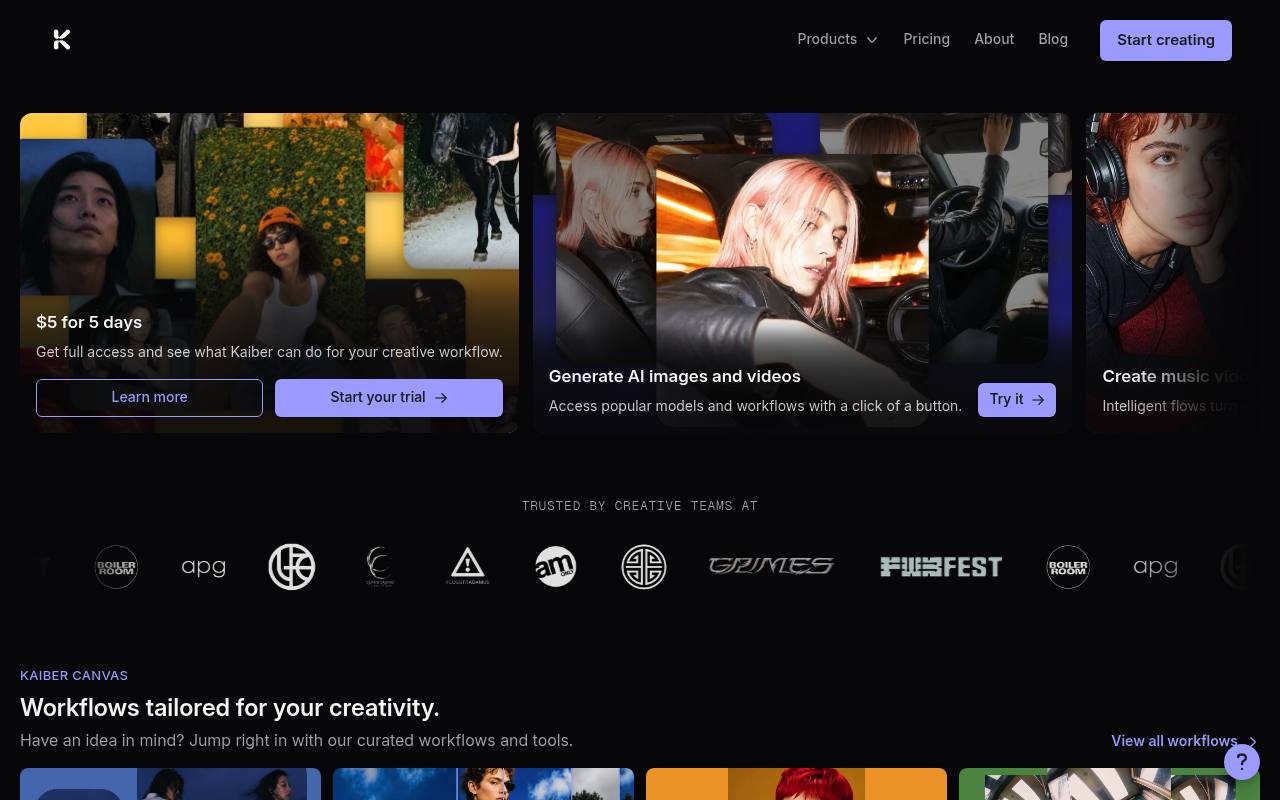
Kaiber creates AI images, videos and audio, syncs visuals to music, and edits projects in a browser-based creative suite.
In inglese
Kaiber combines Canvas for generating and editing images, videos and audio, Beat Sync for making music-synced videos, and Editor for timeline-based finishing. Its Media Library connects projects and uploaded assets across these workspaces.
Musicians, social media creators, marketers and hobbyists can use it for music videos, lyric videos, promotional clips, album art and social assets. Credits are used for generations, and some desktop features are unavailable on mobile browsers; there is no app to download.
Features
- Generate and edit images, videos and audio in Canvas
- Create beat-synced videos from uploaded music and visuals
- Batch-create multiple video variations
- Auto-clip long videos into individual shots
- Generate lyrics and captions for videos
- Edit clips, audio, transitions and text on a timeline
- Export videos in multiple aspect ratios
- Use a shared Media Library across workspaces
Use cases
- Create music videos from audio, images and video clips
- Generate lyric and caption videos for social platforms
- Produce album covers and promotional artwork
- Batch-create beat-synced social media videos
- Assemble and finish AI-generated footage on a timeline
Pros
Cons
Latest updates
- Kaiber is on your mobile!
You can now access and use Kaiber from your phone or tablet, with over 20 intelligent workflows for generating on the go.
- Seedance 2.5 live in Kaiber Canvas
Seedance 2.5 is now available in Canvas with native clips up to 30 seconds long and multimodal reference support.
- MiniMax H3 live in Kaiber Canvas
Generate video at up to 2K resolution with native audio from text, images, or multi-modal references with MiniMax H3.
- Flux.3 live in Kaiber Canvas
Multimodal video generation with native audio, up to 20 seconds.
- Kling Model Drop
Seven new additions to the Kling lineup in Canvas.
Capabilities
- Text to video — “With text-to-image and text-to-video across all leading models, your starting point is never your ceiling.” source
- Image to video — “Text to video. Image to video.” source
- Edits video — “Drop in a clip, a full video, or raw footage. Quickly edit it, restyle it, add audio, or grab frames to create something new.” source
- Lip sync — “Character Lip Sync” source
- Captions — “Videos are synced to the beat, and auto-captioned.” source
- Sound and music — “Generate, arrange, and remix videos, images, and audio using a curated selection of the best AI models.” source
Pricing
- Starting price
- $10/mo
- Prices checked
- 2026-09-24
- Read
- by web search
Starter
- $10 / month
- 500 credits per month
- Premium AI models
- Commercial use
- 1 Canvas, 3 generations at a time
- 1 Timeline Edit
- No Beat Sync access
Creator
- $29 / month
- 1,500 credits per month
- Premium AI models
- Commercial use
- 5 Canvases, 15 generations at a time
- Unlimited Timeline Edits
- Beat Sync features (up to 2 videos/batch)
Pro
- $99 / month
- 5,000 credits per month
- Premium AI models
- Commercial use
- Unlimited Canvases and generations
- Beat Sync (up to 10 videos/batch)
- Unlimited Timeline Edits
Visionary
Price on request
- Unlimited credits
- White glove support
5-Day Trial
- $5 for 5 days
- Full Creator access for 5 days (300 credits)
- Converts to Creator Monthly