tools
Granola
Granola records meetings without a bot, turns conversations into structured notes, and lets teams search and chat with meeting context.
In inglese
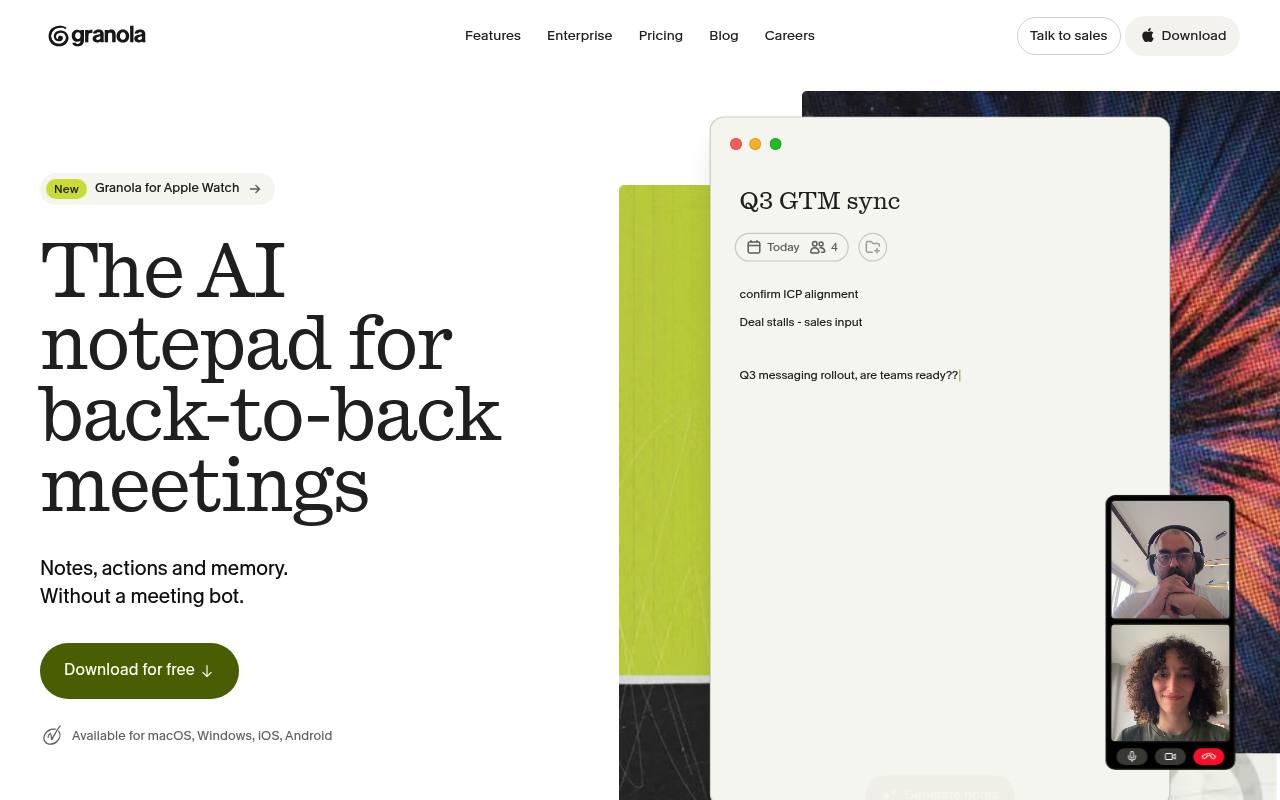
Granola is an AI meeting notepad for desktop and mobile. It uses computer audio, calendar context, and your written notes to transcribe conversations, create structured notes, surface action items, and prepare meeting briefs.
Teams use it for sales calls, customer interviews, product meetings, and recurring internal discussions. It works with Zoom, Google Meet, Microsoft Teams, in-person meetings, and phone calls. The free plan limits older meeting history; API access, advanced integrations, and expanded controls require paid plans.
Features
- Transcribes meetings without joining as a bot
- Creates structured notes from audio and user-written notes
- Generates pre-meeting Briefs from calendar and past meeting context
- Provides AI chat across individual and shared meetings
- Captures in-person meetings and phone calls on mobile
- Supports Zoom, Google Meet, Microsoft Teams, and other meeting apps
- Connects meeting context to AI tools through MCP
- Provides API access on the Business plan
Use cases
- Prepare for external meetings with attendee and prior-conversation context
- Capture sales calls and draft follow-ups, CRM updates, and proposals
- Search customer interviews for recurring themes and evidence
- Share meeting notes and ask questions across team conversations
- Record in-person meetings, walking meetings, and phone calls
- Turn meeting notes into actions, emails, and project plans
Pros
Cons
Latest updates
- What's New: January 16, 2026
Better copy-paste to Slack, friendlier sign-in errors, and a refreshed calendar permissions modal.
Capabilities
- Writes and edits — “Draft a PRD from your meeting notes” source
- Meeting notes — “Granola transcribes your meetings and enhances your notes when the call ends.” source
- Searches your work — “ask a question, and Granola searches across every meeting to surface the insight you need.” source
- Automations — “Export to issue trackers automatically” source
- Connects your apps — “Advanced integrations with Attio, Notion, HubSpot, Affinity, and Zapier” source
- Mobile app — “Available for macOS, Windows, iOS, Android” source
- API — “API access” source
- Single sign-on — “Works with your existing identity provider.” source
- Admin controls — “Org-wide visibility and management from a single dashboard.” source
Get it
Security
- SOC 2 Type II — “We've shown independent auditors that our security practices meet SOC 2 Type 2 standards” source
- SOC 2 — “We've shown independent auditors that our security practices meet SOC 2 Type 2 standards” source
- GDPR — “We're committed to GDPR compliance and have a Data Processing Agreement available upon request” source
- Not: Data kept in the EU — “Notes are stored in our US-hosted AWS Virtual Private Cloud.” source
- Not trained on your data — “Enterprise users have model training turned off by default.” source
Pricing
- Starting price
- $14/user/mo
- Prices checked
- 2026-09-24
Basic
Free
- AI meeting notes
- See limited meeting history
- AI chat within and across meetings
- Shared folders for collaboration
- Customized note templates
- Multi-language support
Business
- $14 per user per month
- Unlimited meeting notes and history
- Access to advanced AI thinking models and features
- Advanced integrations with Attio, Notion, HubSpot, Affinity, and Zapier
- Centralized billing & user management
- MCP integration in all your apps
- API access
Enterprise
- $35 per user per month
- Everything included in Business
- Enterprise-grade security & admin controls
- Single sign-on (SSO)
- Priority support and usage analytics
- Org-wide auto-deletion periods
- Admin controls for sharing & API access