tools
GitHub Copilot
AI coding assistance for code completion, chat, agents, code review, and command-line workflows.
In inglese
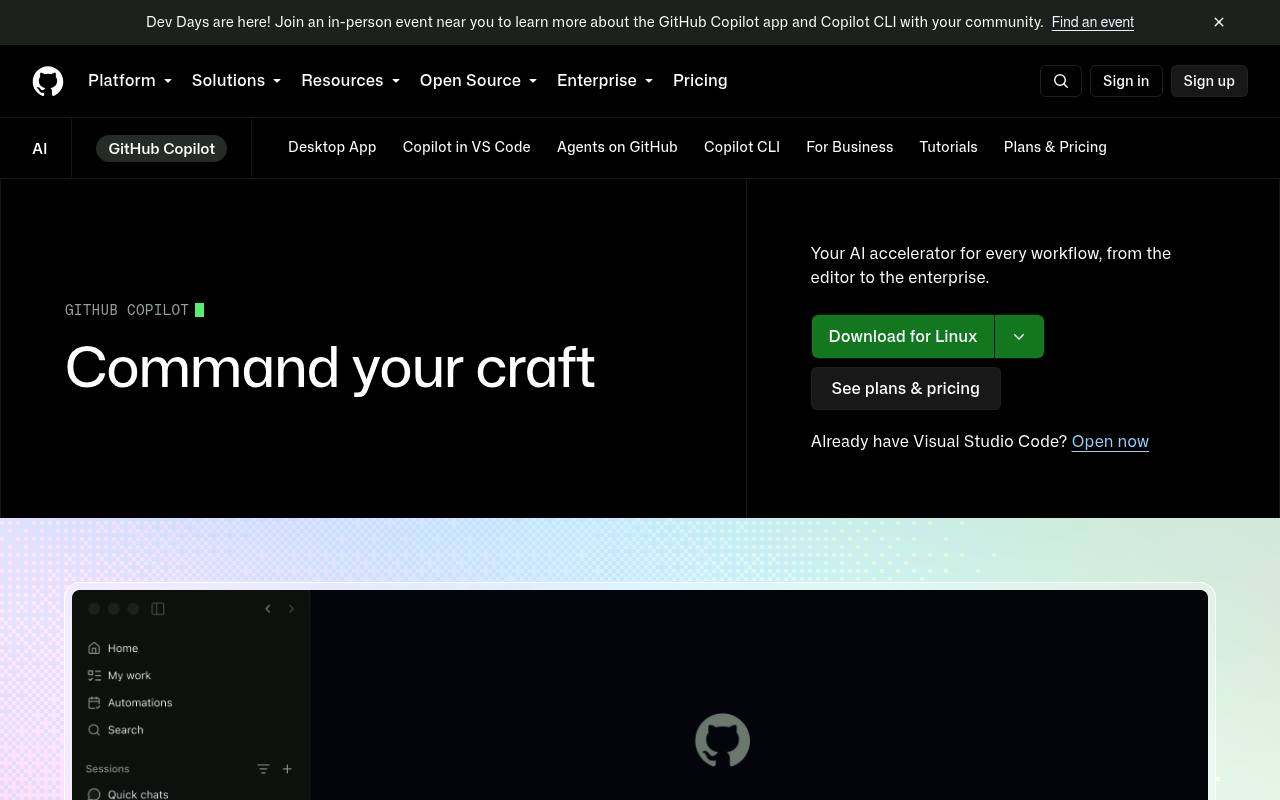
GitHub Copilot helps developers write, explain, edit, review, and test code from GitHub, supported IDEs, the command line, and mobile apps. It supports agent workflows, model selection, custom agents, MCP servers, and cloud-based development tasks.
Individuals can use a Free plan or paid monthly plans. Chat, agents, code review, Copilot CLI, Spaces, and Spark use GitHub AI Credits; additional usage can cost extra after the included allowance.
Features
- Generates code completions and next-edit suggestions
- Explains code and answers questions in context
- Edits files and validates changes with agent mode
- Assigns tasks to Copilot cloud agent
- Reviews pull requests and suggests code changes
- Runs Copilot from the command line with Copilot CLI
- Supports custom agents and MCP servers
- Offers model selection and third-party agents
Use cases
- Complete code while working in an IDE
- Ask questions about a repository or codebase
- Assign implementation tasks to cloud agents
- Review pull requests and resolve findings
- Run coding assistance from a terminal
- Create shared project context with Copilot Spaces
Pros
Cons
Latest updates
Capabilities
- Inline completion — “Unlimited code completion and next edit suggestions” source
- Chat about your code — “All the offerings include both inline suggestion and chat assistance.” source
- Agent that edits files — “Assign work to Copilot to research, plan, and write code — with or without a pull request” source
- Knows the whole codebase — “GitHub Copilot Enterprise can index an organization’s codebase for a deeper understanding of the customer’s knowledge for more tailored suggestions” source
- Runs commands — “run terminal checks” source
- Reviews pull requests — “Pull request reviews in GitHub” source
- VS Code — “GitHub Copilot is available as an extension in Visual Studio Code, Visual Studio, Vim, Neovim, the JetBrains suite of IDEs, and Azure Data Studio.” source
- JetBrains IDEs — “GitHub Copilot is available as an extension in Visual Studio Code, Visual Studio, Vim, Neovim, the JetBrains suite of IDEs, and Azure Data Studio.” source
- Command line — “Use Copilot from your terminal” source
- Choice of models — “Choose from leading LLMs optimized for speed, accuracy, or cost.” source
- No code retained — “Prompts and Suggestions: Not retained” source
- Builds agents and workflows — “Turn skills and prompts into repeatable work that can be run on a regular basis.” source
- Search over your data — “creating a shared source of truth that includes context from your docs and repositories.” source
Get it
Security
- SOC 2 — “GitHub’s API stays secure with ISO, SOC 2, and GDPR.” source
Pricing
- Starting price
- $10/mo
- Prices checked
- 2026-09-24
Free
Free
- Limited chat and agent usage
- CLI included
- Agent mode included
- 2,000 inline suggestions per month
- Copilot Spaces included
Pro
- $10 per month
- App modernization for Java and .NET
- Assign work to Copilot to create a pull request
- Code review in GitHub and code editors
- Cloud agent included
- Unlimited inline suggestions
- Copilot Spaces included
Pro+
- $39 per month
- Delegate tasks to third-party coding agents (Preview)
- Cloud agent included
- Code review in GitHub and code editors
- Unlimited inline suggestions
- Copilot Spaces included
- CLI included
Max
- $100 per month
- Cloud agent included
- Code review in GitHub and code editors
- Unlimited inline suggestions
- Copilot Spaces included
- CLI included
- Built for heavy Copilot usage