tools
Gemini CLI Review 2026 — Google's Free Open-Source Terminal Coding Agent
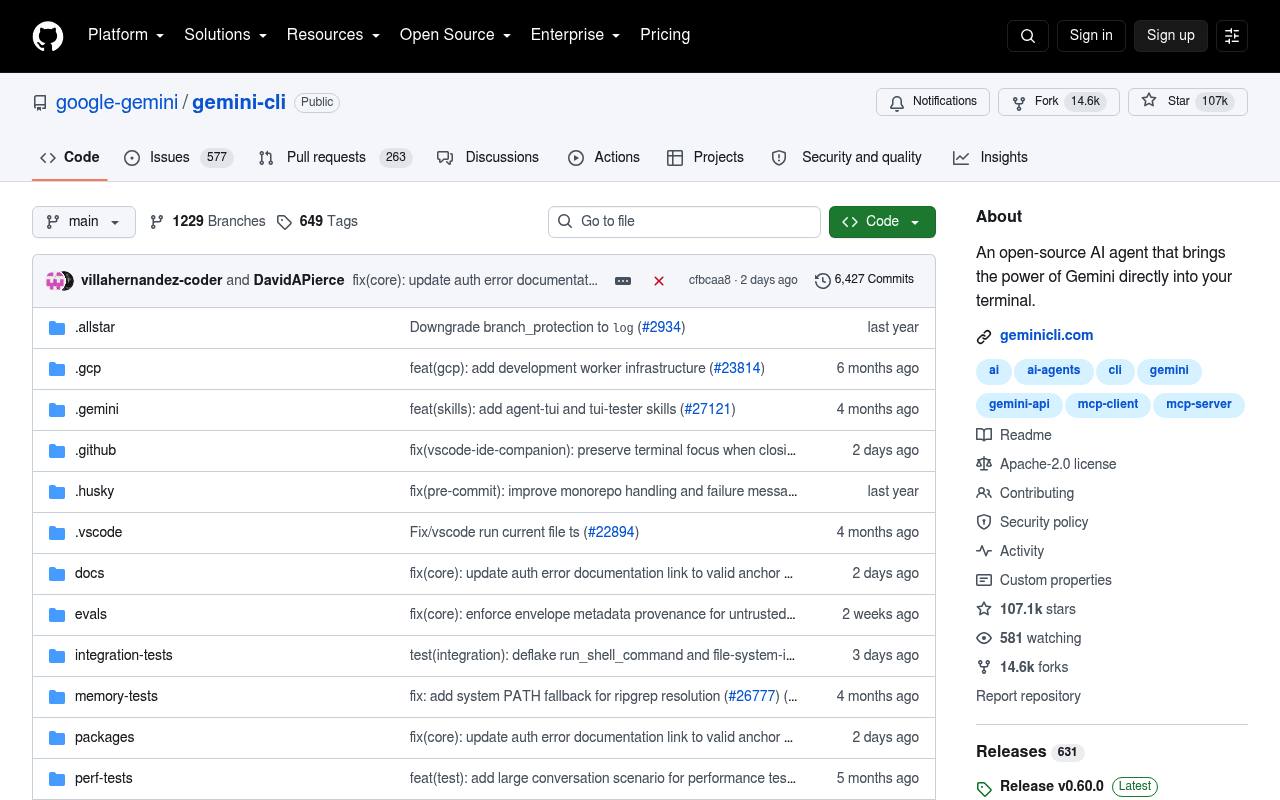
Gemini CLI is Google's open-source terminal coding agent with 1,000 free requests/day, 1M token context, and Google Search grounding. 70K+ GitHub stars since June 2025.
In inglese
Gemini CLI runs in a terminal and uses Gemini models to inspect and modify code, execute shell commands, search and fetch web content, and automate tasks. It supports interactive sessions, scripting, checkpoints, extensions, MCP servers, and GitHub workflow integrations.
It is aimed at developers, DevOps teams, and organizations using Google Cloud or Gemini Code Assist. A free plan is listed, while higher limits and API or Vertex AI usage may require paid services. The plans page did not display prices.
Features
- Query and edit large codebases from the terminal
- Run shell commands with approval and sandboxing controls
- Use Google Search grounding and web fetching
- Run non-interactively with JSON or stream-JSON output
- Connect external tools through MCP servers and extensions
- Save and resume conversations with checkpointing
- Use Plan Mode for read-only planning before implementation
- Apache 2.0 licensed open-source repository
Use cases
- Review and explain an unfamiliar codebase
- Generate and update application code from terminal prompts
- Debug errors and run tests with shell access
- Automate pull-request reviews and issue triage
- Research documentation and current information from the web
- Build custom workflows with MCP servers and extensions
Pros
Cons
Latest updates
- Release v0.62.0-preview.0 (v0.62.0-preview.0)
Formats MCP tool call titles as structured signatures, separates explanations, retains OAuth refresh tokens, and makes credential deletion idempotent.
- Release v0.61.0 (v0.61.0)
Preserves versioned Flash model IDs, prevents prompt injection via build files and untrusted flags, and hardens sandbox filesystem boundaries.
Capabilities
- Chat about your code — “Debug issues and troubleshoot with natural language” source
- Runs commands — “Built-in tools : Google Search grounding, file operations, shell commands, web fetching.” source
- Reviews pull requests — “Pull Request Reviews : Automated code review with contextual feedback and suggestions” source
- VS Code — “IDE Integration - VS Code companion.” source
- Command line — “Terminal-first : Designed for developers who live in the command line.” source
- Choice of models — “Model selection : Choose specific Gemini models” source
- Builds agents and workflows — “Custom Workflows : Build automated, scheduled and on-demand workflows tailored to your team's needs” source
Get it
Pricing
- Starting price
- $4/user/mo
- Prices checked
- 2026-09-25
Free
Free
- Unlimited public/private repositories
- Dependabot security and version updates
- 2,000 CI/CD minutes/month
- 500MB of Packages storage
- Issues & Projects
- Community support
Team
- $4 USD per user/month
- Access to GitHub Codespaces
- Repository rules
- Multiple reviewers in pull requests
- Draft pull requests
- Code owners
- 3,000 CI/CD minutes/month
Enterprise
- Starting at $21 USD per user/month
- Data residency
- Enterprise Managed Users
- User provisioning through SCIM
- Enterprise Account to centrally manage multiple organizations
- Environment protection rules
- Audit Log API